
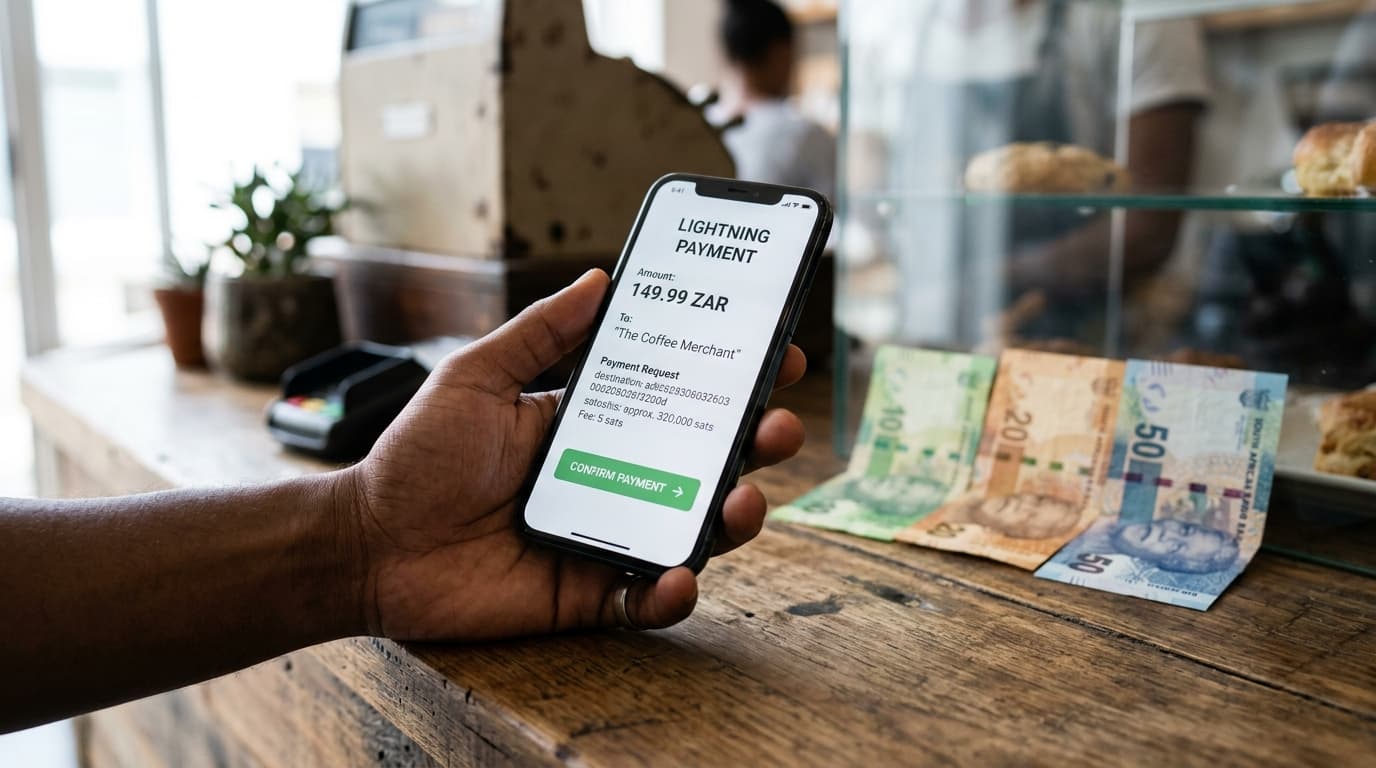
How to Accept Lightning Payments in South Africa Using Money Badger
A step-by-step guide for South African merchants to integrate Bitcoin Lightning payments with instant Rand settlement through Money Badger.
Over 650,000 South African merchant locations can now accept Bitcoin Lightning payments, and the transaction fees cost less than 0.10 cents. If you run a business in South Africa and haven't considered accepting crypto payments, the economics have shifted dramatically in your favor.
Money Badger has emerged as the primary infrastructure connecting Bitcoin holders to South African retailers. Through partnerships with Scan to Pay and Zapper, the platform enables merchants to receive payments from over 7 million users across major exchanges and wallets, with settlement in familiar Rand rather than volatile cryptocurrency.
Here's what you need to know to get started.
Why Lightning Payments Make Sense for South African Merchants
The traditional Bitcoin network carried transaction fees of $2-5 per payment as recently as 2025. Lightning Network, a layer built on top of Bitcoin, has reduced those costs by approximately 98%. For a merchant selling coffee or groceries, that difference is everything.
The demand exists. Approximately 12.4% of South Africans own Bitcoin, ranking the country 14th globally by per capita ownership. More importantly, 66% of those Bitcoin owners report wanting to spend their holdings at retail locations. That's a customer base actively looking for places to use their money.
Money Badger's model eliminates the primary concern most merchants have about crypto: volatility. When a customer pays with Bitcoin, you receive Rand. The conversion happens instantly, so whether Bitcoin rises or crashes the next day is irrelevant to your revenue.
Understanding How Money Badger Works
The payment flow is straightforward. A customer with a Lightning-enabled wallet (Blink, Blitz, Aqua, or exchange wallets from Luno, Binance, VALR, or AltCoinTrader) scans a QR code at your point of sale. The Bitcoin transfers instantly over the Lightning Network. Money Badger converts it to Rand and settles to your account.
You don't need new hardware. The system integrates with existing POS infrastructure through API connections. The QR codes can display on existing screens or through the Scan to Pay and Zapper networks your customers may already use.
Settlement happens daily, with 24/7 API reconciliation available. For businesses needing detailed accounting, Money Badger offers custom reconciliation formats via SFTP.
Step-by-Step Setup Process
Step 1: Contact Money Badger for Merchant Onboarding
Reach out to info@moneybadger.co.za to begin the integration process. You'll need to provide basic business documentation and banking details for Rand settlement. The onboarding team will assess your current payment infrastructure and recommend the appropriate integration path.
Step 2: Choose Your Integration Level
Money Badger offers different tiers depending on your business size and technical requirements:
Standard Integration works through existing Scan to Pay or Zapper partnerships. If you already accept payments through these networks, enabling Lightning payments requires minimal additional setup.
Custom Integration suits larger enterprises needing direct POS integration, automated accounting connections, and volume-based pricing. Businesses like RocoMamas, which deployed Lightning payments across over 100 locations by September 2025, use this approach.
Step 3: Configure Your POS System
For API integration, your technical team (or Money Badger's integration support) will connect the payment endpoints to your existing point-of-sale software. The system generates dynamic QR codes for each transaction, displaying the Rand amount while the customer pays in Bitcoin.
The API documentation covers transaction initiation, status callbacks, and reconciliation endpoints. Daily settlement files can be formatted to match your accounting software requirements.
Step 4: Train Your Staff
Front-line employees need to understand the basics: a customer says they want to pay with Bitcoin, the POS displays a QR code, the customer scans and confirms, and the payment completes. From the staff perspective, it's similar to any other mobile payment method.
The key difference is that Lightning payments are final within seconds. There's no chargeback risk, which is actually an advantage for merchants compared to traditional card payments.
Step 5: Test Before Going Live
Run test transactions through the system before accepting customer payments. Verify that settlement amounts match, that your accounting integration captures the data correctly, and that your staff can handle the transaction flow smoothly.
Regulatory Considerations
South Africa's regulatory framework for crypto payments became clearer in March 2026, when the Finance Minister confirmed that crypto assets would be formally incorporated into the capital flow management framework under the Currency and Exchanges Act.
This formal recognition provides merchants with greater certainty. Money Badger's partnership with Ozow, announced in March 2026, further integrates crypto acceptance with traditional payment infrastructure, suggesting the payments industry views this as a legitimate and growing channel.
That said, tax obligations apply. You're receiving Rand settlement, so from an accounting perspective, these transactions are similar to any other sale. Consult with your accountant about record-keeping requirements.
Who's Already Using This
The scale of adoption provides some confidence for merchants considering integration. Pick n Pay was processing approximately R1 million per month in crypto transactions through Money Badger by September 2024, and that figure has grown with network expansion.
RocoMamas rolled out Lightning payments across their restaurant chain. South African Airlines integrated Money Badger for flight bookings as of March 2026, showing the model works for high-value transactions as well as everyday purchases.
By July 2025, Money Badger had processed 20,000 transactions across over 1,600 retail outlets. The Scan to Pay partnership announced in October 2025 expanded potential reach to 650,000 locations.
Costs and Considerations
Money Badger doesn't publicly list standardized pricing on their website, as fees depend on transaction volume and integration complexity. Contact them directly for a quote based on your specific situation.
What's clear is that Lightning Network fees are negligible (fractions of a cent), so the cost structure primarily involves Money Badger's service and settlement fees rather than network transaction costs.
The trade-off worth considering: you're adding another payment method to support and reconcile. For businesses with significant customer interest in crypto payments, that overhead pays off. For businesses where no customers have asked, the return on integration effort may not justify the setup.
Getting Started
The path forward is straightforward. Email info@moneybadger.co.za with your business details, transaction volume estimates, and current POS setup. Their team will outline the integration options and timeline.
For merchants already on Scan to Pay or Zapper networks, enabling Lightning payments may require minimal additional work. For custom integrations, expect a more involved technical process with dedicated support.
With over 7 million potential customers across Binance, Luno, VALR, and Blink wallets, and transaction costs that finally make everyday purchases practical, Lightning payments have moved from novelty to viable payment channel. The infrastructure exists. The regulatory clarity has improved. The remaining question is whether your customers want this option, and the data suggests a meaningful portion of them do.