
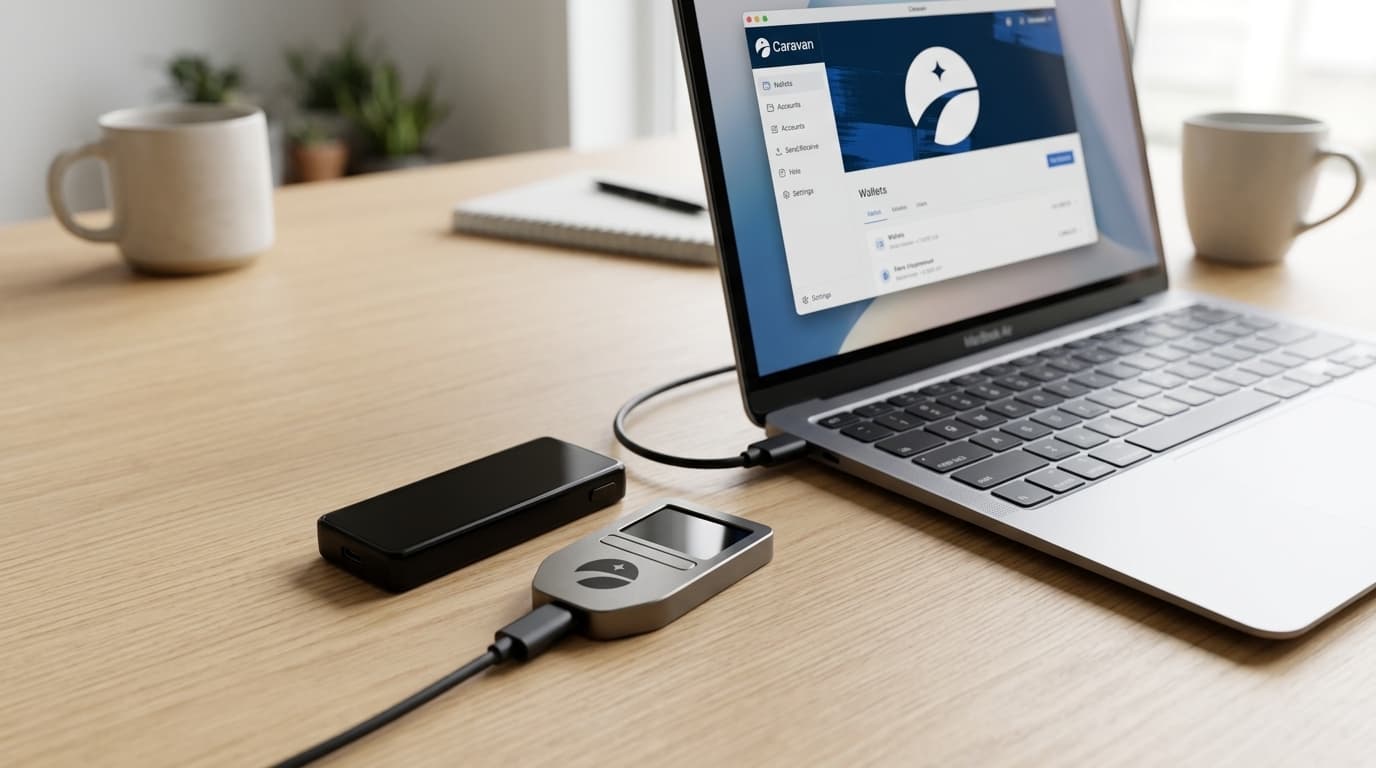
How to Recover Unchained Vault Wallets Using Caravan
Learn how to recover Unchained vault funds using Caravan's open-source tools, two hardware wallets, and your config file without relying on third parties.
Your bitcoin sits in an Unchained vault, secured by a 2-of-3 multisig arrangement. But what happens if Unchained's platform goes offline, or you simply want to move funds without using their interface? This is exactly why self-custody matters, and why tools like Caravan exist.
Unchained designed their vault system with external recovery in mind. You hold two of the three keys on hardware wallets you control. Caravan, an open-source coordination tool, lets you sign and broadcast transactions using just those two keys, your wallet configuration file, and a connection to the Bitcoin network. No Unchained servers required.
What You'll Need Before Starting
Gather these items before beginning the recovery process:
- Two hardware wallets containing your vault keys (Trezor, Coldcard, and Ledger are all compatible)
- Your multisig configuration file (a JSON file downloadable from your Unchained dashboard)
- A computer with USB ports running a modern browser
The configuration file is critical. It contains the public key information and derivation paths that define your specific multisig wallet. Unchained vaults use P2SH addresses at the m/45' derivation path, which Caravan understands natively. If you haven't already downloaded this file, do so now and store it securely (a password manager works well).
Step-by-Step Recovery Process
Import Your Wallet Configuration
Visit caravanmultisig.com in your browser. Caravan is stateless, meaning it doesn't store any of your information after you close the tab. This is a privacy feature, not a bug.
Click to import a wallet configuration and upload your JSON file. Caravan will parse the file and display your multisig wallet structure, showing you the three public keys involved (two yours, one Unchained's).
Connect to a Bitcoin Node
Caravan needs blockchain data to find your UTXOs and broadcast transactions. You can select from several options, including Mempool.space as a public backend. For maximum privacy, connect to your own node if you run one.
Once connected, Caravan will scan for your wallet's addresses and display your balance.
Build Your Transaction
Create a new spend transaction by specifying:
- The destination address where you want to send funds
- The amount to send
- The fee rate (Caravan will show current network conditions)
Review the transaction details carefully. Verify the destination address multiple times. There's no reversing a bitcoin transaction.
Sign With Both Hardware Wallets
This is where multisig security becomes tangible. Connect your first hardware wallet and follow its prompts to sign the transaction. The device will display the transaction details for verification on its screen.
Repeat with your second hardware wallet. With two valid signatures on a 2-of-3 multisig, the transaction meets the spending threshold.
Broadcast the Transaction
Once both signatures are collected, Caravan assembles the complete transaction. Click to broadcast it to the Bitcoin network. You'll receive a transaction ID you can monitor on any block explorer.
Why This Works Without Unchained
Unchained's vault architecture is specifically designed for this scenario. They hold one key, you hold two. Any two keys can spend. Caravan simply provides the coordination layer to build, sign, and broadcast transactions outside of Unchained's platform.
This is the core promise of collaborative custody done right: you're never locked in. The tools are open-source, the standards are well-documented, and your bitcoin remains accessible as long as you control your keys and configuration file.
Alternatives to Caravan
Caravan isn't your only option. Both Sparrow Wallet and Electrum support importing Unchained vault configurations for recovery. However, for vaults created after February 2025, Electrum import may present challenges. Caravan and Sparrow remain the most reliable choices.
Caravan saw significant updates through 2024 and into 2026, adding descriptor wallet support and Taproot compatibility. These improvements make it more robust for both legacy vaults and newer configurations.
Keep Your Recovery Path Clear
The time to test your recovery process is before you need it urgently. Consider doing a small test withdrawal through Caravan to verify everything works. Store your configuration file in multiple secure locations. Document which hardware wallets hold which keys.
Self-custody means taking responsibility for your own recovery options. Caravan makes that responsibility manageable, giving you a clear path to your bitcoin that doesn't depend on any company staying in business or keeping their servers running.