
How to Gift Bitcoin with Satscard Without Seed Phrases or Apps
Step-by-step guide to loading, verifying, and gifting Bitcoin using Satscard's NFC technology. No seed phrases, no apps required.
Handing someone a plastic card loaded with Bitcoin feels almost too simple. No explaining seed phrases, no walking them through wallet apps, no waiting for confirmations while they watch. You just give them the card, share a 6-digit code, and the Bitcoin is theirs.
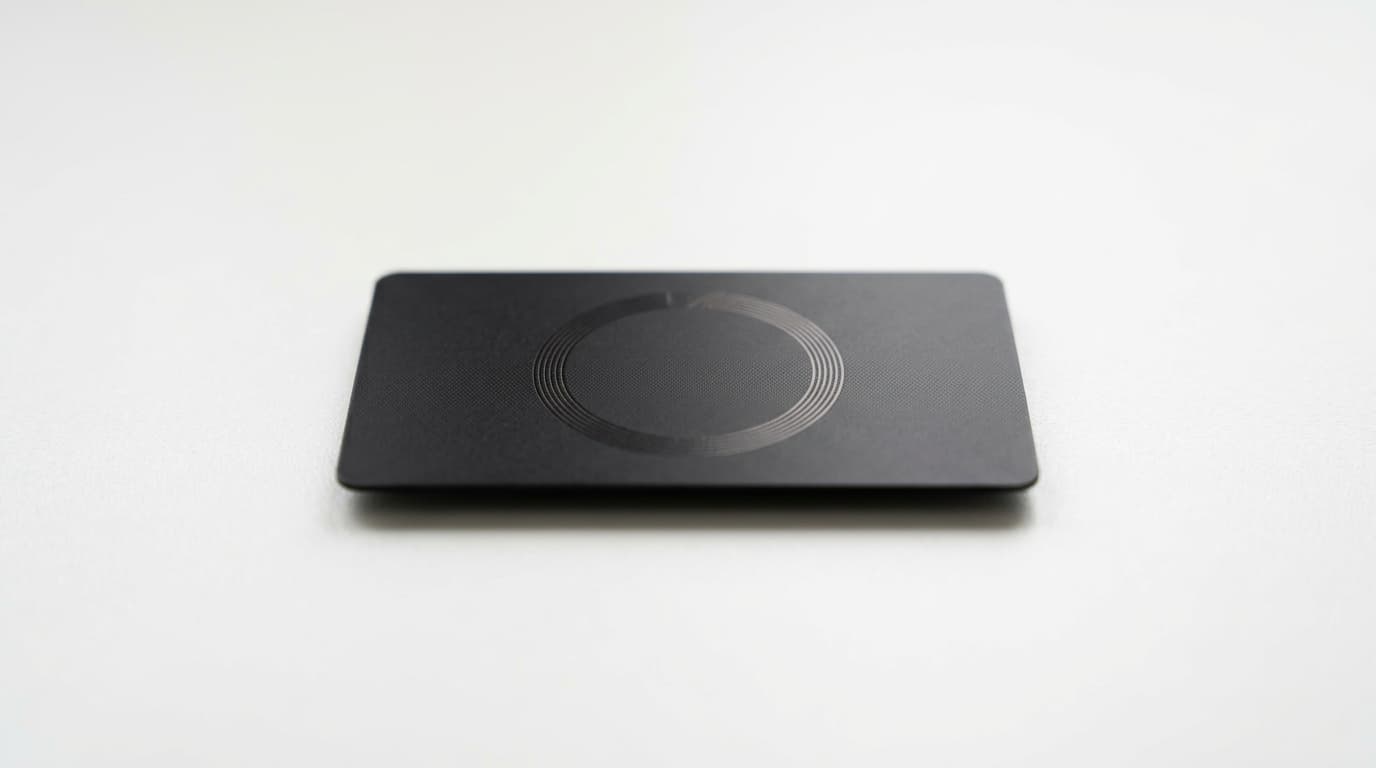
Satscard makes this possible through an NFC smart card that holds Bitcoin in sealed slots, functioning like a digital banknote you can physically hand over. It's particularly useful for onboarding newcomers to Bitcoin or making peer-to-peer transfers where trust is minimal and simplicity matters.
Here's exactly how to load, verify, and gift Bitcoin using Satscard, along with the tradeoffs you should understand before doing so.
What Makes Satscard Different
Unlike most Bitcoin wallets, Satscard generates and stores private keys directly on the card's EAL6+ certified chip. There's no seed phrase to write down, no app to install for basic operations, and no account to create. The private key never leaves the card until you deliberately unseal it.
Each card contains 10 reusable slots. When you load Bitcoin onto a slot and hand the card to someone, you're transferring physical possession of those funds. Think of it like cash: whoever holds the card controls the Bitcoin.
The 6-digit Card Verification Code (CVC) etched on the back authorizes certain operations, but checking the balance requires nothing more than tapping the card on any NFC-enabled phone.
Step 1: Get the Deposit Address
The first slot's Bitcoin address is printed as a QR code directly on the back of the card. For your first gift, you don't need any app or special reader.
Scan the QR code with your phone's camera, and you'll see the receiving address. If you want to verify the address or check subsequent slots, simply tap the card against an NFC-enabled phone. A web interface will display the current slot's address without requiring an app download.
Troubleshooting NFC Detection
If your phone doesn't recognize the card when you tap it:
- Try positioning the card near the top-back of your phone (NFC antennas vary by model)
- Remove any thick phone case that might block the signal
- Ensure NFC is enabled in your phone's settings
- On Android, you may need to unlock the screen first
- iPhone users need iOS 13 or later for background NFC reading
Step 2: Load Bitcoin onto the Card
Once you have the deposit address, send Bitcoin from any wallet you already use. There's nothing special about this transaction; you're simply sending funds to a standard Bitcoin address.
A few practical considerations:
Amount: The card works for any amount, but Reddit discussions from 2026 suggest users commonly load $50 or more to justify the card's cost. For very small amounts, a simple paper QR code might be more economical.
Confirmations: Wait for at least one confirmation before gifting. The recipient can verify the balance instantly via NFC tap, so you want the funds settled.
Fees: Standard on-chain transaction fees apply. Satscard operates on Bitcoin's base layer only, not Lightning Network, so plan accordingly during high-fee periods.
Step 3: Verify the Balance
Before handing over the card, verify the funds arrived. Tap the card against your phone, and the balance will display without needing any app. This verification step protects both you and the recipient.
The card's verifiable entropy system ensures the on-chip key was generated securely and hasn't been compromised. This cryptographic proof means neither you nor Coinkite could have extracted the private key before gifting.
Step 4: Prepare for Physical Transfer
Satscard ships with an RF-blocking sleeve. Store the loaded card inside this sleeve until you're ready to gift it. This prevents accidental NFC reads and adds a layer of physical security during storage or transport.
When gifting, you'll need to share two things:
- The physical card itself
- The 6-digit CVC printed on the back
The CVC is required for unsealing the slot (which reveals the private key for spending). Without it, the recipient can verify the balance but cannot access the funds.
Step 5: Hand It Over
The actual gift is straightforward: give them the card and tell them the CVC. You might write it on a note if you're including the card in a birthday envelope, or simply show them the back of the card if you're handing it over in person.
Explain to the recipient that they can:
- Check the balance by tapping on any NFC phone (no app needed)
- Leave funds on the card for as long as they want
- Unseal and spend when ready, using a companion app like Nunchuk
What the Recipient Needs to Know
To actually spend the Bitcoin (not just hold it), the recipient will eventually need a companion app. Nunchuk is commonly used for this purpose. Unsealing a slot reveals the private key, allowing the funds to be swept to any wallet.
Once unsealed, that slot is consumed permanently. But the card has 10 slots total, so it can be reloaded and reused for future gifts or trades.
Understanding the Tradeoffs
Satscard's simplicity comes with important limitations worth discussing with your gift recipient:
Bearer asset risk: Whoever physically holds the card controls the Bitcoin. If the card is lost, stolen, or destroyed, the funds are gone. There's no seed phrase backup, no recovery option, no customer support that can help.
Not ideal for long-term storage: The lack of backup makes Satscard better suited for gifting, trading, or short-term holding rather than cold storage of significant amounts.
On-chain only: No Lightning Network support means higher fees for small transactions and slower confirmation times compared to Lightning-native solutions.
Unsealing requires an app: While loading and verifying need no apps, spending eventually does. This is worth mentioning to recipients who might expect fully app-free operation.
When Satscard Makes Sense
Satscard works particularly well for:
- Onboarding new users who would be overwhelmed by seed phrases and wallet setup
- In-person trades where both parties can verify the balance and transfer ownership instantly
- Physical gifts where the tangible card adds meaning beyond a digital transfer
- Privacy-conscious transfers since physical handoffs create no blockchain transaction
For tiny amounts where the card cost matters, a paper wallet with a QR code might be more practical. For larger amounts intended for long-term holding, a proper hardware wallet with seed phrase backup is more appropriate.
The Bottom Line
Gifting Bitcoin with Satscard strips away the complexity that makes cryptocurrency intimidating to newcomers. Load funds to the printed QR code, verify by tapping, hand over the card with its CVC. The recipient can check their balance on any NFC phone within seconds.
The tradeoff is accepting bearer asset risk, meaning physical security matters as much as digital security. For gifts, tips, or peer-to-peer trades where simplicity outweighs backup concerns, that's a reasonable exchange. Just make sure your recipient understands what they're holding before you hand it over.