
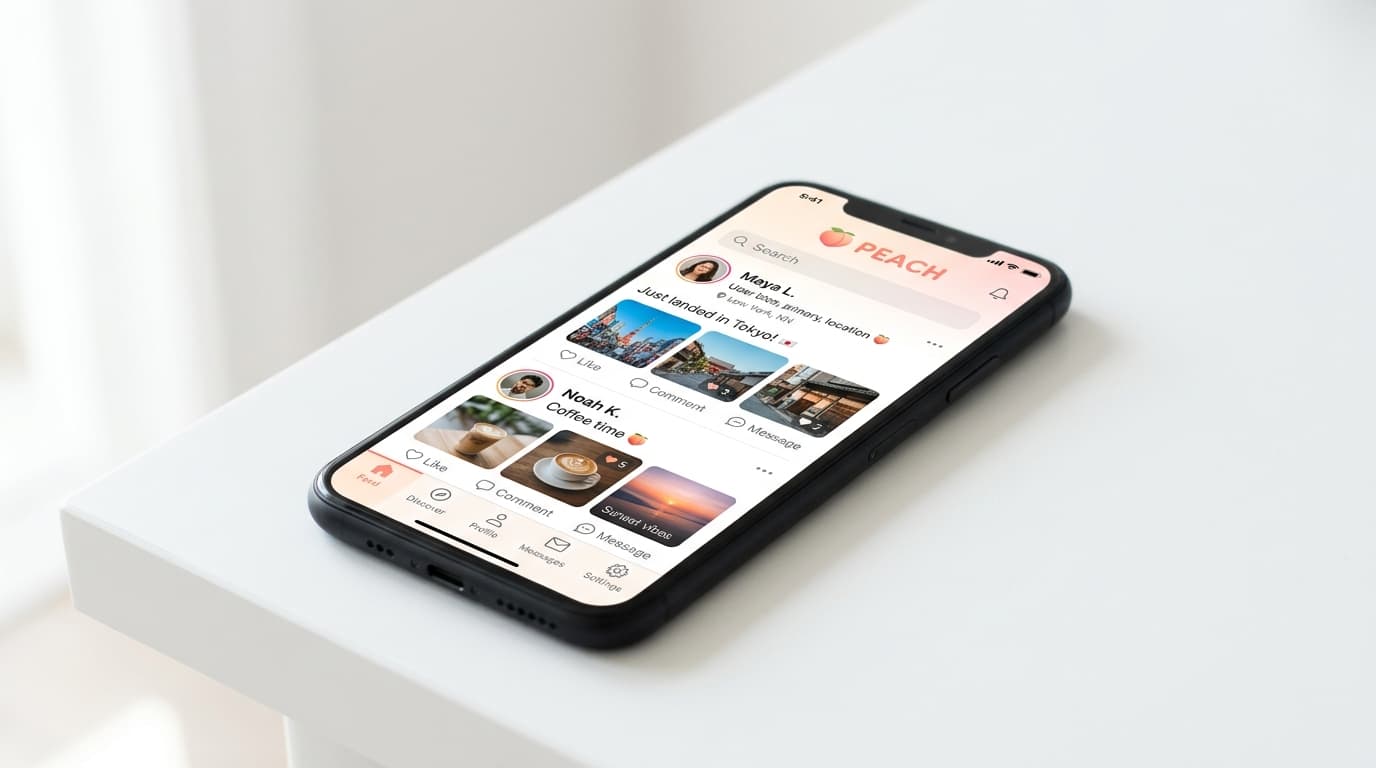
How to Set Up No-KYC Bitcoin Purchases Using the Peach Mobile App
Step-by-step guide to buying Bitcoin without KYC using Peach's P2P mobile app, from account setup to completing your first escrow-protected trade.
Most Bitcoin exchanges now require a full identity dossier before you can buy a single satoshi. Peach offers a different path: peer-to-peer trading with multisig escrow protection, no personal information required, all from your phone.
Under Swiss regulation, Peach allows daily purchases up to CHF 1,000 (roughly $1,100) and annual volume up to CHF 100,000 without identity verification. Here's how to set it up and complete your first trade without creating a permanent KYC trail.
Download and Create Your Account
Peach is mobile-only, available on both iOS and Android. The app was last updated in October 2025, and the version 69 update from September 2025 introduced two-way trading capabilities.
After downloading, account creation requires only an email and password. No phone number, no government ID, no selfie. Your data stays encrypted on your device rather than sitting on company servers.
One critical step that's easy to skip: back up your account immediately in the settings menu. Peach is non-custodial, meaning you hold your own keys. Lose access to your device without a backup, and your funds become unrecoverable.
Understanding the Initial Limits
Your first two trades are capped at CHF 50 each. This isn't arbitrary friction; it's how Peach complies with Swiss anti-money-laundering requirements while still preserving user privacy. The app stores only a hashed device ID for tracking these limits, not your identity.
After those initial trades, the full CHF 1,000 daily limit unlocks.
Configure Your Payment Methods
Before browsing offers, add at least one payment method. Peach supports a wide range:
- Bank transfers: SEPA (dominant in Europe), various regional options
- Digital wallets: Revolut, PayPal, and others
- Cash: For in-person trades at Bitcoin meetups
- Crypto: Liquid Network USDT swaps
European users will find the deepest liquidity with SEPA and Euro-denominated options. If you're in Latin America, Africa, or Asia, Peach has expanded with localized payment methods that centralized exchanges typically ignore.
You'll also need to enter a Bitcoin receive address. This can be from any wallet you control; Peach includes a built-in self-custodial wallet with UTXO management if you want everything in one place.
How to Complete Your First Trade
Browsing vs. Creating Offers
You have two approaches:
- Browse existing seller offers: See what's available at what price premium, pick one that matches your payment method
- Create a buy offer: Set your terms and wait for a seller to match
For beginners, browsing existing offers tends to be faster. You'll see the seller's price (typically around 2% above market rate), their accepted payment methods, and their reputation score.
The Trading Process
Once you match with a seller:
- The seller's Bitcoin gets locked into a 2-of-2 multisig escrow (neither party can move it unilaterally)
- You communicate through end-to-end encrypted chat to coordinate payment details
- You send payment via your chosen method
- The seller confirms receipt
- Bitcoin releases from escrow to your address
The multisig escrow is what makes Peach work. Your funds can't be stolen by a dishonest seller, and disputes get resolved by Peach arbitrators who can decrypt the chat logs if needed.
Common Beginner Mistakes to Avoid
Skipping the backup: This bears repeating. Non-custodial means non-recoverable without proper backups.
Ignoring the encrypted chat: Some users try to coordinate payments outside the app. This removes your protection if a dispute arises, since Peach arbitrators can only access the in-app conversation.
Expecting instant settlement: P2P trades depend on human sellers. Unlike centralized exchanges where you trade against the house, you're waiting for a real person to confirm payment receipt. Be patient, especially on your first trades.
Underestimating fees: Peach charges approximately 2% on buy transactions (roughly $4 per $200 of Bitcoin). Selling is currently 0%. Factor this into your calculations, especially for smaller purchases where the percentage feels more significant.
Who This Works Best For
Peach excels for specific use cases:
- Privacy-focused accumulators: Regular DCA purchases without building a KYC history
- European users: Deep SEPA integration and strong Euro liquidity
- Cash traders: Escrow protection for in-person meetup transactions
- Moderate amounts: The daily cap makes this unsuitable for large purchases, but ideal for steady accumulation
The tradeoff is clear: you're paying a premium (that ~2% fee plus any price markup from sellers) compared to spot prices on centralized exchanges. What you get in return is Bitcoin without an identity paper trail, coins that aren't linked to your government ID in a corporate database.
Whether that tradeoff makes sense depends on how you value privacy versus cost efficiency. For many Bitcoin holders, maintaining some portion of their stack as clean, non-KYC coins is worth the premium.
Moving Forward
Once you've completed a few trades and unlocked the full daily limits, Peach offers more advanced features worth exploring: custom transaction fees for mempool management, address verification, and Nostr integration for social coordination with other privacy-focused Bitcoiners.
The app continues to evolve. The two-way trading update in late 2025 expanded functionality significantly, and regional payment method coverage keeps improving. For Europeans especially, it's become one of the most practical ways to accumulate Bitcoin without sacrificing privacy at the on-ramp.