
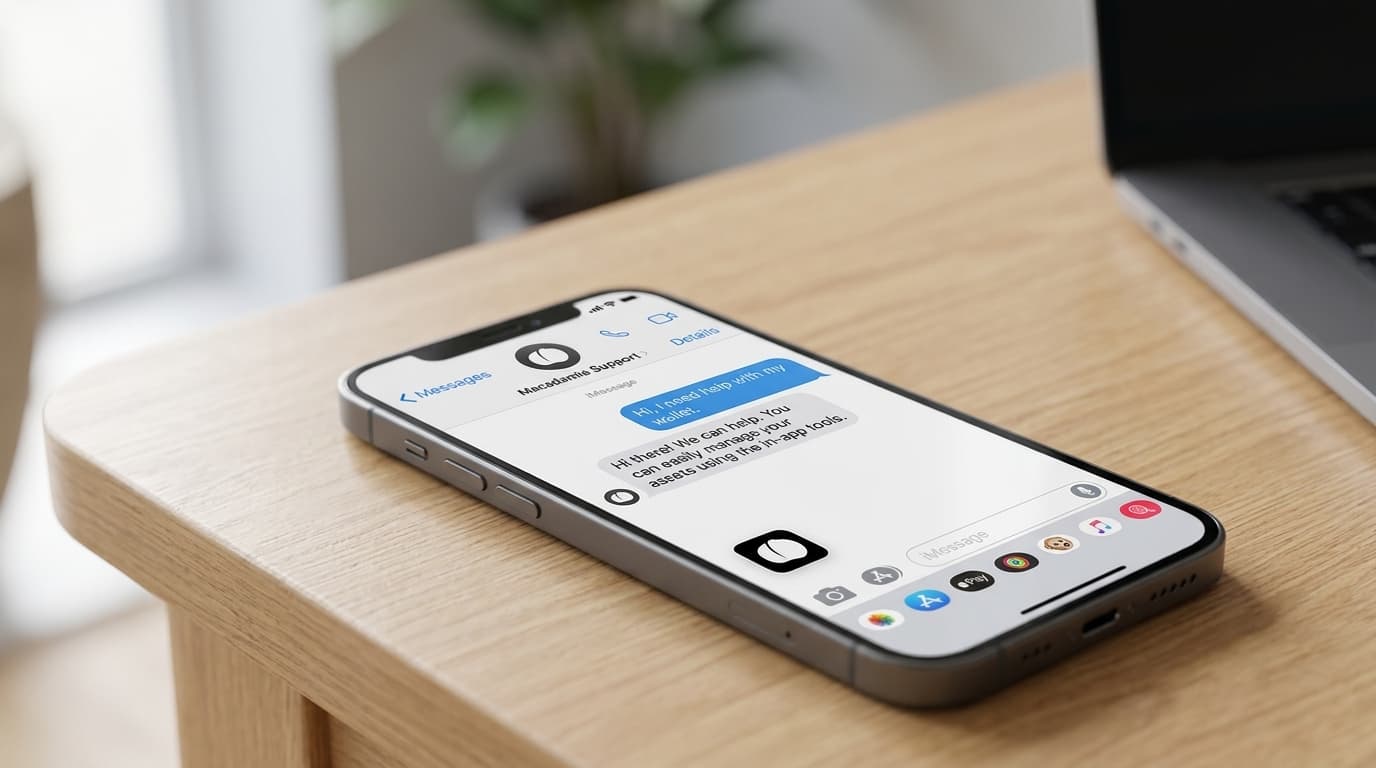
How to Send Private Bitcoin Payments Through iMessage with Macadamia
Learn how to send anonymous Bitcoin payments via iMessage using Macadamia wallet's Cashu ecash integration for private, instant transfers.
Most Bitcoin transactions leave a permanent trail. Every on-chain transfer gets etched into a public ledger that anyone can analyze, link, and trace. But what if you could send Bitcoin to a friend through iMessage with near-perfect privacy, as casually as sharing a photo?
That's the premise behind Macadamia, a native iOS wallet that uses the Cashu ecash protocol to enable private Bitcoin payments directly within Apple's Messages app. Since launching its iMessage extension in September 2025, the app has offered iPhone users something genuinely novel: Bitcoin transfers that even the payment processor can't link to sender or receiver.
What Makes This Different from Regular Bitcoin Transfers
Cashu ecash works through a cryptographic technique called Chaumian blind signatures. When you fund your wallet, the "mint" (essentially a server that issues ecash tokens) signs your tokens without ever seeing who owns them. This creates a layer of unlinkability that standard Lightning payments don't provide.
With regular Lightning Network transactions, routing nodes can observe payment flows. With Cashu, the mint itself cannot connect who deposited funds with who withdrew them. The tradeoff is that you're trusting the mint to honor redemptions, making this a custodial arrangement with strong privacy properties rather than a self-custodial solution.
The practical result: you can send someone Bitcoin through iMessage, and there's no public record linking your wallet to theirs.
Setting Up Macadamia for iMessage Payments
The process requires iOS 17.5 or later. Based on publicly available documentation and user guides, here's how it works:
1. Install and Connect to a Mint
Download Macadamia from the App Store. The app is open-source and, according to Apple's privacy labels, collects zero user data. On first launch, you'll need to connect to a Cashu mint. The app provides default options, though you can add custom mints if you prefer.
2. Fund Your Wallet via Lightning
Macadamia doesn't accept on-chain Bitcoin directly. Instead, you generate a Lightning invoice within the app, then pay that invoice from any Lightning-enabled wallet (Phoenix, Muun, or a custodial option like Wallet of Satoshi). The funds convert to ecash tokens stored locally on your device.
3. Enable the iMessage Extension
In your iPhone's Settings, navigate to Messages > iMessage Apps and ensure Macadamia is enabled. This lets the wallet appear in your iMessage app drawer.
4. Send a Payment
Open any iMessage conversation, tap the apps button, and select Macadamia. Enter an amount in satoshis, add an optional memo and emoji, then send. The recipient receives what looks like a message with a redeemable ecash token.
The recipient needs Macadamia installed to claim the funds, though the token itself is just data; technically, any Cashu-compatible wallet could redeem it.
The Privacy Model and Its Limits
Macadamia's privacy advantage comes with important nuances worth understanding.
On the positive side, transactions are genuinely unlinkable at the protocol level. The blind signature scheme means the mint signs tokens without knowing who requested them. When someone redeems a token, the mint can verify it's valid without knowing who originally owned it.
The limitation is custodial risk. Your ecash tokens are IOUs from the mint, backed by Bitcoin held in the mint's Lightning channels. If the mint disappears or refuses redemptions, you lose your funds. This isn't theoretical; it's the fundamental trust model of ecash systems.
For this reason, Macadamia makes more sense for everyday micropayments than for storing significant value. Think splitting dinner, tipping content creators, or sending a few thousand sats to a friend, not holding your savings.
Why This Became Possible in 2025
Apple historically restricted iOS apps from linking to external cryptocurrency payment systems. A U.S. court ruling in May 2025 changed this, requiring Apple to allow such integrations. This created the opening for Macadamia's iMessage extension to exist.
The app has continued development since then. Version 0.7.0 added support for LNURL and Lightning Addresses, expanding how users can receive funds. As of late 2025, the App Store listing showed a 5.0 rating from 57 reviews, though the small review count reflects that this remains early-stage software.
Practical Considerations
Some things to keep in mind before relying on Macadamia for payments:
Start small. This is beta software using a relatively new protocol. The developers themselves recommend treating it as experimental.
Understand the custody situation. You're trusting the mint with your funds. Research any mint you connect to, or stick with well-known options.
Recipients need the app. Unlike scanning a QR code, iMessage payments require the other person to have Macadamia installed to claim funds easily.
It's not a replacement for self-custody. For serious amounts, nothing beats holding your own keys on a hardware wallet. Macadamia serves a different purpose: convenient, private small payments.
Where This Fits in the Bitcoin Privacy Landscape
Bitcoin's transparency is a feature for some use cases and a bug for others. On-chain transactions provide auditability; ecash provides deniability. Neither is universally better.
Macadamia represents one point on a spectrum of privacy tools. Compared to using a standard Lightning wallet, it offers stronger sender-receiver unlinkability. Compared to on-chain CoinJoin transactions, it's faster and cheaper but involves custodial trust. Compared to simply not using Bitcoin, well, it lets you use Bitcoin.
For iPhone users who want to casually send Bitcoin to friends without creating a permanent public record, Macadamia offers a genuinely useful option. Just go in with clear eyes about what you're trusting and why.