
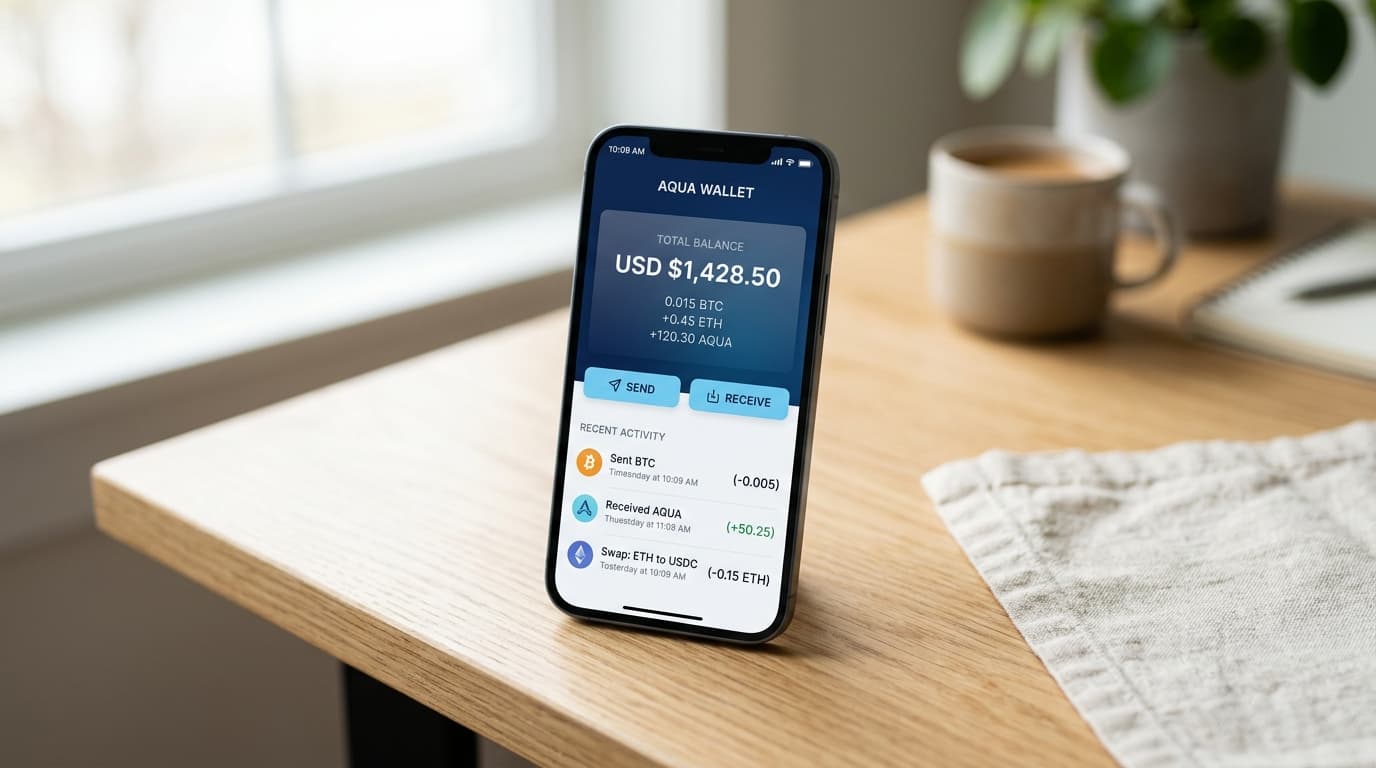
How to Set Up Aqua Wallet for Lightning Network Payments
A complete guide to setting up Aqua Wallet for Lightning payments, covering seed backup, Liquid integration, and submarine swap mechanics.
Five minutes. That's all it takes to set up a self-custodial Bitcoin wallet that handles Lightning payments, Liquid transactions, and stablecoin transfers from your phone. Aqua Wallet accomplishes this through an architecture that's worth understanding before you dive in, because it works differently than most Lightning wallets you've encountered.
The key distinction: Aqua doesn't manage Lightning channels directly. Instead, it uses Liquid Network as your custody layer and converts to Lightning on-the-fly through submarine swaps when you need to send or receive payments. This approach trades the ultra-low fees of native Lightning wallets for the security of holding your own keys without channel management complexity.
Initial Setup and Seed Backup
Download Aqua from the iOS App Store or Google Play. When you open the app, tap "Create New Wallet" and accept the terms of service.
The app will generate a 12-word seed phrase. This is your only recovery method if you lose your phone or delete the app. Write these words down on paper and store them offline. Do not screenshot them, email them to yourself, or save them in a notes app. The wallet collects no personal data and keeps no transaction logs, which means there's no support team that can recover your funds if you lose this backup.
After confirming your seed phrase, you're in. The wallet presents three account types: a Savings account for on-chain Bitcoin, a Spending account for Liquid Bitcoin (L-BTC), and Lightning payment capability. There's also USDT support across the Liquid, Ethereum, and Tron networks.
Understanding the Lightning Architecture
Before sending your first Lightning payment, you should understand what's happening under the hood. Aqua doesn't maintain Lightning channel balances. When you receive a Lightning payment, the app uses Boltz Exchange to perform a submarine swap, converting the incoming Lightning sats into L-BTC on the Liquid Network. When you send a Lightning payment, the reverse happens.
This design choice has real tradeoffs. On the positive side, you maintain full custody of your keys without worrying about channel capacity, watchtowers, or force-closing channels. The downside is fees. Submarine swaps through Boltz typically cost 3-4% for the conversion between layers. Native Lightning wallets handling similar transactions might cost a fraction of a percent in routing fees.
For users prioritizing self-custody over minimal fees, particularly for cross-border remittances or regions with limited banking access, this tradeoff often makes sense.
Receiving Lightning Payments
To receive a Lightning payment, open the app and navigate to the receive function. Select Lightning as the payment method and enter the amount you want to receive. Note the minimum threshold of 1,000 sats.
The app generates a Lightning invoice displayed as a QR code. The sender scans this code with their Lightning-enabled wallet. Once the payment arrives, Boltz handles the submarine swap, and the funds appear in your wallet as L-BTC.
Since version 0.1.50, Aqua also supports LNURL Pay and Lightning addresses. This means you can receive payments from unified QR codes that support both on-chain and Lightning payment methods.
Sending Lightning Payments
To pay a Lightning invoice, open the app's send function. You can either scan a QR code or paste a Lightning invoice directly. Aqua shows you the amount and the swap details before you confirm.
When you initiate the payment, the app converts your L-BTC holdings to Lightning Bitcoin through Boltz, then routes the payment to the recipient. The recipient receives standard Lightning sats; they don't need to know or care that your wallet uses Liquid as its custody layer.
If something goes wrong, don't panic. Payments that fail or get stuck in "Payment in Process" status trigger automatic refunds from Boltz within a set time window. If the automatic process doesn't work, the app includes a manual "Refund" button to claim your funds.
Merchant Payments with BTCPay Server
For users who regularly pay merchants using BTCPay Server, Aqua integrates through the Samrock Protocol. This allows you to scan a BTCPay QR code directly in the app and pay with Bitcoin, Lightning, or Liquid Bitcoin depending on what the merchant accepts.
Optimizing Your Daily Transaction Flow
The most efficient way to use Aqua depends on your typical transaction patterns. If you're primarily sending small Lightning payments, keep a reasonable balance in your Spending account (L-BTC) to avoid constantly moving funds from the Savings account.
For users receiving regular Lightning payments, perhaps from freelance work or remittances, the funds automatically convert to L-BTC upon receipt. This eliminates channel management entirely but means you're always one swap away from sending Lightning again.
The February 2026 redesign (version 0.4.0) introduced multi-wallet support and a cleaner interface. If you're using an older version, updating improves the experience considerably.
Realistic Expectations
Some Lightning payments through Aqua don't complete successfully. User reports from early 2025 noted occasional difficulties with certain payment types. The submarine swap architecture adds complexity, and not all Lightning invoices behave identically.
The 3-4% swap fees also add up for frequent users. If you're making dozens of Lightning transactions daily, a native Lightning wallet with properly managed channels will cost less in the long run.
Where Aqua shines is the intersection of self-custody, mobile convenience, and multi-asset support. The ability to hold USDT on Liquid at dramatically lower fees than traditional remittance services (documentation cites $0.03-2.00 versus $8.99 for Western Union) makes it particularly practical for cross-border transfers.
Moving Forward
Once your wallet is set up, consider your backup security one more time. That 12-word seed phrase is the only thing standing between you and permanent loss of funds. Some users split the phrase across multiple secure locations; others use metal backup plates for fire and water resistance.
The combination of Lightning payments, Liquid custody, and stablecoin support in a single self-custodial app addresses a real gap in the Bitcoin wallet ecosystem. Whether the tradeoff between swap fees and custody simplicity works for you depends on your specific use case. For everyday spending, remittances, and users who want to avoid the technical overhead of Lightning channel management, Aqua's architecture offers a thoughtful alternative to more complex setups.