
How to Recover an Unchained Vault Using Caravan Step by Step
A complete walkthrough for recovering bitcoin from an Unchained vault using Caravan's open-source multisig tool and two hardware wallets.
Your bitcoin sits in an Unchained vault, secured by a 2-of-3 multisig setup. But what happens if Unchained's platform goes offline, or you simply want to move funds without relying on their interface? This is where external recovery matters, and why Unchained designed their vaults to be recoverable using open-source tools from day one.
Caravan is Unchained's stateless multisig coordination software, hosted openly on GitHub. It runs entirely in your browser, connects to no backend servers, and stores nothing. With your wallet configuration file and two of your three hardware wallets, you can recover your vault funds without ever touching Unchained's platform.
Here's exactly how to do it.
What You Need Before Starting
The recovery process requires three things:
- Your wallet configuration file (a JSON export from your Unchained dashboard)
- Two of your three hardware wallets with their seed phrases accessible
- A compatible browser (Chrome, Brave, or Firefox)
The configuration file is critical. It contains your vault's public keys and derivation paths, which Caravan needs to reconstruct your wallet addresses. Download this file from your Unchained dashboard before you need it. If you're reading this proactively, go export it now and store it securely alongside your hardware wallet backups.
Compatible hardware wallets include Trezor, Coldcard, and Ledger devices. No additional software installation is required beyond what your hardware wallet already needs for USB connectivity.
Step 1: Export Your Wallet Configuration
Log into your Unchained dashboard and navigate to your vault. Look for the option to download your wallet configuration or multisig setup file. This exports a JSON file containing everything Caravan needs to recognize your addresses and construct valid transactions.
Store this file somewhere secure but accessible. It doesn't contain private keys (those stay on your hardware wallets), but it does reveal your wallet structure to anyone who obtains it.
Step 2: Open Caravan and Import Your Wallet
Visit caravanmultisig.com in your browser. Caravan loads entirely client-side, meaning no data leaves your computer unless you explicitly broadcast a transaction.
Select Wallet from the interface, then choose Import Wallet Configuration. Upload the JSON file you exported from Unchained. Caravan will parse the file and reconstruct your vault's address structure.
Step 3: Connect to a Bitcoin Node
Caravan needs to check your addresses against the blockchain to display your balance and find spendable outputs. You'll be prompted to select a bitcoin client.
The default options are Mempool.space and Blockstream.info, both public blockchain explorers. Either works fine for most users. If you run your own node with an Electrum server, Caravan can connect to that instead for maximum privacy.
After selecting your client, confirm the connection. Caravan will scan your addresses and display your vault's balance.
Step 4: Construct Your Transaction
Click Send to begin building a withdrawal transaction. Enter the recipient bitcoin address carefully. Verify at minimum the first six and last six characters match what you intend, ideally checking the full address if possible. Bitcoin transactions are irreversible.
Enter the amount you want to send, or select Max to sweep the entire balance. Caravan will show you a transaction preview including the fee rate. Adjust the fee if needed based on current mempool conditions.
At this stage, you've created an unsigned transaction. Nothing has been broadcast yet.
Step 5: Sign with Two Hardware Wallets
This is where your 2-of-3 multisig security model comes into play. You need signatures from two of your three keys to authorize the transaction.
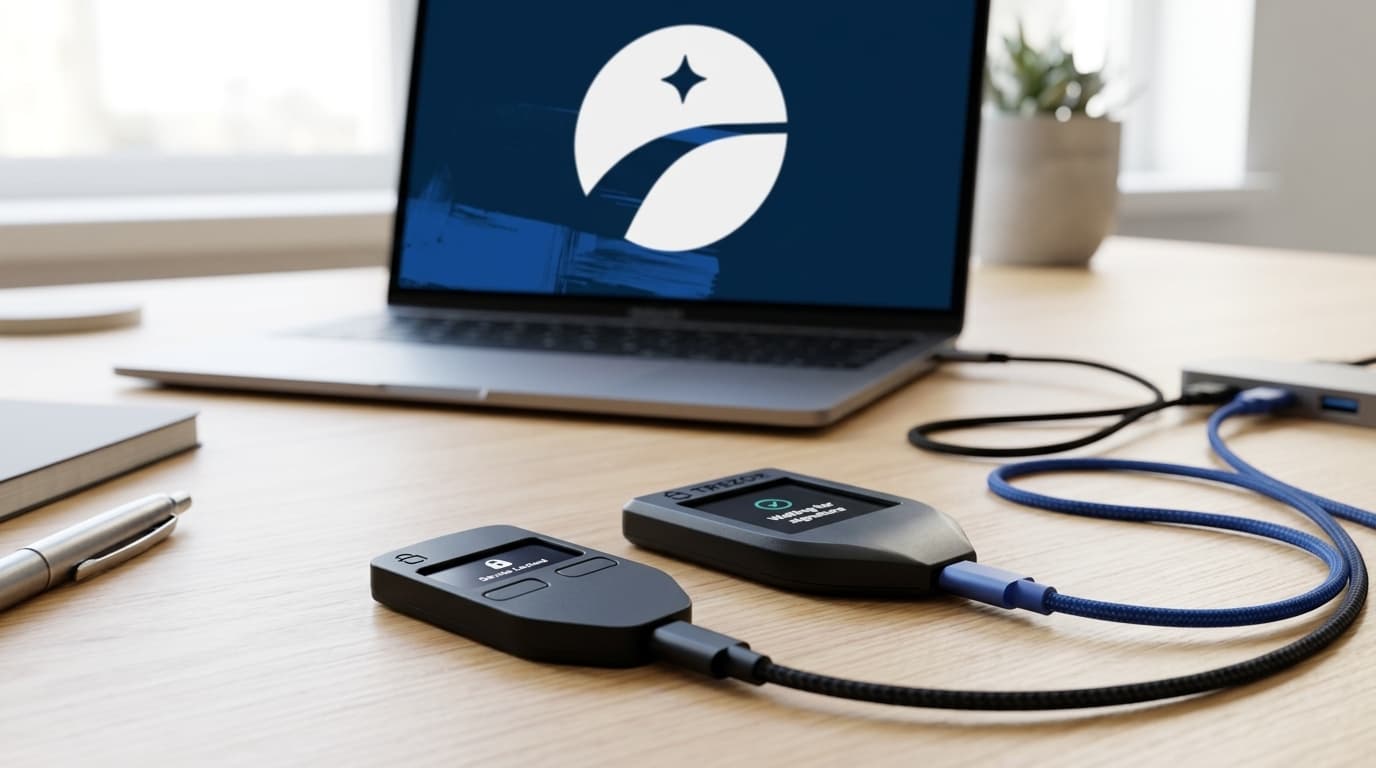
Connect your first hardware wallet via USB. Caravan will prompt the device to sign. Your hardware wallet will display the transaction details, including the recipient address and amount. Verify these match what you entered, then approve the signature on the device.
Disconnect the first wallet and connect your second. Repeat the signing process. Once both signatures are collected, Caravan combines them into a fully signed transaction ready for broadcast.
What About PSBTs?
Caravan handles Partially Signed Bitcoin Transactions (PSBTs) automatically. If you're signing with an air-gapped device like a Coldcard, you can export the unsigned PSBT to a microSD card, sign on the device, and import the signed PSBT back into Caravan. The interface supports both USB-connected and air-gapped workflows.
Step 6: Broadcast and Verify
With two signatures collected, click Broadcast Transaction. Caravan will push your transaction to the Bitcoin network through your selected client.
Once broadcast, the transaction is irreversible. Track its confirmation status on mempool.space or your preferred block explorer using the transaction ID Caravan provides.
Troubleshooting Common Issues
Caravan doesn't show my balance: Ensure your JSON configuration file is the correct one for this vault. If you have multiple vaults, each has its own configuration. Also verify your selected bitcoin client is responding; try switching between Mempool.space and Blockstream.info.
Hardware wallet won't connect: Most connection issues stem from browser permissions or missing drivers. Ensure you're using Chrome, Brave, or Firefox. Some hardware wallets require their bridge software installed (like Trezor Bridge for Trezor devices).
Transaction stuck unconfirmed: If you set a fee rate too low, your transaction may take longer to confirm during periods of high mempool congestion. Caravan doesn't currently support Replace-By-Fee (RBF) bumping, so you may need to wait or use Child-Pays-For-Parent (CPFP) from the receiving wallet.
Only have one hardware wallet accessible: A 2-of-3 multisig requires two signatures. If you've lost access to two of your three devices, you cannot recover funds through Caravan alone. This is a fundamental security property, not a limitation of the tool.
Alternatives to Caravan
Caravan isn't the only path to external recovery. Sparrow Wallet and Electrum both support importing multisig configurations and can perform the same recovery function. However, they require desktop software installation and more manual setup. Caravan's browser-based approach is often simpler for users who don't maintain dedicated bitcoin software.
The Unchained team has confirmed compatibility with these alternatives, so choose based on your comfort level and existing setup.
Why This Matters
The ability to recover your funds without relying on Unchained's platform is the entire point of collaborative custody. You hold two keys, Unchained holds one. If they disappear tomorrow, your bitcoin doesn't.
This recovery process has remained unchanged since Caravan's introduction, which speaks to its stability. Practicing this workflow before you need it, even with a small test transaction, removes the stress of learning during an actual emergency.
Keep your hardware wallets secure, store your configuration file safely, and test your recovery capability periodically. Your future self will thank you.