
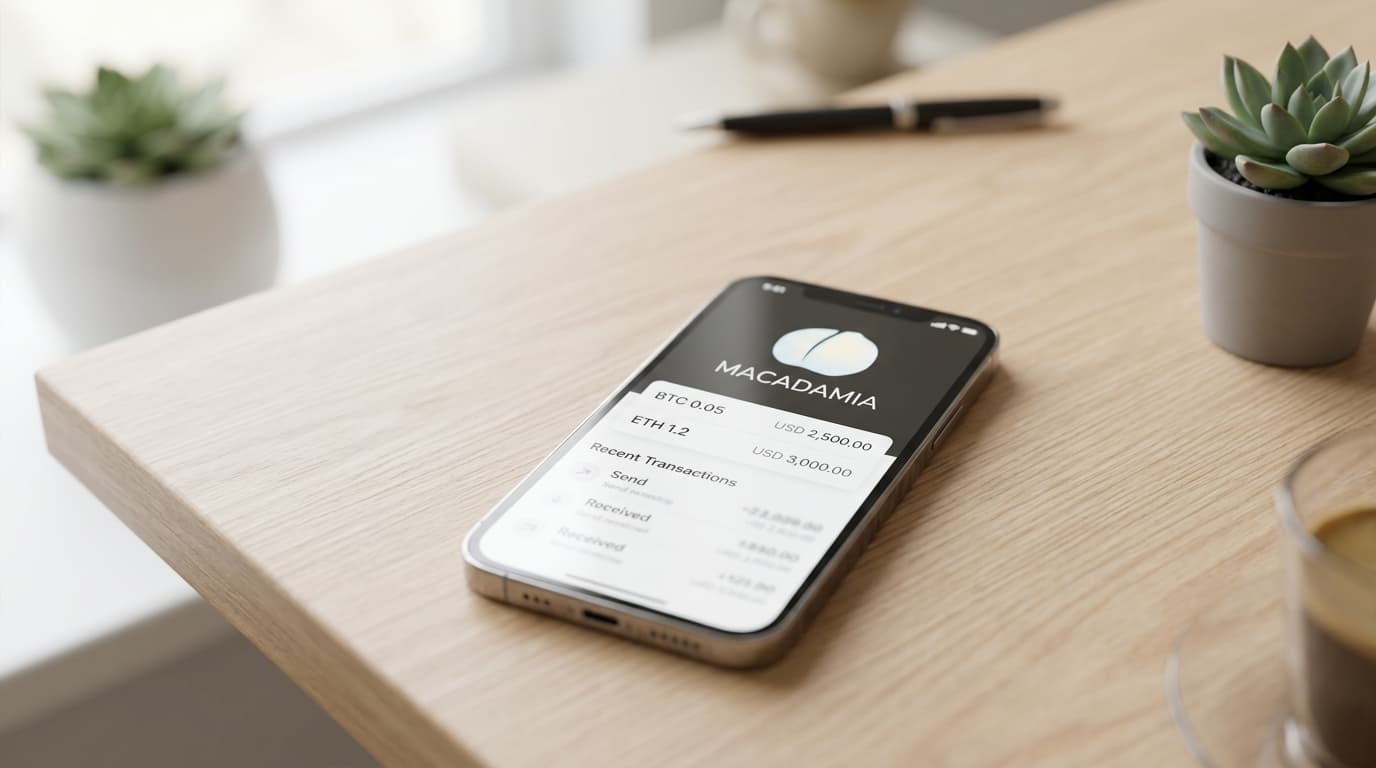
How to Set Up Private Bitcoin Payments Using Macadamia Wallet
Step-by-step guide to installing Macadamia, funding it via Lightning, and sending private Bitcoin payments through iMessage using Cashu ecash.
Most Bitcoin transactions leave a permanent, public trail. Every payment you make gets recorded on a blockchain that anyone can inspect, analyze, and link to your identity. Macadamia Wallet offers iOS users a different approach: Bitcoin payments that happen off-chain through Cashu ecash, including the ability to send funds directly through iMessage.
Here's how to set it up and use it properly.
What Macadamia Actually Does
Macadamia is a native iOS wallet built for Cashu, a Chaumian ecash protocol that runs on top of Bitcoin and Lightning. Instead of sending bitcoin directly, you convert it into ecash tokens issued by a "mint." These tokens use blind signatures, meaning the mint cannot link specific tokens to specific users, which provides strong payer-payee unlinkability.
When you send ecash to someone, the transfer happens entirely off-chain. It doesn't appear on the Bitcoin blockchain, so chain surveillance tools can't see who paid whom or how much. The recipient can then either hold the ecash, send it to someone else, or convert it back to Lightning or on-chain Bitcoin.
The September 2025 release of version 0.4.0 added an iMessage extension, letting you send Bitcoin-denominated ecash directly inside Apple's Messages app. Your payment looks like a chat message and never touches the public ledger.
Installing and Setting Up Macadamia
Download Macadamia from the App Store. The initial setup is straightforward:
- Create your wallet. Macadamia generates a 12-word mnemonic backup phrase. Write this down on paper and store it securely. This phrase lets you restore your ecash balances if you lose your device.
- Connect to a mint. Cashu ecash requires a mint operator who issues and redeems tokens. Macadamia supports multiple mints, so you can segment your activity across different operators if you prefer not to concentrate trust in a single entity. The app comes with default mint options, but you can add others manually.
- Enable the iMessage extension. Go to Settings within Macadamia and follow the prompts to activate the Messages integration. Once enabled, you'll see Macadamia as an option in the iMessage app drawer.
Funding Your Wallet Privately
This is where most people undermine their own privacy. You can have the most sophisticated ecash system in the world, but if you fund it from a KYC exchange withdrawal address, you've linked your identity to every token that follows.
The ecash layer provides strong privacy for the transfers themselves. The edges, where ecash meets the public blockchain or regulated rails, are where privacy breaks down.
For genuinely private funding:
- Acquire Bitcoin through non-KYC sources. Peer-to-peer markets, mining, or earning bitcoin directly all avoid creating a link between your identity and your coins.
- Route funds through Lightning. Cashu mints typically issue ecash in exchange for Lightning payments rather than direct on-chain deposits. Open Macadamia, select your mint, and choose to mint new ecash. The app will generate a Lightning invoice. Pay that invoice from a Lightning wallet, and your ecash appears.
- Consider pre-mixing if using on-chain funds. If you're starting with on-chain bitcoin that has some history attached, running it through a CoinJoin before moving to Lightning can improve your baseline privacy. CoinJoin creates transactions with many equal-sized outputs, making it harder to trace which input corresponds to which output.
Avoid funding from addresses you've published publicly (like donation addresses) or from exchange withdrawals that can be linked to your identity.
Sending Private Payments
Once you have ecash in your wallet, sending is simple:
Standard ecash send:
- Open Macadamia and select the mint holding your tokens
- Tap Send and enter the amount
- The app generates a token string or QR code
- Share this with your recipient through any channel
iMessage payments:
- Open a Messages conversation
- Tap the apps button and select Macadamia
- Enter the amount and send
- Your recipient sees the ecash directly in the chat
The recipient doesn't need to have Macadamia already installed to receive the tokens, though they'll need the app to redeem them.
Understanding the Trust Model
Macadamia's privacy isn't magic. It comes with specific tradeoffs worth understanding.
The mint operator can see when tokens are minted and redeemed. They can observe aggregate flows through their system. What they cannot do, thanks to blind signatures, is link specific ecash tokens to specific users. This gives you strong privacy against the mint learning your payment patterns, but the mint still represents a centralized point of failure and potential metadata collection.
If a mint goes offline or becomes malicious, you could lose access to your ecash. Using multiple mints reduces this risk. Keeping large amounts in ecash long-term isn't advisable; it's better suited for spending money than savings.
Operational Habits That Matter
The technical privacy of Cashu ecash is only as good as your operational practices:
- Don't consolidate mixed coins before funding. If you've used CoinJoin, moving many small outputs into a single funding transaction can reveal they belong to the same person.
- Use separate wallets for separate purposes. Keep your private spending funds in Macadamia, savings elsewhere, and avoid on-chain transfers between them.
- Hide your network identity. Using Tor or a VPN when interacting with mints prevents your IP address from being logged alongside your transactions.
- Generate fresh addresses for every receive. If you ever need to move funds on-chain, never reuse addresses.
These habits apply broadly to Bitcoin privacy, but they're especially important at the boundaries where ecash meets the rest of the Bitcoin ecosystem.
When to Use This Setup
Macadamia makes the most sense for:
- Small, frequent payments where privacy matters and you don't want blockchain fees
- Peer-to-peer transfers with friends or family who already use iMessage
- Tipping or donations where you'd prefer not to reveal your wallet balance or payment history
It's less suited for large amounts you need to hold long-term (use cold storage for that) or payments to merchants who require on-chain confirmations.
Privacy tools like Macadamia aren't about hiding illicit activity. They're about maintaining the kind of financial confidentiality that cash has always provided. In an increasingly surveilled digital payment landscape, that's worth preserving.