
How to Recover Unchained Vault Funds Using Caravan Software
Step-by-step guide to recovering bitcoin from Unchained vaults using Caravan's open-source multisig coordination tool and your hardware wallets.
Your bitcoin sits in an Unchained vault, protected by a 2-of-3 multisig setup. You hold two keys; Unchained holds a third as backup. But what happens if you need to move those funds without relying on Unchained's platform?
This is where Caravan becomes essential. Built by Unchained as an open-source, stateless multisig coordination tool, Caravan lets you spend from your vault using just your hardware wallets and a configuration file. No account login required. No third-party servers touching your transaction data.
What You'll Need Before Starting
Gather these items before beginning the recovery process:
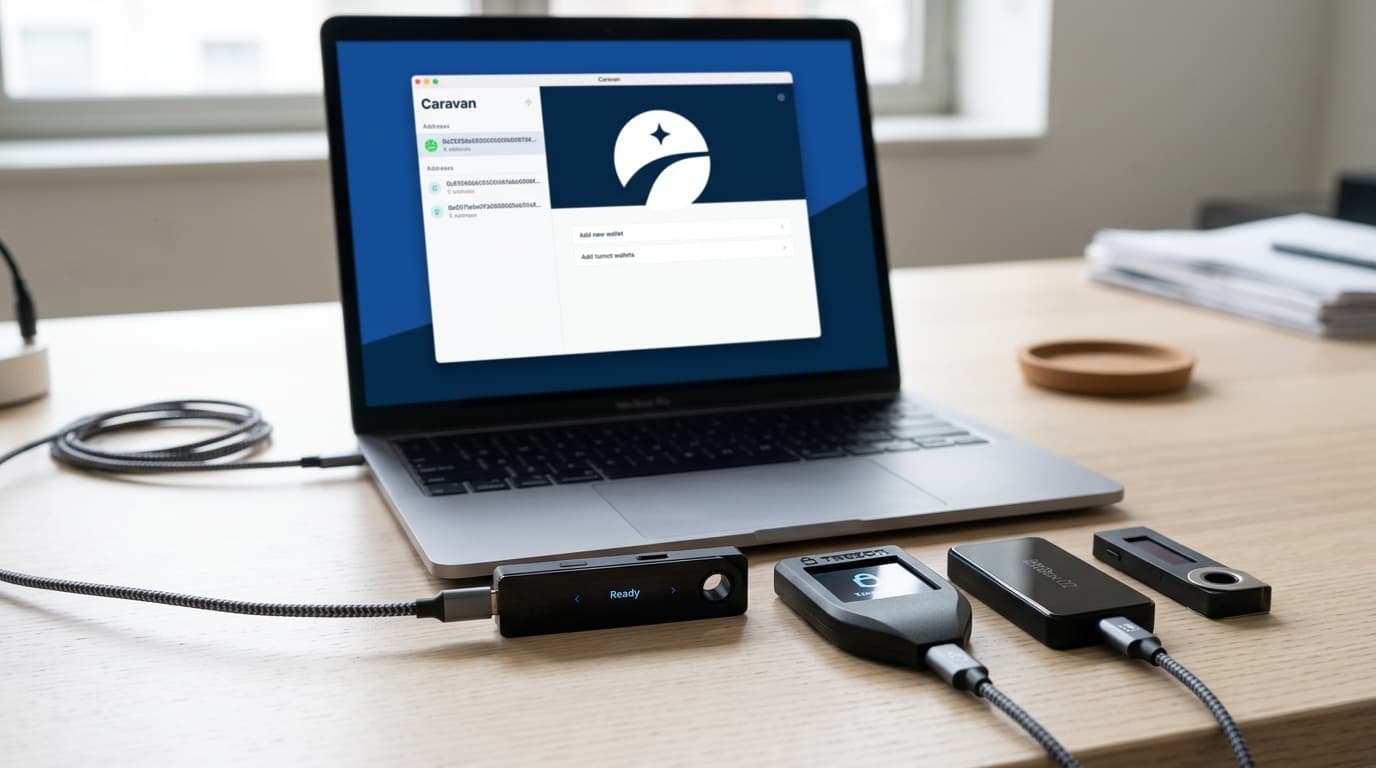
- Two hardware wallets containing the keys you control (Caravan supports Trezor, Ledger, and Coldcard devices)
- Your wallet configuration file (a JSON file downloaded from your Unchained dashboard)
- A computer with USB ports running Chrome, Brave, or Firefox
- A destination bitcoin address where you want to send the funds
The configuration file is critical. It contains the extended public keys and derivation paths that define your multisig wallet structure. If you haven't already downloaded this from your Unchained dashboard, do that first. Store it securely, as it reveals your wallet's address structure (though not your private keys).
Step-by-Step Recovery Process
Accessing Caravan and Importing Your Wallet
Open your browser and navigate to caravanmultisig.com. Caravan runs entirely in your browser with no backend servers, meaning your wallet information never leaves your machine.
Click to import a wallet configuration, then upload the JSON file you downloaded from Unchained. Caravan will parse the file and reconstruct your wallet's structure locally.
Connecting to the Bitcoin Network
Caravan needs to query the blockchain to find your wallet's balance and unspent transaction outputs (UTXOs). Select a bitcoin client from the available options. Mempool.space works well for most users and doesn't require running your own node.
If you run your own Bitcoin Core node or have access to a private Electrum server, you can connect to that instead for maximum privacy.
Confirming Your Wallet and Building the Transaction
Once connected, Caravan will display your wallet's addresses and current balance. Verify this matches what you expect. If the balance looks wrong, double-check that you imported the correct configuration file.
Enter the destination address where you want to send funds. Caravan will construct a Partially Signed Bitcoin Transaction (PSBT), the standard format for coordinating multisig signatures across different devices and software.
Signing with Your Hardware Wallets
Here's where the 2-of-3 multisig requirement comes into play. You need signatures from two of the three keys to authorize the transaction. Since you control two keys and Unchained holds only one, you can complete this process independently.
Connect your first hardware wallet. Caravan will communicate with the device and request a signature. Review the transaction details on your hardware wallet's screen (always verify the destination address and amount on the device itself, not just in the browser).
After the first signature, connect your second hardware wallet and repeat the process. With two valid signatures, your PSBT becomes a fully signed, broadcastable transaction.
Broadcasting the Transaction
Review the final transaction one more time. Caravan will show you the fee rate, total amount being sent, and the change returning to your wallet (if any).
When you're satisfied, broadcast the transaction to the Bitcoin network. Caravan sends it through your selected bitcoin client. You can monitor confirmation status using any block explorer.
Why This Process Matters for Self-Sovereignty
The ability to recover funds without Unchained's involvement isn't just a backup plan. It's the whole point of collaborative custody. You're not trusting Unchained to give you access to your bitcoin. You hold the keys, and tools like Caravan ensure you can always exercise that control.
This architecture means that even if Unchained disappeared tomorrow, your bitcoin remains accessible. That's a meaningful difference from custodial services where the company's continued operation is a prerequisite for accessing your funds.
Alternatives and Considerations
While Caravan is purpose-built for this use case, other multisig-capable wallets like Sparrow can also import wallet configurations and coordinate PSBT signing. However, Caravan's stateless design and direct integration with Unchained's configuration format make it the most straightforward option for vault recovery.
One limitation worth noting: Caravan's stateless nature means it doesn't save your wallet data between sessions. You'll need to re-import your configuration file each time you want to transact. This is a deliberate privacy and security choice, but it requires you to maintain good backups of that configuration file.
For users who want ongoing wallet management rather than occasional recovery, a full-featured desktop wallet might be more practical for day-to-day use, with Caravan reserved for independent verification or emergency access.
The recovery process has remained stable through 2025 and into 2026, with no significant changes to the workflow or reported issues. That stability reflects the mature state of multisig standards like BIP32 and BIP67 that Caravan implements.