
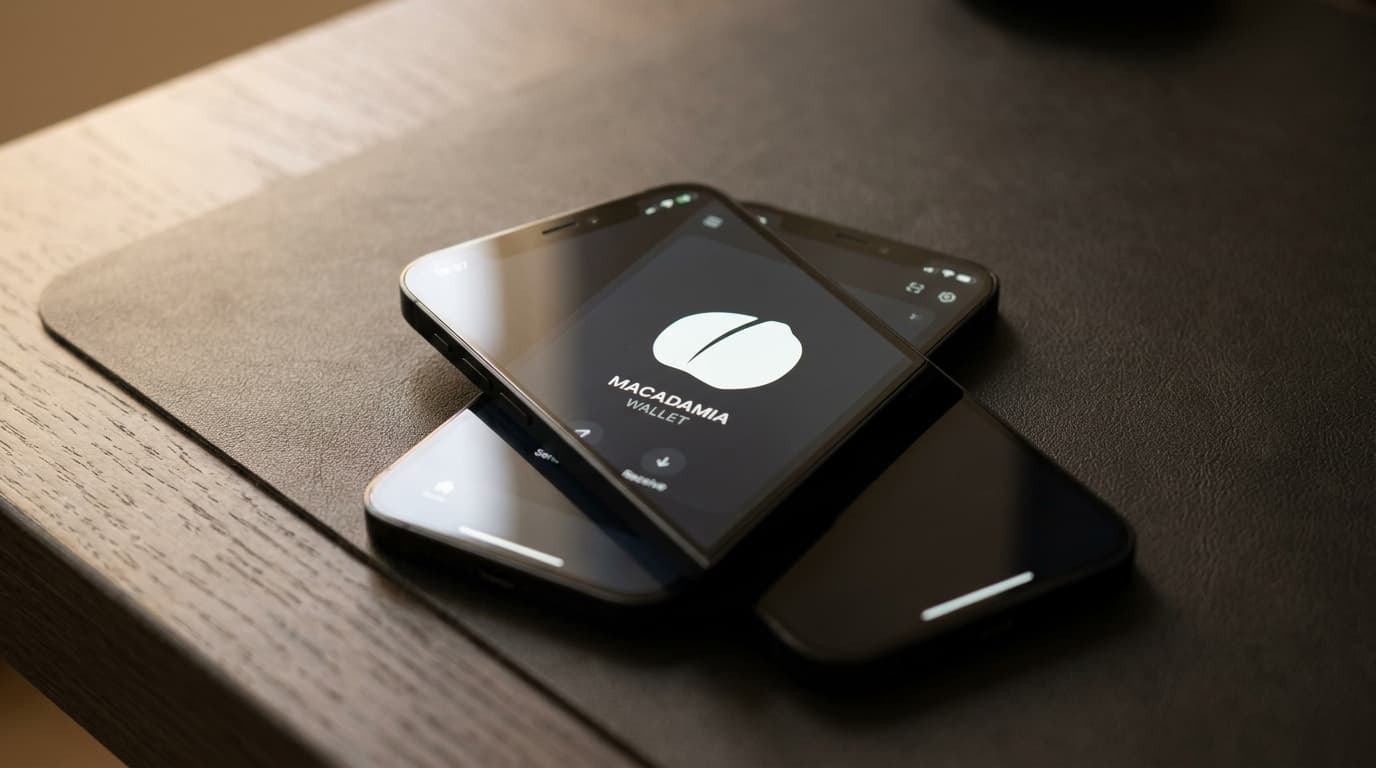
How to Send Bitcoin Privately on iPhone Using Macadamia and Cashu Ecash
Step-by-step guide to setting up Macadamia wallet on iOS, minting Cashu ecash from Lightning, and sending private Bitcoin via iMessage.
Most Lightning payments feel private until you realize your custodial wallet provider can see every transaction you make, who you pay, and when. Cashu ecash changes that equation. By wrapping Bitcoin in cryptographic bearer tokens that use blind signatures, you get something closer to physical cash: the mint that issues your tokens cannot link your deposit to your spending.
Macadamia is the first fully native iOS wallet built specifically for Cashu ecash, and as of version 0.4.0 (released September 2025), it includes an iMessage extension that lets you send Bitcoin-backed tokens directly inside your Messages conversations. Here's how to set it up and why it matters for privacy.
What Makes Cashu Different from Regular Lightning
When you use a typical custodial Lightning wallet, the operator sees your entire transaction history. They know your balance, your payment patterns, and often your identity through KYC requirements. Even non-custodial Lightning has metadata leakage: routing nodes can observe payment flows, and on-chain funding transactions leave permanent records.
Cashu uses Chaumian blind signatures, a cryptographic technique invented by David Chaum in the 1980s. When you deposit Bitcoin to a Cashu mint, you receive ecash tokens that the mint signs without being able to see what it's signing. Later, when you spend those tokens, the mint can verify they're legitimate but cannot connect them back to your original deposit. The payer and payee become unlinkable.
This isn't magic and it doesn't eliminate all risks. The mint still holds your underlying Bitcoin (it's custodial at the protocol layer), so you're trusting the operator not to disappear with funds. But for privacy, it's a meaningful improvement over handing all your transaction data to a single custodian.
Setting Up Macadamia on Your iPhone
Macadamia requires iOS 17.5 or later. Download it from the App Store; it's free and contains no ads.
On first launch, the app generates a 12-word BIP-39 seed phrase. Write this down on paper and store it securely. This phrase backs up your ecash tokens. If you lose your phone or delete the app without this backup, your tokens are gone. There's no account recovery because there's no account.
The wallet starts empty. To hold ecash, you need to connect to at least one mint.
Adding a Mint
A Cashu mint is a server that issues and redeems ecash tokens backed by Bitcoin. Think of it as a digital vault that exchanges Lightning sats for bearer tokens.
Macadamia supports multiple mints, and you should consider using more than one. Spreading your activity across mints reduces the metadata any single operator can observe. It also limits your exposure if one mint experiences problems.
To add a mint, navigate to the mint management section and paste a mint URL. Several community-maintained lists track reputable mints, though "reputable" here means operators with public identities and track records, not government-insured institutions. Start with small amounts while you evaluate any mint's reliability.
The Cashu ecosystem is still maturing in 2026. Documentation from August 2026 lists Macadamia alongside Cashu.me, eNuts, Minibits, and Sovran as recognized wallets, indicating growing cross-wallet interoperability. Tokens issued by one mint can be used in any compatible wallet that connects to that mint.
Minting Ecash from Lightning
With a mint connected, tap the "Mint" operation in Macadamia. Enter the amount of satoshis you want to convert to ecash. The app will request a Lightning invoice from your chosen mint.
Pay that invoice from an external Lightning wallet. Once confirmed, the mint issues ecash tokens to Macadamia. These tokens now live locally on your device.
Here's where privacy hygiene matters: if you fund this invoice from a Lightning wallet tied to your identity (through KYC or on-chain history), you've created a link between yourself and the deposit. For stronger privacy, fund from non-KYC sources. Peer-to-peer Bitcoin trades, mining income, or earning Bitcoin for goods and services can all provide starting points that aren't attached to your government ID.
Privacy experts also recommend avoiding consolidated funding patterns. If you've used CoinJoin or other mixing techniques, don't combine those outputs into a single Lightning channel that then funds your ecash. Keep funding transactions separate to prevent clustering analysis.
Sending Bitcoin via iMessage
Macadamia's iMessage extension transforms private Bitcoin payments into something that feels like sending a text attachment.
Open Messages, start a conversation, and access the Macadamia extension (you may need to enable it in the iMessage app drawer first). Select the mint holding your tokens, enter an amount and optional memo, then send.
The recipient receives an ecash token directly in their chat. They don't need Macadamia installed at the moment they receive it. The token is a bearer instrument; they can install Macadamia (or any compatible Cashu wallet) later to redeem it.
This flow sidesteps Lightning invoice coordination entirely. No "send me an invoice" back-and-forth. No waiting for the recipient to be online. You're essentially dropping digital cash into someone's inbox.
Redeeming Ecash or Paying Lightning Invoices
Received tokens appear in Macadamia once you tap "Receive" and paste them (or accept them through the iMessage extension). The tokens get added to your local balance.
To convert ecash back to Lightning Bitcoin, use the "Melt" operation. Paste any Lightning invoice, and the mint will pay it using your ecash balance. The funds move from ecash back to Lightning, reaching their destination without revealing your identity to the invoice issuer beyond what the payment itself discloses.
This bidirectionality (Mint to enter, Melt to exit) means Cashu ecash functions as a privacy layer you can wrap around normal Lightning activity.
Understanding the Tradeoffs
Cashu ecash on Macadamia is not a savings solution. It's designed for spending balances.
The mint holds your underlying Bitcoin. If the operator shuts down, gets hacked, or simply decides to steal, your ecash becomes worthless. The blind signature cryptography that protects your privacy does nothing to protect your funds from a dishonest or incompetent mint operator.
Macadamia's FAQ (updated July 2026) explicitly notes the wallet remains in beta. The team advises starting with small amounts. This is sound guidance for any emerging financial technology, doubly so for one that combines new cryptography with custodial risk.
Privacy also isn't absolute. If you use a single mint for all activity, that operator can perform timing analysis even without knowing which specific tokens you hold. Using multiple mints, varying your funding patterns, and keeping Macadamia separate from wallets holding your long-term savings all strengthen your privacy posture.
Practical Privacy Practices
Based on guidance from privacy-focused educational sources as of mid-2026, here's a reasonable operational approach:
Segregate wallets by purpose. Keep private spending funds in Macadamia. Store savings in a separate wallet (ideally self-custodial). Avoid direct transfers between them.
Use non-KYC funding paths. The ecash layer protects your transaction graph inside the system. But if you entered through an exchange that knows your identity, that entrance point remains visible.
Distribute across mints. Don't concentrate all your ecash with one operator. If one mint goes offline, you only lose what was stored there.
Treat ecash as spending money. The amounts you convert should be what you're prepared to spend or lose. This isn't the place for your emergency fund.
What This Means for Bitcoin Privacy on iOS
Macadamia and the broader Cashu ecosystem represent a genuine shift in how private Bitcoin payments can work on mobile. The iMessage integration, in particular, makes sending bearer tokens feel natural rather than technical.
But this remains early-stage technology. Version 0.8.0 as of March 2026 indicates active development, not a mature, battle-tested product. The custodial architecture means your funds are only as safe as the mints you choose to trust.
For privacy-conscious bitcoiners comfortable with those constraints, Macadamia offers something valuable: a way to send Bitcoin that breaks the surveillance trail left by conventional Lightning and on-chain transactions. Just go in with clear expectations about what it is and isn't designed to protect.