
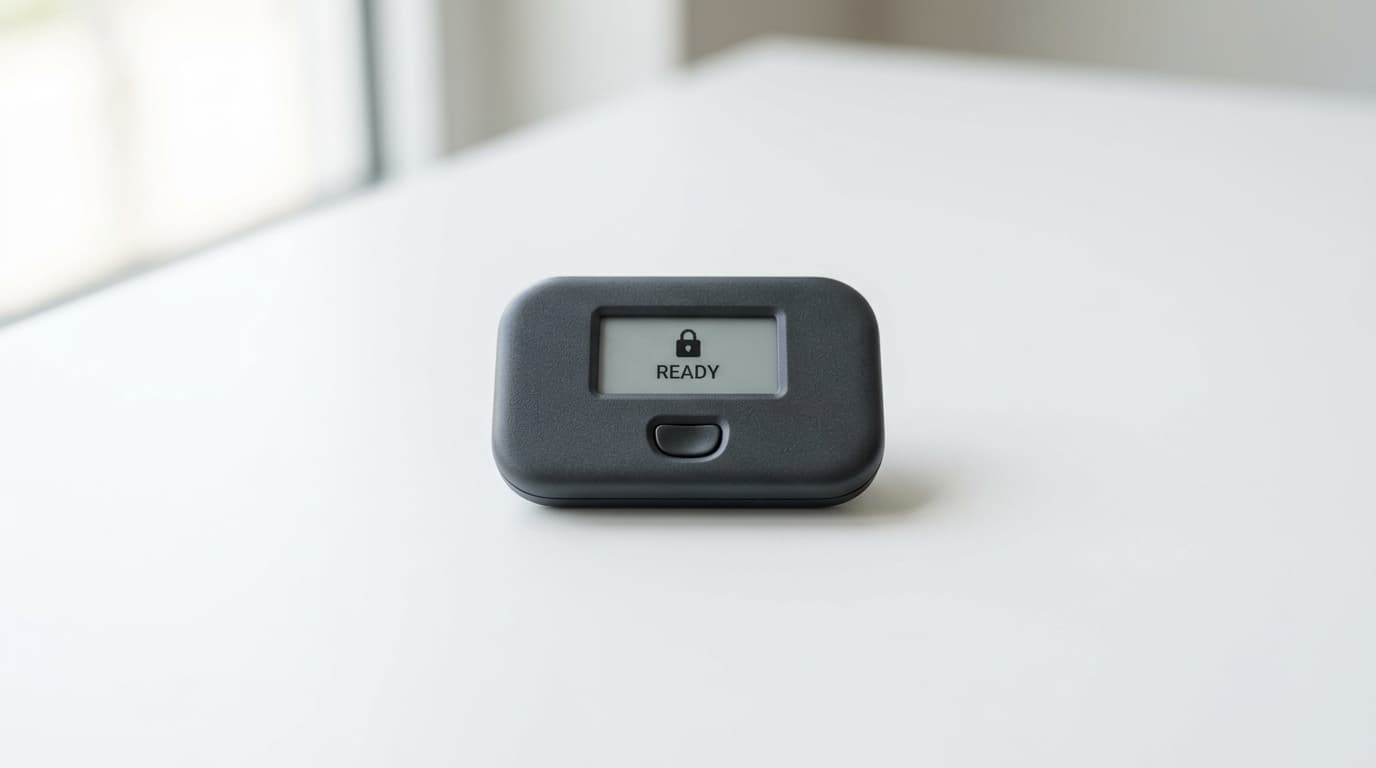
How to Set Up TapSigner NFC Wallet for Daily Bitcoin Payments
Step-by-step TapSigner setup guide covering initialization, PIN configuration, mobile wallet pairing, and tap-to-sign transactions for daily use.
A credit card that signs Bitcoin transactions with a tap sounds almost too convenient, but that's exactly what TapSigner delivers. The NFC smart card from Coinkite stores your Bitcoin private keys securely and authorizes transactions when you tap it against your phone, no cables or battery charging required.
For daily payments and regular spending, this workflow bridges the gap between the security of hardware wallets and the convenience of hot wallets on your phone. Here's how to set it up properly.
What You'll Need Before Starting
TapSigner works exclusively with compatible mobile wallets that support its NFC protocol. The most popular option is Nunchuk, available for both Android and iOS, which handles single-signature and multisig configurations. Desktop users can pair TapSigner with Sparrow Wallet using an NFC reader, though mobile setups make more sense for daily payment use cases.
You'll also need an NFC-enabled smartphone. Most Android phones manufactured in the past several years include NFC, as do iPhones from the iPhone 7 onward. Before you start, make sure NFC is enabled in your phone's settings.
The card arrives with a factory certificate that lets you verify authenticity, plus an RF-blocking sleeve and a printed decryption key on the back. Keep that key safe; you'll need it if you ever restore from backup.
Step 1: Initialize the Card
Download Nunchuk (or your preferred compatible wallet) and create a new wallet. When prompted to add a signer, select TapSigner as your hardware device.
Hold the TapSigner against the NFC reader area on your phone (usually the upper back portion). The app will detect the card and walk you through initialization.
During this process, the app generates entropy (randomness) that combines with the card's own entropy to create your private key. This verifiable entropy approach means neither the card manufacturer nor the software alone controls the key generation. The result is an XPRV (extended private key) stored securely on the card's chip.
Step 2: Set Your PIN
The app will prompt you to create a PIN, typically 6 digits. This PIN protects every signing operation. Without it, a stolen card is useless to an attacker.
Choose something you can remember but that isn't obvious. You'll enter this PIN every time you sign a transaction, so balance security with practicality. The card allows limited retry attempts before locking, so don't pick something you'll fat-finger regularly.
Step 3: Create and Store Your Backup
After initialization, Nunchuk generates an encrypted backup file containing your key material. This file alone isn't enough to restore your wallet; you also need the decryption key printed on your TapSigner card.
Store the backup file securely, whether that's an encrypted cloud location, a separate offline device, or both. Photograph or transcribe the decryption key from the card and store it separately from the backup file. If someone gets both pieces, they can reconstruct your keys.
This two-part backup system means losing your card isn't catastrophic, but it also means you have two things to protect instead of one.
Step 4: Receive Your First Bitcoin
With the wallet configured, you can generate receiving addresses. In Nunchuk, navigate to your TapSigner wallet and tap receive. The app displays a QR code and text address.
Share this address (or QR code) with whoever is sending you Bitcoin, whether that's another wallet you control, an exchange withdrawal, or a friend paying you back. On-chain transactions will appear in your wallet once they have enough confirmations.
Step 5: Sign and Send Transactions
This is where the daily payment convenience kicks in. To send Bitcoin:
- Open your TapSigner wallet in Nunchuk
- Enter the recipient's address and amount
- Review the transaction details
- Enter your PIN when prompted
- Tap the TapSigner against your phone
- The card signs the transaction
- Broadcast to the network
The entire signing process takes about two seconds once you've got the motion down. It's similar to tapping a contactless payment card, except you're authorizing a Bitcoin transaction.
Best Practices for Daily Use
Keep It Accessible But Secure
TapSigner's form factor makes it easy to carry in a wallet alongside regular payment cards. The included RF-blocking sleeve prevents accidental NFC reads, though the PIN requirement means unauthorized signing isn't possible anyway.
Mind the Transaction Fees
For truly small payments, on-chain Bitcoin fees can sometimes exceed practical limits depending on network congestion. TapSigner supports Lightning Network operations (specifically, cosigning channel opens and closes), so pairing it with a Lightning-enabled setup can make micropayments more economical.
Trust But Verify
TapSigner has no screen, which keeps the design simple but means you're trusting the companion app to display accurate transaction details. Use reputable, open-source wallet software like Nunchuk, and double-check addresses before signing, especially for larger amounts.
Consider Multisig for Larger Holdings
TapSigner works well in multisig configurations where multiple cards (or a combination of TapSigner and other hardware wallets) must sign a transaction. For daily spending amounts, single-sig is convenient. For savings you're not spending regularly, a multisig setup adds protection against single points of failure.
Limitations Worth Understanding
The screenless design is both a feature and a limitation. You can't verify transaction details on the card itself, which matters if you're concerned about compromised companion apps. For high-security use cases, air-gapped hardware wallets with screens remain the more paranoid choice.
Backup complexity also exceeds a simple seed phrase approach. You need both the encrypted file and the printed decryption key. Lose either, and recovery becomes impossible.
Who This Setup Serves Best
TapSigner at around $20 provides genuine hardware wallet security at a fraction of typical hardware wallet prices. It's ideal for:
- Bitcoin users who want hardware security for everyday spending
- People who find traditional hardware wallets too cumbersome for regular use
- Mobile-first users who want tap-to-sign convenience
- Multisig participants who need multiple affordable signing devices
The tap-to-sign workflow genuinely changes how accessible hardware wallet security can feel for daily transactions. Set it up once, keep the backup safe, and you've got a signing device that fits in your pocket and works in seconds.