
How to Verify a Bitcoin Transaction Using Blockstream.info Without Trusting Anyone Else
Learn to independently verify Bitcoin transactions on Blockstream.info. Check confirmations, decode transaction data, and confirm UTXOs yourself.
Every Bitcoin transaction you've ever sent or received is public. The entire history sits on thousands of computers around the world, visible to anyone who knows where to look. Yet most people still rely on their wallet or exchange to tell them whether a payment arrived.
That's a problem. Wallets can have bugs. Exchanges can show you whatever they want. If you're accepting a significant payment, releasing goods, or just want to understand what actually happened on the blockchain, you need to verify it yourself.
Blockstream.info is a free, open-source block explorer that lets you look up any Bitcoin transaction by its ID, check its confirmation status, examine its inputs and outputs, and verify that your funds actually exist where you think they do. Here's how to use it.
What You Need to Get Started
To verify a Bitcoin transaction, you need one piece of information: the transaction ID (txid). This is a 64-character hexadecimal string that uniquely identifies every Bitcoin transaction. It looks something like this:
`a1075db55d416d3ca199f55b6084e2115b9345e16c5cf302fc80e9d5fbf5d48d`
Your wallet should display this after you send or receive a transaction. If someone claims they paid you, ask for the txid. If you're checking a payment you made, copy it from your wallet's transaction history.
Alternatively, you can search by Bitcoin address. This shows all transactions involving that address, though it requires more interpretation since addresses can have many transactions.
Step 1: Look Up the Transaction
Open Blockstream.info in your browser. You'll see a search bar at the top of the page. Paste your txid and press enter.
The explorer will return the full public record of that transaction. If it exists on the Bitcoin network, you'll see it. If the txid returns nothing, either the transaction was never broadcast, it was dropped from mempools, or you have the wrong ID.
Step 2: Check the Status
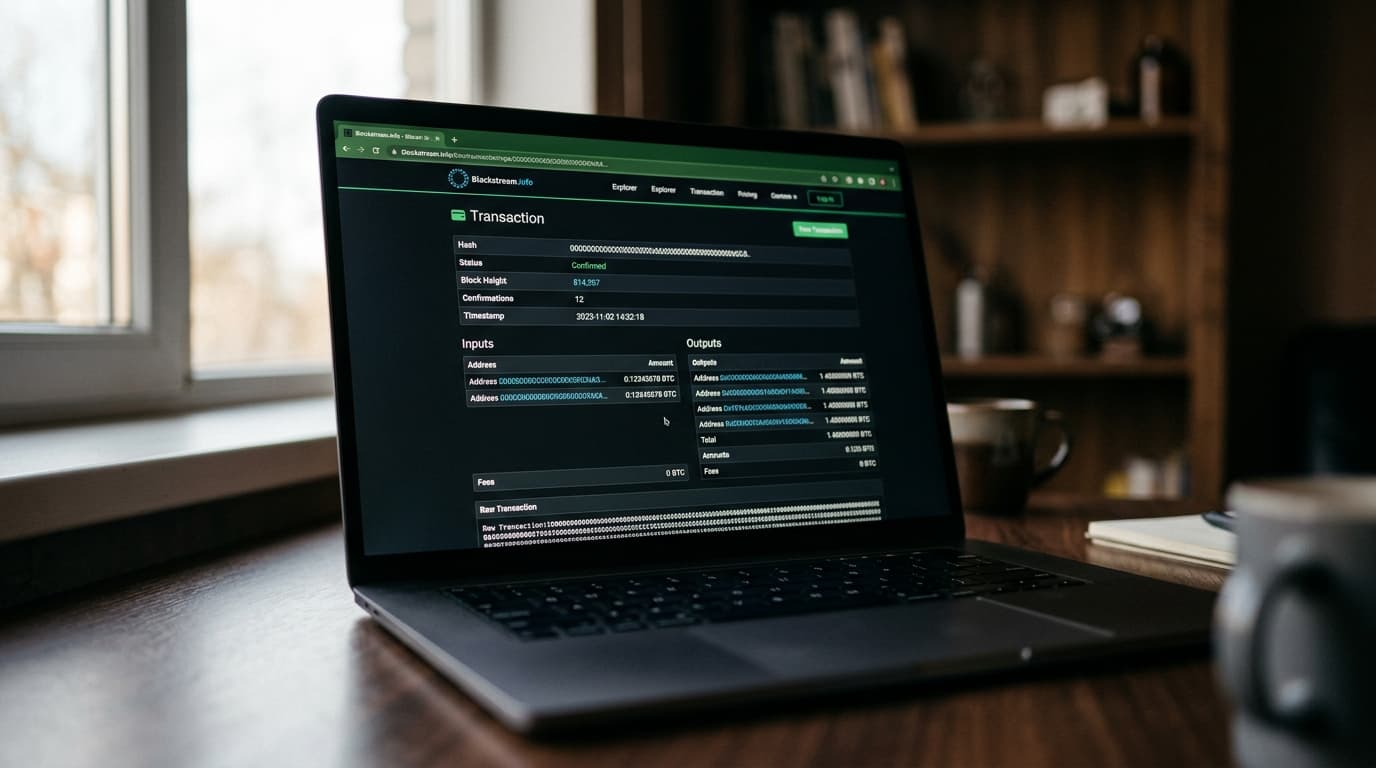
The most important field is Status. This tells you whether the transaction is confirmed or still waiting in the mempool.
If it shows "unconfirmed" with no block height, the transaction has been broadcast but not yet included in a block. Miners haven't picked it up yet. This could be because the fee is too low, or simply because blocks take time to find.
If it shows "confirmed" along with a block height and block hash, the transaction has been included in the blockchain. The confirmations count tells you how many blocks have been mined on top of the block containing your transaction.
For everyday transactions, 1 confirmation is usually sufficient. For larger amounts, waiting for 3 to 6 confirmations provides stronger assurance that the transaction won't be reversed through a chain reorganization.
Step 3: Verify the Amounts
Scroll down to the Inputs and Outputs sections. This is where you confirm that the transaction actually does what you expected.
Inputs show where the Bitcoin came from. These are previous unspent transaction outputs (UTXOs) that the sender is spending. Outputs show where the Bitcoin is going, including any change returned to the sender.
If you're the recipient, find your address in the outputs and verify the amount matches what you expected. If you're the sender, check that the recipient's address received the correct amount and that your change output went back to an address you control.
Understanding Change Outputs
Bitcoin transactions work like cash. If you have a 0.5 BTC output and want to pay someone 0.1 BTC, the transaction must spend the entire 0.5 BTC. The remaining 0.4 BTC (minus the fee) goes to a change address that your wallet controls.
This means a transaction might show multiple outputs even for a simple payment. Don't assume all outputs belong to the same owner; one is typically the payment, another is change.
Step 4: Check the Fee
The transaction detail page shows the total fee paid and the fee rate in satoshis per virtual byte (sats/vB). This matters for unconfirmed transactions because it determines how quickly miners will include it.
If your transaction is stuck unconfirmed, a low fee rate is likely the cause. You can compare your fee rate to current mempool conditions at `blockstream.info/mempool`, which shows fee rate buckets and estimated confirmation times.
Step 5: Verify UTXO Status
If you need to confirm that a particular output remains unspent (meaning the funds haven't been moved), Blockstream.info shows this as well.
On the transaction detail page, look at each output. If it shows a subsequent transaction that spent it, you'll see a link to that spending transaction. If the output is still unspent, it remains available as a UTXO.
For programmatic verification, Esplora (the open-source backend powering Blockstream.info) provides an API endpoint at `/tx/:txid/outspends` that returns the spending status of all outputs in JSON format.
The Trust Tradeoff You Should Understand
Using Blockstream.info is far better than blindly trusting your wallet or an exchange. But it's worth understanding what you're still trusting.
When you query Blockstream.info, you're trusting that their server is correctly connected to the Bitcoin network, hasn't been compromised, and isn't being spoofed through DNS or TLS attacks. For most users and most transactions, this is a reasonable tradeoff.
But if you're handling significant amounts or have elevated security concerns, consider these additional steps:
Cross-check with multiple explorers. Look up the same txid on mempool.space and Blockchair. If all three show the same status and confirmation count, you have stronger assurance.
Use the API directly. Esplora's REST API at `blockstream.info/api/` returns raw data you can parse and verify. The `/tx/:txid/status` endpoint returns a JSON object with confirmation status, block height, and block hash. The `/tx/:txid/merkle-proof` endpoint returns a compact Merkle proof that a light client can verify against a block header.
Run your own explorer. Esplora is open source. You can run it locally connected to your own Bitcoin full node, eliminating trust in any third-party server entirely. This is the gold standard for high-security use cases.
Privacy Considerations
Every time you look up a transaction or address on a public explorer, you're revealing your interest in that data to the explorer's server. This creates metadata that could link your IP address to specific Bitcoin activity.
If privacy matters to you, access Blockstream.info through Tor or a VPN. Better yet, run your own node and explorer, which leaks nothing to anyone.
When to Use This Skill
Verifying transactions on a block explorer isn't just for paranoid bitcoiners. There are practical situations where it's the right move:
- Before releasing goods or services for a Bitcoin payment, especially for larger amounts
- When your wallet shows something unexpected and you want an independent view
- When an exchange claims a deposit hasn't arrived
- When learning how Bitcoin actually works under the hood
- When someone sends you a payment receipt and you want to confirm it's real
Your wallet's transaction list is a convenience layer. The blockchain is the source of truth. Knowing how to read it directly is a fundamental skill for anyone holding or accepting Bitcoin. Blockstream.info makes that accessible without running your own infrastructure, and when you're ready to go further, the open-source tools are there to remove even that remaining trust requirement.