
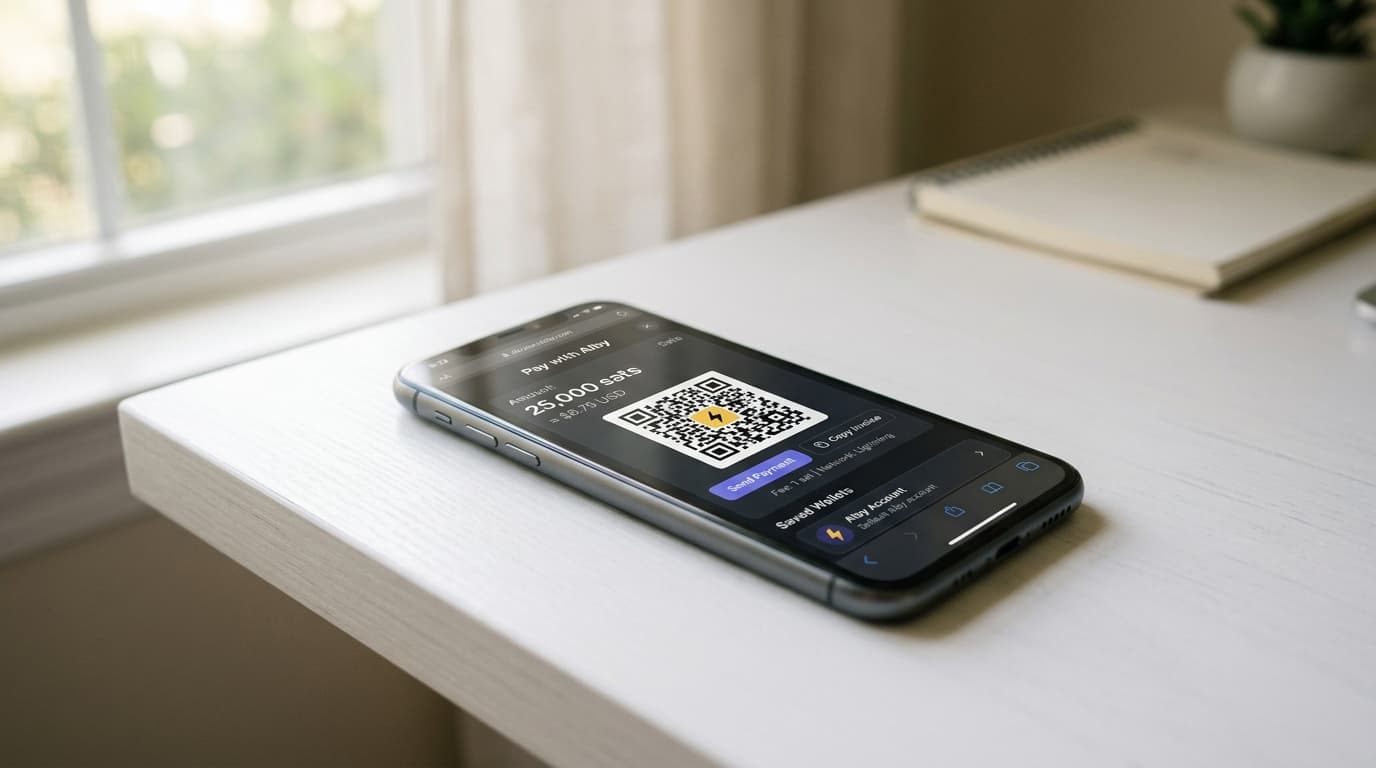
How to Enable Alby Extension Lightning Payments for Nostr and Web Apps
Step-by-step guide to setting up the Alby browser extension for Lightning payments across Nostr clients, Stacker News, and podcasting apps.
The Alby browser extension turns your web browser into a Lightning-enabled payment terminal. Instead of copying invoices, scanning QR codes, or switching between apps, you can pay for content, send zaps on Nostr, and interact with Bitcoin-native web apps in a few clicks. Here's how to set it up.
What Alby Actually Does
Alby provides a browser extension (currently version 3.13.0 as of late 2025) that implements the WebLN standard. This means any website or web app that supports WebLN can request payments from your browser, and Alby handles the Lightning Network communication behind the scenes.
For Nostr users specifically, Alby also manages your Nostr keys and connects your Lightning wallet to your Nostr identity, enabling zaps (Lightning tips) to flow seamlessly when you interact on clients like Primal, Snort, or Coracle.
Installing the Extension
The extension is available for Chrome and Firefox through their respective add-on stores. Installation is straightforward:
- Visit the Chrome Web Store or Firefox Add-ons and search for "Alby"
- Click install and confirm the permissions
- Set a passcode when prompted (this encrypts your local data)
The passcode matters. It protects your keys and wallet connection details stored in the browser, so choose something you won't forget but others can't guess.
Connecting Your Lightning Wallet
This is where you have choices that affect both convenience and custody.
Option 1: Alby Account (Custodial, Simplest)
Alby offers its own hosted wallet service. You create an account, and Alby manages the Lightning node infrastructure. This is the fastest path to sending zaps and paying invoices, but Alby holds the keys. For small amounts and experimentation, this tradeoff may be acceptable.
Option 2: Alby Hub (Self-Custodial)
Alby Hub is a self-custodial Lightning node you can run yourself or through Alby Cloud (currently $9.90/month for hosted access). You control the keys while Alby provides the interface. This offers 24/7 uptime for receiving payments without running hardware at home.
Option 3: Connect Your Own Node
If you already run an LND or Core Lightning node on Umbrel, myNode, or similar platforms, you can connect directly using:
- REST or Tor URL for your node
- Macaroon (in hex format) for authentication
- TLS certificate for secure communication
This setup routes all payments through your existing infrastructure. Zaps go directly to your node without any custodial intermediary.
To connect, open the Alby extension settings, select your node type, and paste the connection details. The guides on Alby's documentation site walk through the specifics for each node implementation.
Setting Up Nostr Integration
Nostr uses cryptographic keypairs for identity. Alby can generate these keys for you or import existing ones.
In the extension settings, navigate to Nostr and either:
- Generate a new keypair (derived from Alby's Master Key)
- Import an existing nsec (private key) from another Nostr client
Once your Nostr keys are in Alby, any Nostr client that requests signing permission can use the extension. You'll see a popup asking to approve each signing request, or you can grant persistent permission to trusted clients.
Enabling Zaps on Your Profile
To receive zaps, you need a Lightning Address associated with your Nostr profile. If you're using Alby's services, you get an address like yourname@getalby.com. Add this to your Nostr profile's lightning address field (sometimes called lud16 in technical contexts).
When others zap your posts, their clients query your Lightning Address, generate an invoice from your connected wallet, and send the payment, all without you doing anything.
Configuring Web App Payments
WebLN-enabled sites like Stacker News, Wavlake, and various podcasting platforms can request payments directly through Alby. The experience varies:
Manual Confirmation
By default, Alby shows a popup for every payment request. You review the amount and recipient, then approve or reject. This is safest but adds friction.
Site Budgets for Auto-Payments
For sites you trust, you can set spending budgets. Open the extension, go to the site's settings, and allocate a daily or total budget. Payments within that budget process automatically without confirmation popups.
This is particularly useful for:
- Stacker News, where small amounts flow frequently for upvotes
- Podcast apps implementing Podcasting 2.0, where streaming sats require many tiny transactions
- Content platforms with micropayment paywalls
Set budgets conservatively at first. You can always increase them after seeing your actual usage patterns.
Mobile Access with Alby Go
As of early 2026, Alby Go extends your setup to mobile devices through Nostr Wallet Connect (NWC). Instead of running a separate mobile wallet, Alby Go connects to your existing Alby Hub or node configuration, letting you approve payments and manage your wallet from your phone.
This doesn't replace the browser extension but complements it for situations where you're away from your computer.
What to Expect in Practice
User reports from 2026 describe the experience as largely seamless once configured. The main friction points are initial setup (especially connecting personal nodes) and occasional confusion when sites request payments from clients without proper WebLN support.
The extension has expanded significantly from its earlier versions, which focused primarily on basic LNURL and WebLN. Recent updates have added stablecoin support and improved Nostr NIP-05 verification flows.
Tradeoffs Worth Considering
Convenience comes with exposure. Having your Lightning wallet always accessible in your browser means any malicious site attempting WebLN exploitation could theoretically trigger payment requests. The confirmation popups and budgets mitigate this, but the attack surface exists.
Self-custodial setups via Alby Hub or personal nodes require more initial work but eliminate custodial risk. For meaningful amounts or long-term use, this approach makes sense. For testing and small transactions, the hosted Alby Account works fine.
The extension also concentrates your Nostr identity and Lightning wallet in one place. If your browser is compromised or your passcode stolen, both are at risk. Hardware security keys and separate key management tools offer stronger protection for serious Nostr users.
Getting Started Today
Install the extension, connect a wallet (start with Alby Account if you want speed, or take time to configure Alby Hub for self-custody), import or generate your Nostr keys, and visit a WebLN-enabled site to test payments.
The whole process takes under 15 minutes for the custodial path, or an hour or so if you're connecting existing node infrastructure. After that, Lightning payments become as routine as clicking a button.