
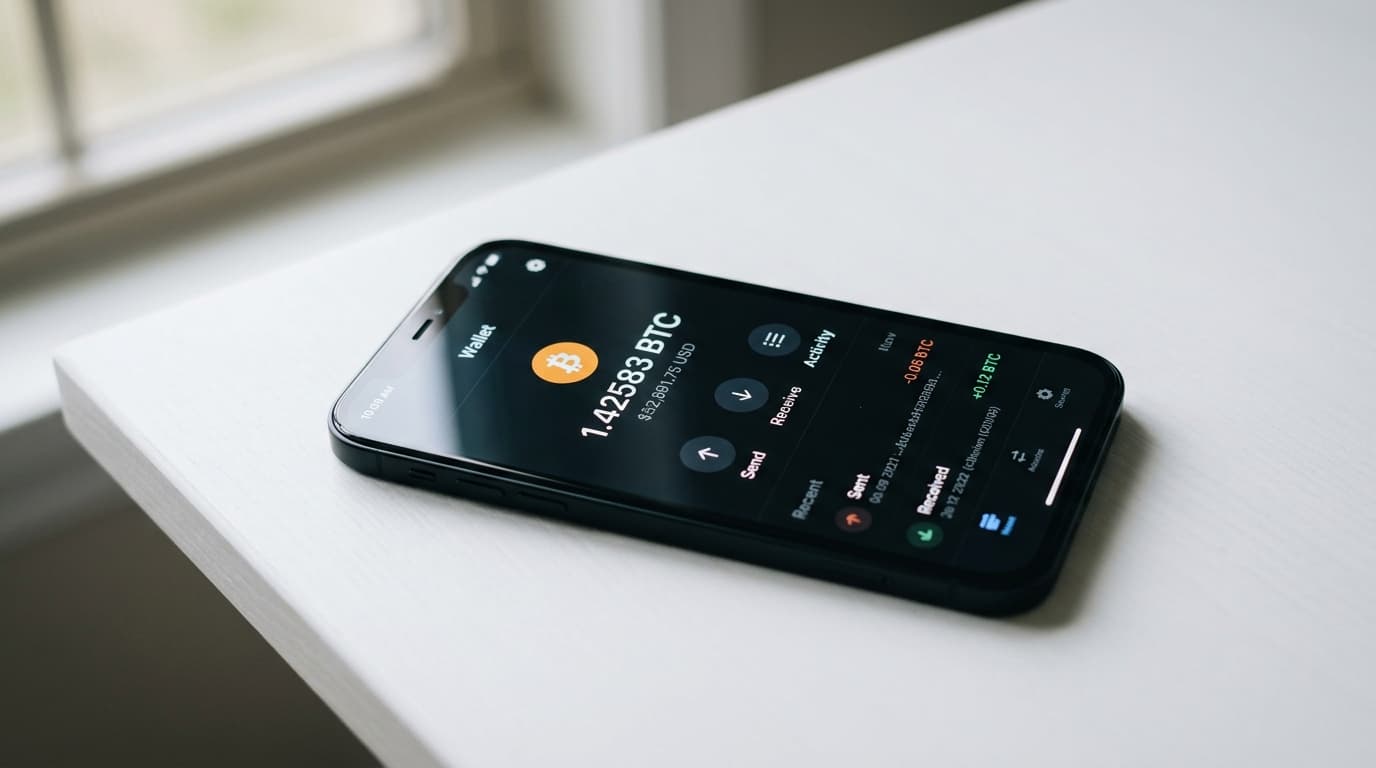
How to Build a Bitcoin Wallet App Using the Green Development Kit
Learn to build a Bitcoin wallet app with Blockstream's GDK. This tutorial covers setup, wallet creation, and multisig integration for developers.
Building a Bitcoin wallet from scratch means wrestling with cryptographic primitives, network protocols, and security considerations that could fill several textbooks. Or you could start with a library that handles the hard parts while giving you the flexibility to build something unique. That's where Blockstream's Green Development Kit comes in.
GDK is the cross-platform library powering the Blockstream Green app (now called Blockstream App), which means it's battle-tested in production. It supports singlesig wallets, multisig with two-factor authentication, hardware wallet integration with devices like Blockstream Jade, and even Liquid Network assets. Whether you're building for mobile or desktop, you get the same core logic without rewriting everything for each platform.
What GDK Actually Provides
At its core, GDK is a C/C++ library with bindings for Python, Java, and Swift. This means you can write your wallet logic once and deploy it across platforms without maintaining separate codebases for iOS, Android, and desktop.
The library handles wallet creation and recovery, transaction building and signing, address generation and management, balance tracking and notifications, and multisig coordination with optional 2FA. Steve Myers, founder of the Bitcoin Development Kit (BDK), has noted GDK's strength in cross-platform ease, calling it ideal for mobile and desktop apps where you don't want to rewrite logic repeatedly.
Setting Up Your Development Environment
Before writing any wallet code, you need to compile GDK from source. The repository provides build scripts that handle most of the complexity, but you'll need some dependencies installed first.
Installing Dependencies
GDK requires Rust 1.71.1 or later. If you're targeting Android, you'll also need the Android NDK configured. Run the dependency installer script from the repository root:
```bash
git clone https://github.com/Blockstream/gdk.git
cd gdk
./tools/builddeps.sh
```
This script installs required build tools and libraries. On non-Apple platforms, Docker builds can simplify the process significantly if you run into environment issues.
Compiling GDK
Once dependencies are in place, build the library using the provided script:
```bash
./tools/build.sh --clang
```
You can substitute `--gcc` if you prefer. The compiled output lands in `build-<target>` directories. For Python developers, add `--python-version` to generate wheel files you can install directly.
If you have `JAVA_HOME` set in your environment, the build process automatically generates Java bindings. Swift bindings are included by default for macOS and iOS targets.
Creating Your First Wallet
With GDK compiled, you can start building. The Python examples in `swig_python/contrib` provide a solid starting point for understanding the API flow. Here's the conceptual structure for creating a wallet:
Initialize the Session
Every GDK operation happens within a session context. You create a session, connect it to the Bitcoin network (mainnet or testnet), and then perform operations through that session.
The API documentation at gdk.readthedocs.io covers the specifics, but the basic flow looks like this: initialize GDK, create a session object, connect to the network, and either create a new wallet or log into an existing one.
Generate or Restore a Wallet
For new wallets, GDK generates a BIP39 mnemonic phrase. Your app needs to display this phrase to the user and ensure they've backed it up before proceeding. Never store the mnemonic unencrypted.
For returning users, you'll accept their mnemonic and restore the wallet state. GDK handles key derivation and address discovery automatically.
PIN-Based Login
Once a wallet exists, users shouldn't need to enter their mnemonic every time. GDK supports PIN-based login, encrypting the wallet credentials locally. The example code in the repository demonstrates how to set up PIN login after initial wallet creation.
Working with Addresses and Transactions
With a wallet session active, you can generate receiving addresses, check balances, and build transactions.
Generating Addresses
GDK follows BIP44/49/84 standards for address derivation. When you request a new receiving address, the library handles incrementing the derivation path and returns a properly formatted address. You'll want to track which addresses you've shared to avoid address reuse.
Building Transactions
Transaction building in GDK involves specifying recipients, amounts, and fee preferences. The library handles coin selection (choosing which UTXOs to spend), change address generation, and fee estimation.
You provide the destination address and amount, GDK returns an unsigned transaction for review. After user confirmation, you sign and broadcast through the same session.
Adding Multisig with 2FA
This is where GDK's heritage as the Green wallet backend really shines. The library supports 2-of-2 multisig setups where Blockstream holds one key and you hold the other. Transactions require both signatures, with the Blockstream signature gated behind your chosen 2FA method.
This isn't mandatory; you can build singlesig wallets with GDK. But for users who want an extra layer of security without managing their own multisig setup, it's a compelling option.
Setting Up 2FA
The API supports multiple 2FA methods, including email, SMS, and authenticator apps. Your wallet app presents these options to users during setup. Once enabled, any outgoing transaction triggers a 2FA challenge before the second signature releases.
The example Python code in the repository demonstrates 2FA handling for AMP (Liquid) assets, but the same principles apply to Bitcoin transactions.
Hardware Wallet Integration
GDK includes support for hardware wallets, particularly Blockstream's Jade device. This means your wallet app can support signing on external hardware without implementing device communication protocols yourself.
The integration handles device detection, signing requests, and confirmation flows. Your app focuses on the user interface while GDK manages the cryptographic back-and-forth.
Recent Updates and Performance
GDK continues active development. Version 0.76.3 from February 2025 included security fixes, while version 0.75.1 from April 2025 improved Liquid dust output handling and JSON error handling.
Perhaps most notably, QuickSync integration work showed a 62% reduction in sync times during December 2025 benchmarks. Faster initial sync means better user experience, especially on mobile where waiting for blockchain data can feel interminable.
Tradeoffs to Consider
GDK isn't the only option for wallet development. Bitcoin Development Kit (BDK) offers a Rust-first approach with its own set of bindings. If you're already deep in the Rust ecosystem, BDK might feel more natural.
GDK's reliance on Blockstream infrastructure for 2FA multisig features means some dependency on their servers. For pure singlesig wallets, this isn't a concern, but if you're building around the 2FA features, understand that component of the architecture.
The build process, while well-documented, does require manual dependency management. Docker helps, but it's more involved than simply importing a package. For some teams, this initial setup cost is worthwhile for the production-ready result. For others building quick prototypes, a higher-level SDK might get them running faster.
Moving Forward
The repository's example code provides working demonstrations of the concepts covered here. Start with the Python examples if you want rapid iteration, then move to Java or Swift bindings when building actual mobile apps.
GDK documentation at gdk.readthedocs.io covers API details beyond this introduction, including notification handling, fee estimation strategies, and Liquid asset management if you're venturing beyond pure Bitcoin.
Building a wallet is a significant undertaking regardless of which library you choose. GDK gives you a foundation that's already running in production, with security decisions made by a team that's been building Bitcoin infrastructure for years. What you build on top of it is up to you.