
How to Build a Multisig Recovery Setup Using Caravan After an Exchange Collapse
Learn to build and test a DIY Bitcoin multisig recovery setup using Caravan, the open-source tool for sovereign self-custody after exchange failures.
When an exchange fails, the window for recovering your Bitcoin shrinks fast. If you've already moved funds to self-custody, you're ahead of the game. But having a multisig wallet isn't enough. You need a tested recovery process that works even when services disappear.
Caravan solves this problem by giving you a stateless, open-source tool to build and recover multisig wallets without relying on any third party. It runs entirely in your browser, requires no account, and stores nothing on external servers. Your wallet exists in a JSON config file that you control.
Here's how to build a multisig recovery setup from scratch, and how to verify it actually works before you need it.
Why Multisig Matters After Exchange Failures
Single-signature wallets have one vulnerability: lose that key, and your Bitcoin is gone. Multisig eliminates this single point of failure by requiring multiple keys to authorize transactions.
A 2-of-3 setup, for example, means you need any two of three hardware wallets to move funds. You can lose one device entirely and still recover your Bitcoin. This redundancy becomes critical when centralized services collapse and you can't rely on customer support, recovery tools, or coordination software that might vanish overnight.
Caravan fills the gap by providing coordination software you can run independently. As long as you have your config file and enough hardware signers, you can rebuild your wallet setup and move funds whenever you need to.
Step 1: Gather Your Hardware Wallets
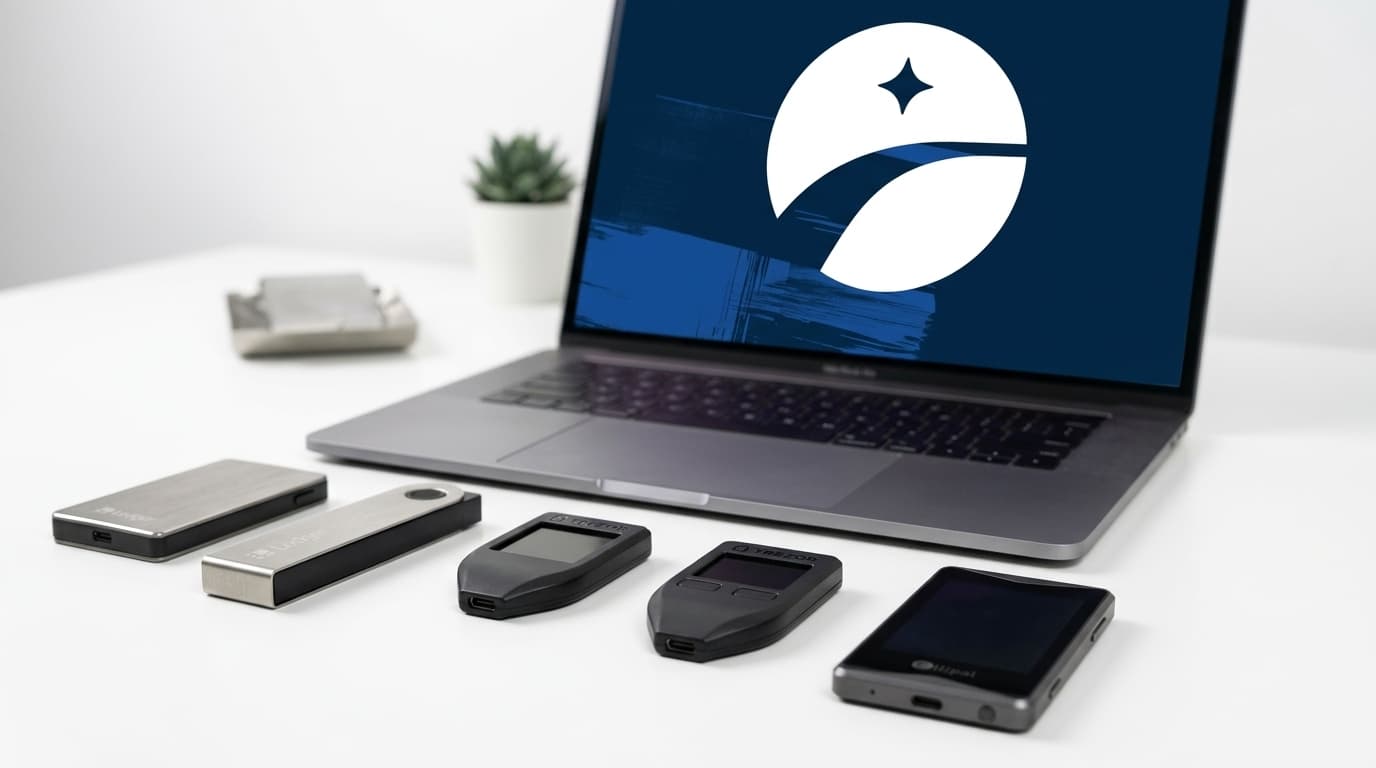
You'll need at least two hardware wallets for a basic multisig setup. Caravan works with popular devices including Trezor, Ledger, and Coldcard.
For a 2-of-3 configuration, you'll need three devices total. The beauty of this setup is that you can distribute keys across different locations, so a single theft or disaster doesn't compromise your funds.
Connect each device to your computer and ensure they're initialized with unique seed phrases. Never reuse seeds between wallets in the same multisig quorum.
Step 2: Create Your Multisig Wallet in Caravan
Visit caravanmultisig.com in a modern browser like Chrome or Brave. Select "Wallet" to begin building your setup.
Choose your quorum. For most individuals, 2-of-3 strikes a good balance between security and recoverability. Caravan supports configurations up to 7 keys if you need something more elaborate.
For each key slot, import the extended public key (xpub) from your hardware wallet. Caravan will prompt you to connect each device and extract the necessary data. You're not exposing private keys here; the xpub lets Caravan generate addresses and coordinate transactions without ever having spending authority.
Select your address type. Caravan supports P2SH, P2WSH (native SegWit), and P2TR (Taproot) formats. SegWit addresses generally offer lower transaction fees and are widely compatible.
Step 3: Download and Secure Your Config File
Once you've imported all xpubs, Caravan generates a JSON config file. This file contains everything needed to reconstruct your wallet: the xpubs, derivation paths, quorum requirements, and address format.
Download this file immediately. Without it, recovery becomes significantly harder. You'd need to manually gather xpubs from each device and recreate the exact wallet parameters.
Store copies in multiple secure locations. Consider encrypted USB drives, safety deposit boxes, or secure cloud storage with strong encryption. The config file doesn't contain private keys, but it does reveal your wallet structure and addresses, so treat it as sensitive information.
Step 4: Generate and Verify Addresses
With your config loaded, Caravan can generate receive addresses. Send a small test amount first to verify everything works correctly.
Caravan can connect to public block explorers like mempool.space to check balances, or you can configure it to use your own Bitcoin node for maximum privacy. If you're serious about sovereign self-custody, running your own node eliminates reliance on third-party services entirely.
Verify that your hardware wallets display the same addresses that Caravan generates. This confirms the wallet was constructed correctly and that all devices are working from the same configuration.
Step 5: Test Your Recovery Process
This step separates theoretical security from actual security. Before you trust a multisig setup with significant funds, prove you can spend from it.
Create a transaction in Caravan sending your test amount to a new address you control. For a 2-of-3 setup, connect two of your three hardware wallets.
Caravan will generate a partially signed Bitcoin transaction (PSBT). Sign with the first device, verifying the transaction details on its screen. Then sign with the second device. Once you have enough signatures to meet your quorum, broadcast the transaction.
If this works, your recovery process is proven. If something fails, you've discovered it with a small test amount rather than your life savings.
Simulating Key Loss
Go further by testing recovery with different signer combinations. In a 2-of-3 setup, you should be able to spend using keys 1+2, keys 1+3, or keys 2+3.
Verify each combination works. This confirms that losing any single device won't lock you out. Recent guides on multisig best practices emphasize these "recovery drills" as essential maintenance, not optional paranoia.
Maintaining Your Setup
Quarterly key checks are a reasonable baseline. Connect each hardware device, load your config into Caravan, and verify that addresses still generate correctly and that devices still sign as expected.
If you rotate keys (replacing a compromised or aging device), update your config file and test the new setup thoroughly before migrating funds.
The GitHub repository for Caravan moved to github.com/caravan-bitcoin/caravan after the original Unchained repo was archived in April 2024. The tool remains actively maintained as of 2026, with ongoing development ensuring compatibility with current hardware wallets and Bitcoin protocol updates.
Limitations to Consider
Caravan is a coordination tool, not a complete wallet solution. It doesn't manage your keys or automate backups. You're responsible for securing hardware devices, seed phrases, and config files independently.
The browser-based interface is convenient but requires a working computer and internet connection (or local node). In a true emergency, you might need to rebuild your setup on a fresh machine, which is another reason to keep your config file accessible.
For users uncomfortable with this level of responsibility, collaborative custody services offer a middle ground. But for those who prioritize sovereign control, especially after watching exchanges fail, Caravan provides exactly what's needed: a tool that works on your terms, with no dependencies on anyone else's infrastructure.
Moving Forward
Exchange collapses will continue to happen. The question isn't whether to prepare for self-custody recovery, but how thoroughly.
A multisig setup built and tested with Caravan gives you verifiable insurance. The config file is your recovery key. The hardware wallets are your signing authority. And the software is open-source, auditable, and designed to work without trusting anyone.
Download Caravan, build your setup, test your recovery, and you'll have something no exchange can take from you: genuine control over your Bitcoin.