
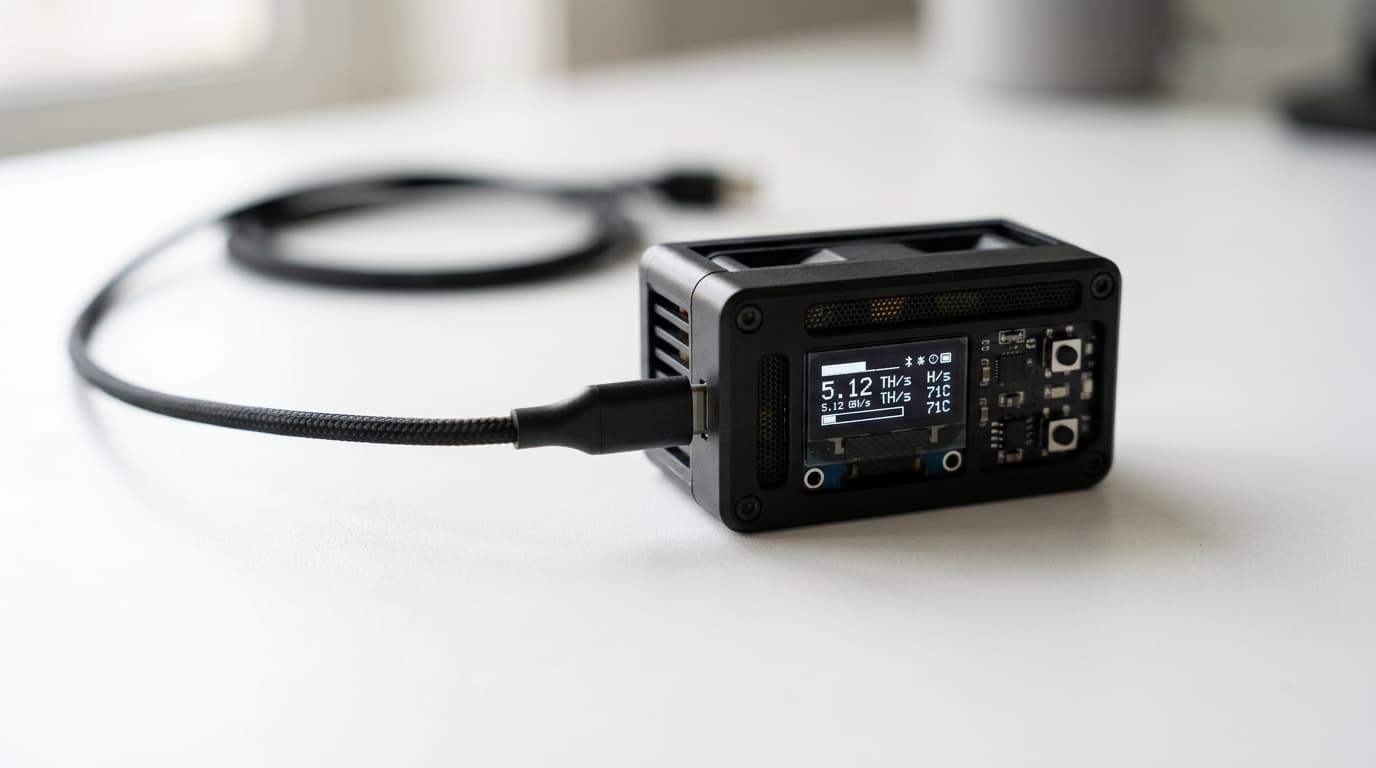
How to Set Up Bitcoin Mining with Altair Tech NerdMiner V2
Step-by-step guide to setting up the NerdMiner V2 for solo Bitcoin lottery mining. Learn WiFi configuration, pool connection, and what to expect.
The NerdMiner V2 won't make you rich. At roughly 55-78 KH/s, your odds of solo-mining a Bitcoin block are astronomically low compared to the network's petahash-scale total hashrate. But that's not really the point.
This tiny ESP32-S3-based device, drawing just 1 watt of power, offers something different: a hands-on way to understand how Bitcoin mining actually works, a conversation-starting desk ornament, and yes, a lottery ticket that could theoretically win you 3.125 BTC (the current block reward after the 2024 halving).
Here's how to get yours running in about ten minutes.
What You'll Need
Before unboxing, gather these essentials:
- NerdMiner V2 device (available from Altair Tech with fast US shipping)
- USB-C cable and power source (any phone charger works)
- Your home WiFi network name and password
- A Bitcoin wallet address (SegWit addresses starting with "bc1q" recommended)
That's it. No special software installation, no command line work, no mining pool accounts to create.
Step 1: Power Up and Connect to the NerdMiner
Plug the USB-C cable into your NerdMiner and connect it to any USB power source. The device boots up within seconds, and you'll see the small display come alive.
On first boot, the NerdMiner creates its own WiFi hotspot. Grab your phone or laptop and look for a network called NerdMinerAP. The password is MineYourCoins.
Once connected, open a web browser and navigate to 192.168.4.1. This loads the NerdMiner's configuration interface, a simple web page where you'll enter all your settings.
Step 2: Configure Your WiFi and Bitcoin Address
The configuration page presents a few fields:
WiFi Settings: Enter your home network's SSID (the network name) and password. Double-check for typos here; WiFi connection issues are the most common setup snag users report.
Bitcoin Address: Paste your receiving address. Use a SegWit address starting with "bc1q" for lower transaction fees if you ever do win. This address is where any block reward would be sent, so verify it carefully.
Pool Settings: The default pool is public-pool.io, which is specifically designed for low-hashrate solo miners like the NerdMiner. Solo CKPool is another option. These pools accept shares from devices that traditional mining pools would reject (most pools require at least 1 TH/s).
Hit save, and the device will reboot automatically.
Step 3: Verify Your Miner is Working
After reboot, your NerdMiner should connect to your home WiFi and start mining. Look for two indicators on the display:
- A WiFi icon confirms network connection
- A pickaxe icon shows active mining
You can also visit public-pool.io and search for your Bitcoin address to see your miner's activity. The stats won't be impressive in absolute terms, but watching real hashes get submitted to the Bitcoin network has a certain magic to it.
If Something Goes Wrong
A few common issues and fixes:
Can't connect to NerdMinerAP: Make sure the device is freshly powered on. Some phones auto-reconnect to known networks; you may need to manually select the NerdMiner hotspot.
WiFi keeps disconnecting: Some users report issues with 5GHz networks. Try connecting to a 2.4GHz network if available, or move the device closer to your router.
Need to start over: Hold the top-right button for 5 seconds to reset all configurations and reboot into setup mode.
Firmware updates: The NerdMiner runs open-source firmware maintained at GitHub (BitMaker-hub/NerdMiner_v2). Updates occasionally improve hashrate or fix bugs. Altair Tech offers consulting support if you need help with the update process.
Setting Realistic Expectations
Let's be direct about what you're getting into. The NerdMiner's 55-78 KH/s hashrate is roughly one hundred billion times weaker than the combined Bitcoin network. Your odds of finding a block are comparable to winning a major lottery, except you can play continuously for just pennies in electricity.
Some people run NerdMiners for years without winning anything. A handful have beaten the odds. Neither outcome should surprise you.
The real value proposition is educational and philosophical. You learn how mining pools work, how Bitcoin addresses receive payments, and how the network processes transactions. You also contribute, in a tiny way, to network decentralization by running an independent node that isn't part of a massive mining conglomerate.
Beyond the NerdMiner
If lottery mining sparks deeper interest, Altair Tech offers a range of options for different goals. Space heater miners let you offset heating costs while stacking sats. More serious hardware like the Bitdeer Sealminer A2 targets actual profitability for those willing to invest more capital and manage electricity costs.
But for understanding how Bitcoin works at a fundamental level, the NerdMiner V2 hits a sweet spot: low cost, negligible power draw, and real participation in the network. It's the difference between reading about mining and actually doing it.
Plug it in, configure your address, and let it run. The odds are against you, but someone has to find the next block. Why not you?