
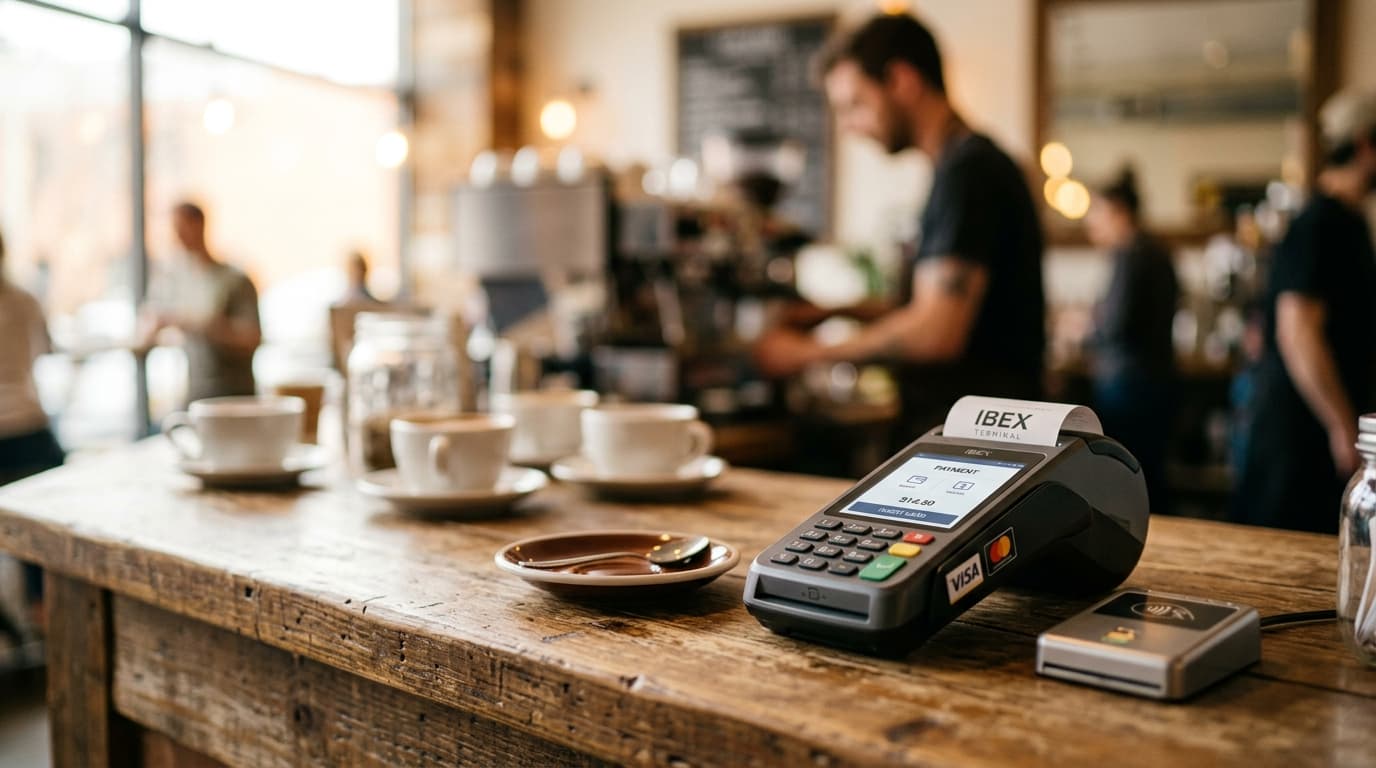
How to Accept Lightning Payments at Your Coffee Shop Using IBEX Terminal
Step-by-step guide to setting up IBEX Terminal for Lightning payments at your coffee shop, from device setup to training staff on the payment flow.
Compass Coffee in Washington, D.C. made history in October 2025 when it became the first retail location to successfully process Bitcoin payments via Square's Lightning integration, testing ten different customer wallets during checkout. That moment marked a turning point: Lightning payments had graduated from Bitcoin conferences to neighborhood coffee counters.
If you're running a coffee shop and want to tap into this payment option, IBEX offers one of the most straightforward paths to accepting Lightning payments without dedicated hardware or complex technical setup. Here's how to get it running.
Why Lightning Makes Sense for Coffee Shops
Before diving into setup, it's worth understanding why Lightning specifically suits high-volume, low-ticket environments like coffee shops.
Traditional credit card processing typically costs merchants 2.5% to 3% per transaction, plus per-swipe fees that hit harder on small purchases. A $5 latte might cost you 20-25 cents in processing fees. Steak 'n Shake reported approximately 50% fee reductions after deploying Lightning across all U.S. locations in mid-May 2025, and attributed 10.7% same-store sales growth in Q2 2025 partly to the new payment option.
Lightning transactions also settle in seconds, faster than Visa or Mastercard. For a morning rush where every second matters, that speed translates to shorter lines.
What You'll Need
IBEX Terminal runs as a browser-based application, which means your hardware requirements are minimal:
- An iOS or Android tablet or phone (tablets work better for customer-facing displays)
- Stable WiFi or cellular connection
- An IBEX merchant account
No proprietary hardware to buy or lease. The same iPad you might already use for other point-of-sale functions works fine.
Setting Up Your IBEX Account
Start by creating a merchant account through IBEX's website. During onboarding, you'll make a decision that affects your cash flow: how you want to receive settlement.
IBEX offers flexibility here. You can choose to receive payments entirely in Bitcoin, entirely in dollars, or a mix of both. Settlement to on-chain Bitcoin addresses typically happens within 24 hours, or you can opt for conversion to fiat currency deposited to your bank account.
For coffee shop owners testing the waters, starting with 100% fiat conversion removes Bitcoin price volatility from the equation. You accept Lightning, your customers pay in Bitcoin, and you receive dollars. As you grow more comfortable, you might shift that ratio.
If you operate multiple locations or have different registers, IBEX allows you to assign specific wallet addresses, currencies, and terminals to different branches. A single dashboard manages everything.
Installing the Terminal on Your Device
The IBEX Terminal runs in a web browser, so there's no app store download required. You'll receive login credentials after account setup, and staff access the terminal through a dedicated URL.
For the best experience:
- Bookmark the terminal URL on your device's home screen for one-tap access
- Keep the device plugged in at the register (screen brightness for QR codes drains batteries)
- Test your WiFi connection at the register location; dead spots cause failed transactions
- Consider a tablet stand that angles the screen toward customers for easy QR scanning
The Payment Flow Your Staff Will Use
The actual transaction process is simple enough that training takes minutes rather than hours.
When a customer wants to pay with Bitcoin:
- The barista enters the order total in dollars
- IBEX generates a Lightning QR code displaying the Bitcoin equivalent
- The customer scans the code with their Lightning wallet
- The customer confirms the payment in their wallet
- The screen shows payment confirmation, typically within 2-3 seconds
- The transaction is done
That's it. No signatures, no chip insertion, no "processing" delays.
Training Staff Without Overwhelming Them
Most baristas don't need to understand how Lightning Network routing works. They need to know which button to press and what a successful payment looks like.
Keep training focused on the practical:
- How to access the terminal: Show them the bookmark or shortcut
- Entering amounts: Demonstrate the keypad interface
- Recognizing success: The confirmation screen should be unmistakable; make sure they know what it looks like
- Handling failures: If a payment doesn't confirm within 30 seconds, something went wrong on the customer's end; have staff offer to try again or suggest an alternative payment method
Create a simple one-page reference card for the register area. Most staff will internalize the process after handling three or four transactions.
Your First Customer Transactions
Expect some friction during the first few Bitcoin payments, but not from your system.
The bottleneck is usually the customer fumbling with their wallet app. Some customers use Lightning regularly and will scan and pay in under five seconds. Others might be trying it for the first time and need a moment to find their wallet's scan function.
A few tips for smooth early transactions:
- Have patience built into expectations: Tell staff that the first few Bitcoin customers might take an extra 15 seconds while they navigate their wallets
- Keep the QR code visible: Don't rush to clear the screen; customers sometimes need a second scan
- Know the basics of popular wallets: If a customer asks "how do I pay with this?", being able to say "tap the scan button at the bottom" for common wallets like Blink helps
Handling Edge Cases
What if a customer's payment fails partway through? Lightning payments are atomic, meaning they either complete fully or don't happen at all. There's no state where you received half a payment. If the confirmation screen doesn't appear, no money moved.
What if your internet drops mid-transaction? The payment won't complete. Wait for connectivity to restore and generate a new QR code.
What about refunds? IBEX handles refunds through the merchant dashboard rather than at the terminal. You'll need the transaction details to process a return.
Tracking and Reconciliation
IBEX provides reporting through its merchant dashboard. You can view transaction history, daily totals, and settlement status.
For coffee shops already using other point-of-sale systems, you'll likely run IBEX alongside your existing setup rather than replacing it entirely. This means manual reconciliation at end of day, adding Lightning totals to your other payment method receipts.
Some merchants create a simple end-of-day checklist: check IBEX dashboard, note Bitcoin payment total, add to daily deposit records.
What This Costs You
IBEX's fee structure varies based on your setup and volume. The processing fees are generally lower than credit card rates, though exact percentages depend on your merchant agreement.
The zero-hardware requirement means no upfront equipment costs. You're essentially adding a payment method using devices you already own.
Is This Right for Your Shop?
Lightning payments won't replace credit cards at your coffee shop, at least not yet. But they add an option that a growing segment of customers actively seeks out.
Las Vegas cafes reported increased sales from crypto-using tech tourists in early 2026, particularly around conferences and industry events. If your shop is near tech offices, coworking spaces, or in a city with active Bitcoin meetups, you're more likely to see regular Lightning users.
The setup cost is low enough that experimentation makes sense. You're not committing to expensive hardware or long-term contracts. If Bitcoin customers don't materialize, you've lost little. If they do, you've captured revenue your competitors are missing.
Square's zero-fee Bitcoin payment program, which reached approximately 4 million merchants by end of July 2025, is scheduled to begin charging 1% fees starting in 2027. That timeline gives coffee shop owners a window to test Lightning acceptance while major payment processors are still subsidizing adoption.
For shops ready to try, IBEX Terminal offers a practical starting point: browser-based, device-agnostic, and simple enough that your morning barista can handle it after a five-minute walkthrough.