
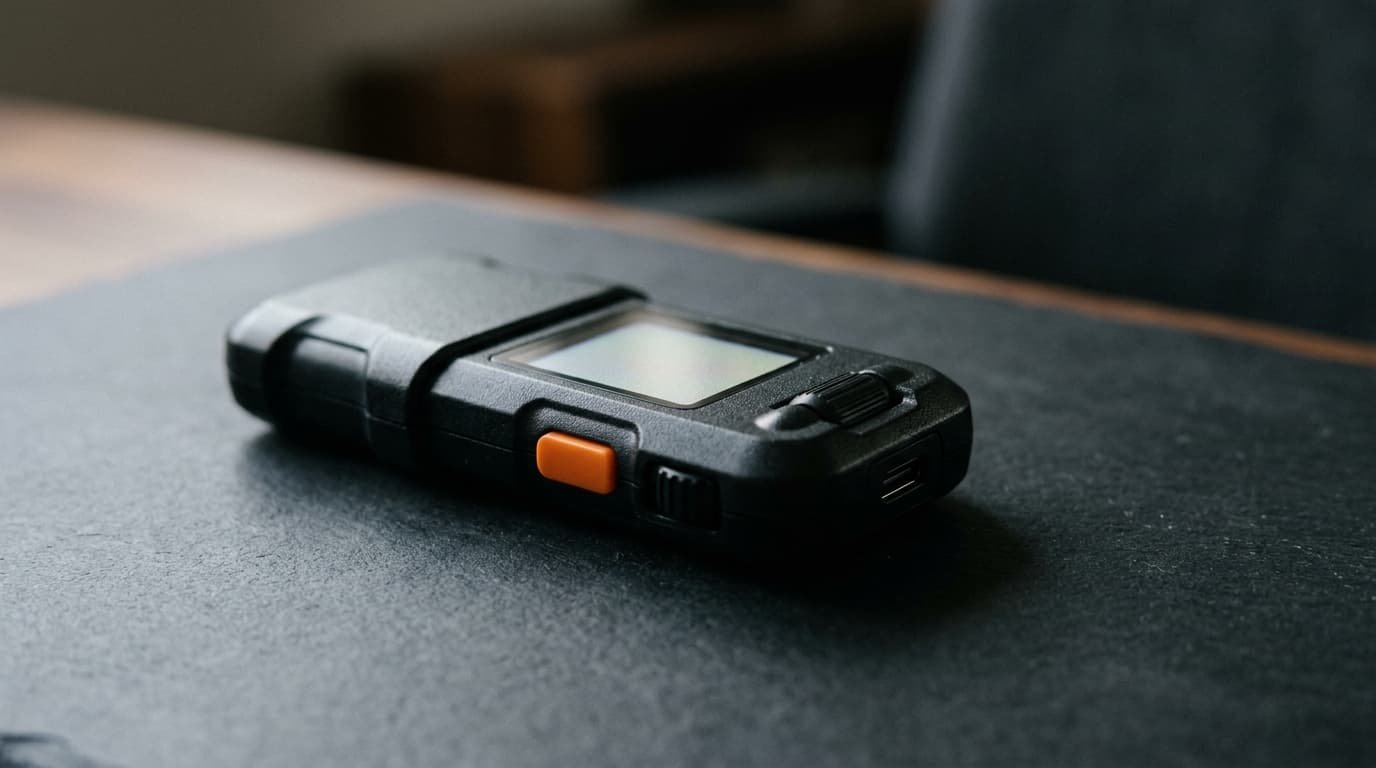
How to Sign Bitcoin Transactions Offline with Blockstream Jade Plus and Sparrow Wallet
Step-by-step guide to signing Bitcoin transactions offline using Jade Plus QR codes and Sparrow Wallet's watch-only setup.
Your Bitcoin signing keys never need to touch the internet. That's the core promise of air-gapped hardware wallets, and the Blockstream Jade Plus paired with Sparrow Wallet delivers on it through an elegant QR-code workflow that keeps your private keys physically isolated from any network connection.
This guide walks through setting up a fully air-gapped signing workflow: exporting your Jade Plus public key to Sparrow, creating unsigned transactions on your computer, scanning them to the Jade for offline signing, and broadcasting the signed result without your hardware wallet ever connecting to anything.
Why Air-Gapped Signing Matters
Traditional hardware wallet setups connect the device to your computer via USB or Bluetooth. While these connections are generally secure, they still represent potential attack surfaces. Malware on your computer could theoretically attempt to exploit the communication channel, firmware vulnerabilities, or driver bugs.
Air-gapped signing eliminates this entire category of risk. The Jade Plus built-in camera scans transaction data displayed as QR codes on your computer screen, and the signed transaction comes back the same way. The device never establishes any electronic connection to your computer or the internet. What you see on screen is the only data that transfers.
Sparrow Wallet's documentation frames QR transfer as preferable to SD card shuttling specifically because the data channel is transparent and limited to what's visually displayed. You can inspect exactly what's being transmitted at each step.
What You'll Need
Before starting, gather:
- Jade Plus hardware wallet with firmware updated and your seed phrase already configured
- Sparrow Wallet installed on your computer (current release is version 2.5.3, signed July 29, 2026)
- A webcam on your computer for scanning QR codes from the Jade
- Your Jade Plus PIN ready to unlock the device
One important limitation: QR signing on Jade Plus supports Bitcoin transactions only. If you're working with Liquid Network assets, you'll need to use USB or Bluetooth with the Blockstream Green app instead.
Step 1: Export Your Jade Plus Public Key
The first step creates a watch-only wallet in Sparrow that can generate receiving addresses and build transactions, but cannot sign anything without the Jade.
On your Jade Plus, navigate to the option to display your extended public key (xpub) as a QR code. The device will show an animated QR code containing your wallet's public key information.
In Sparrow Wallet, create a new wallet and select the option to import from an air-gapped hardware wallet. Use your computer's webcam to scan the animated QR code from the Jade's screen.
Sparrow will import the xpub and set up a watch-only wallet. The default account type is Native Segwit, which works for most users. However, if you originally created your wallet in a different application with a different script type or account index, you'll need to match those settings in Sparrow to see your existing funds and addresses.
Step 2: Create a Transaction in Sparrow
With your watch-only wallet set up, you can receive Bitcoin normally. Sparrow generates addresses derived from your Jade's xpub, and incoming transactions will appear in your balance.
When you're ready to send, create the transaction in Sparrow as you would with any wallet. Enter the recipient address, amount, and fee rate. Sparrow will construct the transaction details.
Here's where air-gapped signing diverges from a connected setup: instead of sending the transaction directly to your hardware wallet over USB, you'll click Finalize Transaction for Signing. Sparrow creates a Partially Signed Bitcoin Transaction (PSBT), which contains all the transaction data but lacks the cryptographic signatures that authorize spending.
Sparrow will display this unsigned PSBT as an animated QR code on your screen.
Step 3: Scan and Sign on Jade Plus
Pick up your Jade Plus, which remains disconnected from your computer. Navigate to the QR signing function and use the device's built-in camera to scan the animated QR code displayed in Sparrow.
The Jade Plus will decode the PSBT and display the transaction details on its secure screen. This is your verification step. Carefully confirm:
- The recipient address matches exactly what you intended
- The amount is correct
- The fee looks reasonable
This on-device verification happens in a completely isolated environment. Even if your computer were compromised, the Jade shows you the actual transaction it's about to sign, not what malware might be displaying on your monitor.
Once you've verified everything, confirm the signing on the Jade. The device will cryptographically sign the transaction using your private keys, which never leave the hardware wallet.
Step 4: Return the Signed Transaction to Sparrow
After signing, the Jade Plus displays the completed transaction as another animated QR code on its screen. Point your computer's webcam at the Jade and let Sparrow scan this signed transaction.
Sparrow will import the fully signed transaction and show you a final confirmation screen. You can inspect the raw transaction data if you want to verify everything before broadcasting.
Click Broadcast Transaction to send it to the Bitcoin network. Sparrow handles the network communication; your Jade Plus remains completely offline throughout.
Matching Wallet Metadata
One operational detail worth noting: Blockstream's documentation warns that the wallet app scanning the signed transaction should be the same one that created the unsigned PSBT. If you try to finalize a transaction in a different wallet application, you may encounter errors like "could not finalize input" because the wallet metadata doesn't match.
Stick with Sparrow for the complete workflow, from PSBT creation through broadcast, and you'll avoid this issue.
Alternative Air-Gapped Method: USB Storage via JadeLink
QR codes aren't the only air-gapped option. Jade Plus also supports signing via USB storage, which Blockstream calls JadeLink.
In this workflow, you export the unsigned PSBT as a file, transfer it to the Jade via USB storage, sign on the device by navigating to Options → USB Storage → Sign, and then save the signed transaction back to USB storage for broadcast.
This method works well when you're dealing with complex transactions that generate very large QR codes, or if your computer lacks a webcam. The tradeoff is that USB storage is a slightly less transparent data channel than QR codes displayed on screen.
Security Considerations
Air-gapped signing significantly reduces your attack surface, but it's not magic. A few things to keep in mind:
Verify addresses on the device screen. The entire point of the Jade's secure display is showing you what you're actually signing. Don't rush through this step.
Keep your seed phrase backup secure. Air-gapped signing protects your keys during transaction signing, but your seed phrase backup remains the ultimate vulnerability if someone accesses it.
Update firmware carefully. When updating Jade Plus firmware, you'll temporarily need to connect it. Plan these updates thoughtfully and verify firmware authenticity through Blockstream's official channels.
Consider multisig for larger holdings. Air-gapped signing on a single device is strong security, but multisig setups requiring multiple devices to sign add another layer of protection. Sparrow supports building multisig wallets with multiple Jade devices or mixing different hardware wallet brands.
Wrapping Up
The Jade Plus and Sparrow combination offers a genuinely air-gapped Bitcoin signing workflow accessible to regular users, not just security researchers. The QR code transport keeps everything visible and verifiable while maintaining strict separation between your signing keys and any network connection.
For hodlers building long-term cold storage, this workflow hits a practical sweet spot: robust security without requiring technical expertise beyond following a checklist. The watch-only wallet in Sparrow lets you monitor balances and prepare transactions on a convenient computer interface, while the actual signing happens in the isolated environment of the Jade Plus.
Whether you're setting up your first hardware wallet or hardening an existing setup, air-gapped QR signing deserves serious consideration as the most transparent way to authorize Bitcoin transactions.