
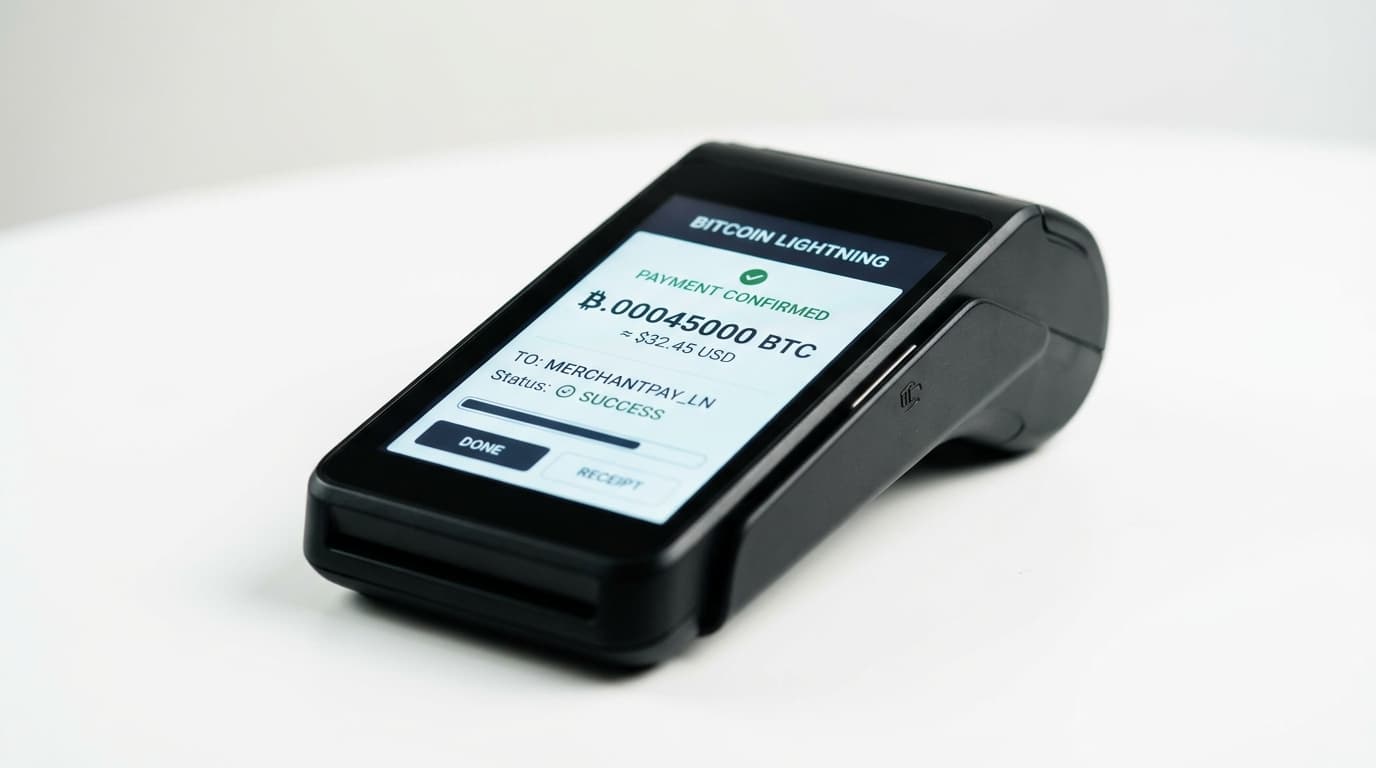
How to Set Up Lightning Payments with Voltage BTCPay Integration
Step-by-step guide to connecting Voltage's managed Lightning node with BTCPay Server for instant Bitcoin payments without infrastructure headaches.
BTC Inc. processed over 5,600 in-person Bitcoin transactions and more than $1 million in payouts using a Voltage and BTCPay Server stack before scaling it across their entire Bitcoin Summit 2026 infrastructure. That April deployment marked the first time a major conference ran ticketing, point-of-sale terminals, and e-commerce through a single unified Lightning payment architecture.
The setup isn't reserved for conference operators with dedicated engineering teams. Voltage has streamlined the connection process to the point where copying a single string from one dashboard to another gets you most of the way there.
Here's how to make it work.
Understanding Your Options
Before touching any dashboard, you need to decide on your deployment architecture. BTCPay Server supports three approaches to Lightning payments, each with distinct tradeoffs.
Full Lightning Node: Running your own node through Voltage gives you complete control over channels, routing, and liquidity. This is the self-sovereign approach. Voltage handles the infrastructure (uptime, backups, monitoring), while you manage the node operations. Expect around $30 per month for a full Lightning node plus approximately $8 per month for BTCPay Server.
Custodial Wallet Integration: If you don't want to manage channels or liquidity, BTCPay Server integrates with services like Strike, Blink, and Boltz. Strike offers automatic fiat conversion, Blink provides stablecoin options, and Boltz uses trustless atomic swaps. You're trusting a third party to some degree, but you eliminate liquidity management entirely.
Hybrid Approaches: Some merchants start custodial and migrate to a full node once transaction volume justifies the operational overhead. BTCPay Server's modular design supports this progression.
For merchants serious about payment processing, the full node approach through Voltage makes the most sense. You get enterprise reliability without building an in-house node operations team.
Step 1: Create Your Voltage Account and Deploy Infrastructure
Sign up at Voltage Cloud and navigate to the dashboard. You'll deploy two components: a Lightning node and a BTCPay Server instance.
Start with the Lightning node. Voltage supports LND (Lightning Network Daemon), which is the most widely deployed implementation. During setup, you'll choose between mainnet (real money) and testnet/signet (for testing). If you're experimenting, use testnet first. Production deployments obviously go on mainnet.
Once your Lightning node is running, deploy a BTCPay Server instance from the same dashboard. Voltage's architecture automatically handles the synchronization between components, which eliminates the manual configuration that makes self-hosted setups tedious.
Step 2: Connect Your Lightning Node to BTCPay Server
This is where Voltage's managed approach pays off. In your Voltage dashboard, locate your Lightning node and find the BTCPay connection string. It's a single line of text containing your node's credentials and endpoint information.
Copy that string.
In your BTCPay Server admin panel, navigate to Store Settings, then Lightning. Select "Use custom node" and paste the connection string. BTCPay Server validates the connection automatically. If everything's configured correctly (and with Voltage's integrated deployment, it typically is), you'll see a confirmation that your node is connected and synced.
The entire process takes about five minutes. Compare that to self-hosting, where you'd be configuring TLS certificates, managing firewall rules, and debugging connection timeouts.
Step 3: Manage Inbound Liquidity
Here's where most merchants hit friction. Lightning channels are directional. To receive payments, you need inbound liquidity, which means channel capacity on the remote side pointing toward your node.
A brand new node has zero inbound capacity. You can open channels to other nodes (giving you outbound capacity), but until someone opens a channel to you or you actively manage liquidity, you can't receive payments.
Several solutions exist:
Paid Inbound Services: LNBIG and Lightning Network+ provide inbound capacity for a fee. You're essentially paying for someone to lock up their Bitcoin in a channel pointed at you.
Submarine Swaps: Services like Boltz let you convert on-chain Bitcoin to Lightning (or vice versa) through atomic swaps. This moves capacity around without trusting a third party with your funds.
Loop Out: If you have outbound capacity but need inbound, Loop services let you "push" sats out of your channel on-chain while receiving equivalent inbound capacity.
Voltage's BTCPay deployment includes Ride The Lightning (RTL), a web-based interface for channel and liquidity management. For command-line operations, you can access lncli directly. Mobile management is possible through the Zeus app.
Expect to spend time here. Liquidity management is the operational reality of running a Lightning node, and there's no way around it if you want self-sovereign payments.
Step 4: Configure Your Store and Test
With your node connected and some inbound liquidity established, configure your BTCPay store settings. Set your default payment method to Lightning (or offer both on-chain and Lightning options). Configure invoice expiration times, payment confirmations, and notification webhooks.
Before going live, test the full payment flow. Generate an invoice, pay it from a separate wallet, and verify the payment appears in your BTCPay dashboard. Check that your liquidity held up and examine the routing path if you're curious about how the payment found your node.
What This Gets You
Lightning payments through Voltage-hosted BTCPay achieve near-instant settlement with sub-cent fees. That's a meaningful improvement over on-chain Bitcoin's variable fees and confirmation times, and it's dramatically better than traditional payment processors taking 2-3% plus chargebacks.
The BTC Inc. deployment at Bitcoin Summit 2026 demonstrated this at scale, processing real-time payments across multiple channels (ticketing through TicketSocket, point-of-sale, and e-commerce) using exactly this architecture.
Costs and Tradeoffs
Voltage pricing starts at roughly $8 per month for BTCPay Server and around $30 per month for a full Lightning node. The Personal plan at $25 per month works for developers and smaller operations testing payment flows before committing to production infrastructure.
The tradeoff is clear: you're paying Voltage for infrastructure management instead of handling it yourself. For businesses that need Lightning capabilities but aren't ready to hire a dedicated node operator, this is a sensible middle ground between fully custodial solutions and complete self-hosting.
If you're processing payments at scale and can't afford downtime or routing failures, Voltage's managed approach with professional monitoring makes more sense than debugging your home server at 2 AM when payments stop working.
Moving Forward
Once your basic setup is working, consider expanding. BTCPay Server supports multiple stores, allowing you to run separate payment channels for different business lines. The platform integrates with e-commerce systems like WooCommerce and Shopify. Point-of-sale functionality is built in for physical retail.
Liquidity management will be your ongoing operational concern. As transaction volume grows, you'll need more inbound capacity. As you accumulate Bitcoin in your channels, you'll need to manage it (on-chain withdrawal, rebalancing, or spending). This is the operational reality of self-sovereign Lightning payments.
The setup itself is straightforward. The Voltage and BTCPay combination has matured to the point where the hard parts are business decisions (how much liquidity, which integrations, custodial vs. self-sovereign), not technical configuration. That's a significant shift from even a few years ago, and it's why deployments like the Bitcoin Summit 2026 integration are now practical for organizations that aren't Lightning protocol experts.