
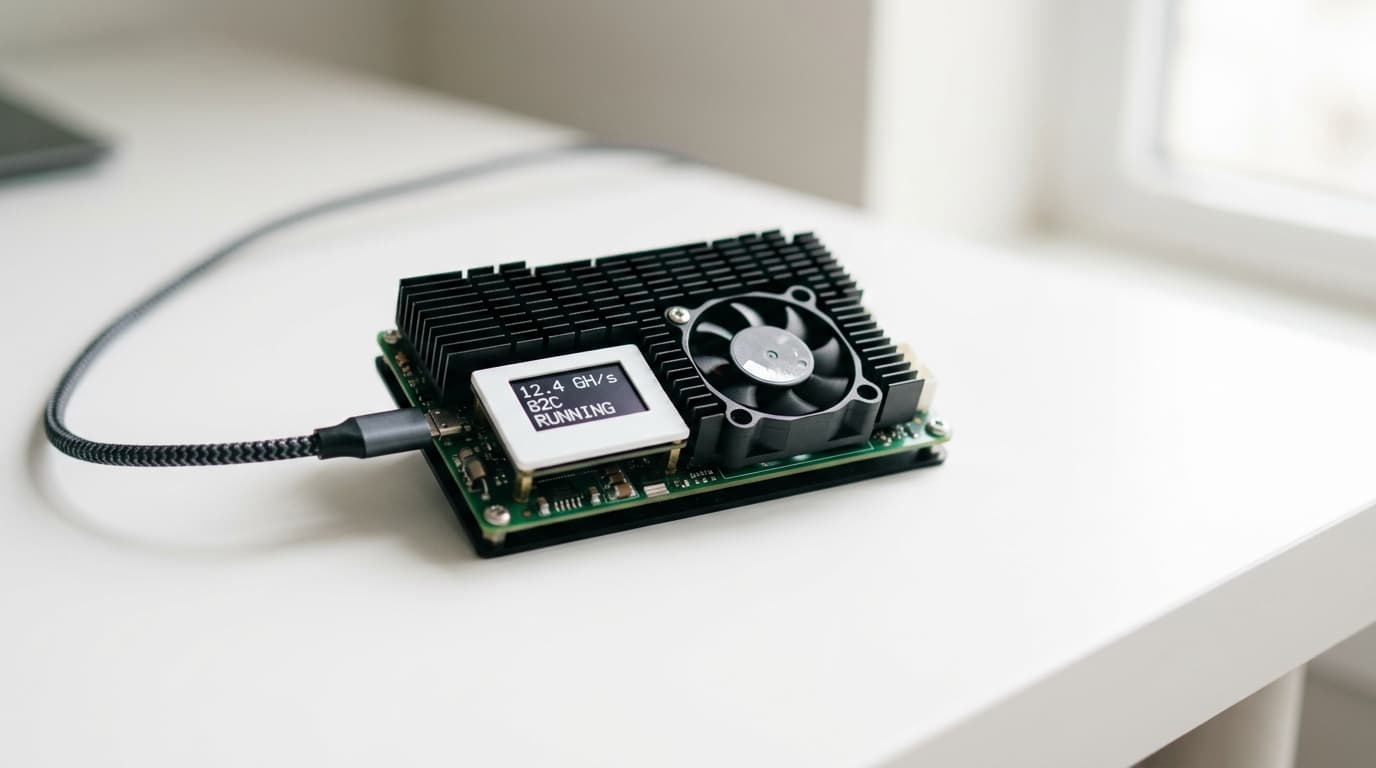
How to Set Up Bitaxe Hardware for Solo Bitcoin Mining in 2026
Complete guide to setting up Bitaxe hardware for solo Bitcoin mining. Covers hardware selection, AxeOS configuration, lottery odds, and heat optimization.
A solo miner running a tiny Bitaxe device found a Bitcoin block in late 2025, taking home over $300,000 worth of Bitcoin with hardware that costs less than $500. By November 2025, open-source home mining hardware had found at least five confirmed blocks, with combined payouts exceeding $1 million.
These wins don't change the math. They illustrate it. Solo mining with a Bitaxe isn't about consistent returns; it's about participating in Bitcoin's decentralization while holding a perpetual lottery ticket that occasionally pays out life-changing sums.
This guide walks through everything you need to set up your own Bitaxe solo mining operation using Solo Satoshi hardware, from choosing the right device to configuring AxeOS and optimizing your setup for the long game.
Understanding What You're Getting Into
Let's start with the uncomfortable truth. A Bitaxe Gamma produces around 1.2 TH/s of hashrate. The Bitcoin network currently runs at approximately 800 EH/s. That means your Gamma represents roughly 0.00000015% of the total network hashrate.
Statistically, a 1.2 TH/s miner would find a block once every 9,600 years on average. The Bitaxe Hex, the most powerful current model at 3.3 TH/s, improves those odds to roughly once every 3,500 years. Neither qualifies as a retirement plan.
But probability doesn't work the way intuition suggests. Every ten minutes, when a new block needs finding, your Bitaxe has the same infinitesimal chance as it will have for the next ten minutes. Someone running these odds has already won multiple times. The question isn't whether it's possible; it's whether the asymmetric bet makes sense for you.
Daily operating costs for a Bitaxe Gamma run around $0.03 to $0.05 USD, depending on your electricity rates. At roughly $15 per year in electricity, you're essentially buying an ongoing lottery ticket with a potential payout currently worth over $300,000 per block, while simultaneously contributing to Bitcoin's geographic decentralization.
Choosing Your Bitaxe Hardware
Solo Satoshi currently offers five Bitaxe variants, each representing different points on the cost-versus-hashrate spectrum.
The Bitaxe Ultra and Bitaxe Supra sit at the entry level, priced around $189.99. Both produce approximately 500 GH/s, consume about 15W, and run nearly silent. They're ideal for testing whether solo mining appeals to you before committing more money.
The Bitaxe Gamma hits the sweet spot for most solo miners at roughly $250-300. Using Bitmain's BM1368 chip, it delivers 1.0-1.2 TH/s at 15-21W, achieving approximately 15 J/TH efficiency. With proper cooling, the Gamma can overclock to 1.8-2.0 TH/s, though this increases power draw proportionally.
The Bitaxe Gamma Turbo (GT) uses two BM1370 chips on a 6-layer PCB, producing 2.0-2.15 TH/s at 35-43W stock. At around $350-400, it roughly doubles your lottery tickets compared to the standard Gamma. Noise levels hover around 35 dB with the included 60mm Noctua fan, comparable to a quiet computer.
The Bitaxe Hex represents the current flagship, packing six BM1366 chips to deliver 3.0-3.3 TH/s at approximately 90W. Priced around $499.99, it's the most aggressive option for solo miners willing to accept higher power consumption. Expect noise levels around 45-50 dB, noticeable in a quiet room.
What Else You'll Need
Bitaxe devices ship without power supplies, and using the wrong one can damage your hardware.
For the Ultra, Supra, and Gamma, you need a 5V 6A barrel jack power supply capable of delivering 30W. These typically run $29.99 from Solo Satoshi or around $20 from third-party sources. Don't use a random phone charger; the amperage requirements are specific.
The GT and Hex require 12V power via XT30 connectors. The GT needs at least 50W capacity; the Hex requires 120W or more. Expect to spend $40-120 depending on quality. Again, underpowering these devices causes instability and potential damage.
You'll also need:
- A 2.4 GHz WiFi network. Bitaxe devices don't support 5 GHz bands. If your router runs dual-band, ensure 2.4 GHz is explicitly enabled and broadcasting.
- A valid on-chain Bitcoin address for receiving potential rewards. Lightning addresses won't work; you need a standard address starting with 1, 3, or bc1.
- A computer or phone on the same network for initial configuration.
Step-by-Step Setup Process
Physical Setup
Unbox your Bitaxe and inspect it for shipping damage. These are circuit boards with exposed components, so handle them by the edges.
Place the device somewhere with adequate airflow. While Bitaxes run cool compared to industrial miners, the Gamma generates about 15-21W of heat, equivalent to a small LED light bulb. The Hex at 90W produces meaningful warmth, enough to notice in a small room.
Connect your power supply, but don't plug it in yet.
Initial Power-On and Network Connection
Plug in the power supply. The device will boot and create its own WiFi access point named something like "Bitaxe_XXXX" where XXXX represents a unique identifier.
Using your phone or computer, connect to this access point. Open a web browser and navigate to 192.168.4.1. This loads the AxeOS configuration interface.
In the WiFi settings section, enter your home network's SSID (name) and password. Remember: 2.4 GHz only. Save the settings and the device will reboot, connecting to your home network instead.
Finding Your Bitaxe on Your Network
After reboot, the Bitaxe will obtain an IP address from your router. You have several ways to find it:
- Check your router's admin panel for connected devices; look for something named "Bitaxe" or similar.
- Use a network scanner app like Fing on your phone.
- If your network supports mDNS, try navigating to http://bitaxe.local in your browser.
Once you find the IP address (something like 192.168.1.xxx), enter it in your browser to access the AxeOS dashboard.
Configuring Pool Settings
As of firmware version 2.12.0 (January 2026), Bitaxe defaults to Public-Pool, which functions as a solo mining pool. This is actually a reasonable default for most users.
For solo mining, your main options include:
Public-Pool (pool.public-pool.io) - A community-run solo mining pool. You keep 100% of any block you find.
Solo CKPool (solo.ckpool.org) - One of the original solo mining pools, operated by Con Kolivas. Minimal fees, reliable infrastructure.
Ocean - A newer transparent pool with solo mining options.
In the AxeOS interface, navigate to the pool configuration section. Enter:
- Pool URL: Your chosen pool's stratum address (e.g., stratum+tcp://pool.public-pool.io:21496)
- Port: Typically specified alongside the URL
- Worker name: This can be anything, but many miners use their Bitcoin address
- Bitcoin address: Your receiving address for any potential rewards
Save and let the device restart mining operations.
Verifying Operation
The AxeOS dashboard displays real-time statistics including:
- Current hashrate (should approach your device's rated speed after a few minutes)
- Accepted shares (should increment regularly)
- Rejected shares (some are normal; excessive rejections indicate problems)
- Temperature (Gammas typically run 50-65°C at stock settings)
- Best difficulty share found
If shares aren't being accepted, double-check your pool URL and port. If hashrate seems low, verify your power supply meets specifications.
Optimizing for the Long Haul
Heat as a Feature
At $0.03-0.26 per day in electricity depending on your model, Bitaxe devices convert that energy into heat. During colder months, this heat isn't wasted; it's supplementing your home heating.
A Bitaxe Hex at 90W produces roughly 300 BTU per hour, equivalent to a small space heater. Placed strategically in a home office or bedroom, it provides meaningful warmth while mining. This "hashrate heating" concept reframes the electricity cost as partially or fully offset during heating season.
During summer months, you're essentially paying to add heat your air conditioning then removes. Some miners run more devices in winter and scale back in summer.
Overclocking Considerations
The Bitaxe Gamma can push from 1.2 TH/s to 1.8-2.0 TH/s with adequate cooling. This proportionally increases your lottery odds but also increases power consumption and heat generation.
Overclocking requires:
- Better thermal management (aftermarket heatsinks, improved airflow)
- A power supply with headroom above stock requirements
- Acceptance that component lifespan may decrease
The AxeOS interface allows frequency and voltage adjustments. Start conservatively, increasing frequency in small increments while monitoring temperatures. Most users find diminishing returns beyond modest overclocks.
Firmware Updates
The Bitaxe community actively maintains AxeOS firmware. Check the Bitaxe GitHub repository periodically for updates that improve efficiency, fix bugs, or add features.
Update carefully: firmware failures can brick devices. Follow official documentation and consider waiting a few days after new releases to let others identify problems.
Realistic Expectations
You will almost certainly never find a block. The math is unforgiving, and operating a Bitaxe expecting to win is setting yourself up for disappointment.
What you will get:
- Hands-on experience with Bitcoin's proof-of-work mechanism
- A small contribution to network decentralization
- Perpetual non-zero odds at a significant payout
- Heat you can use during cold months
- A conversation piece that demonstrates Bitcoin's open-source ethos
The Bitaxe represents open-source hardware at its best, built on MIT-licensed designs using Bitmain ASIC chips that anyone can manufacture. Buying and running one supports an ecosystem working to keep Bitcoin mining accessible beyond industrial operations.
Where to Go From Here
Solo Satoshi provides plug-and-play Bitaxe units with educational support for newcomers. Their setup guides cover common troubleshooting scenarios and their community forums help with unusual problems.
Once comfortable with a single device, some miners run multiple Bitaxes to multiply their lottery tickets. Others participate in small pools to get regular (tiny) payouts while maintaining one device on solo for the asymmetric bet.
The Bitcoin block you find will almost certainly be your first and last. But someone running these same odds has already won multiple times. The devices are cheap, the electricity costs are trivial, and the math, however long the odds, remains honest. That's more than most lotteries can claim.