
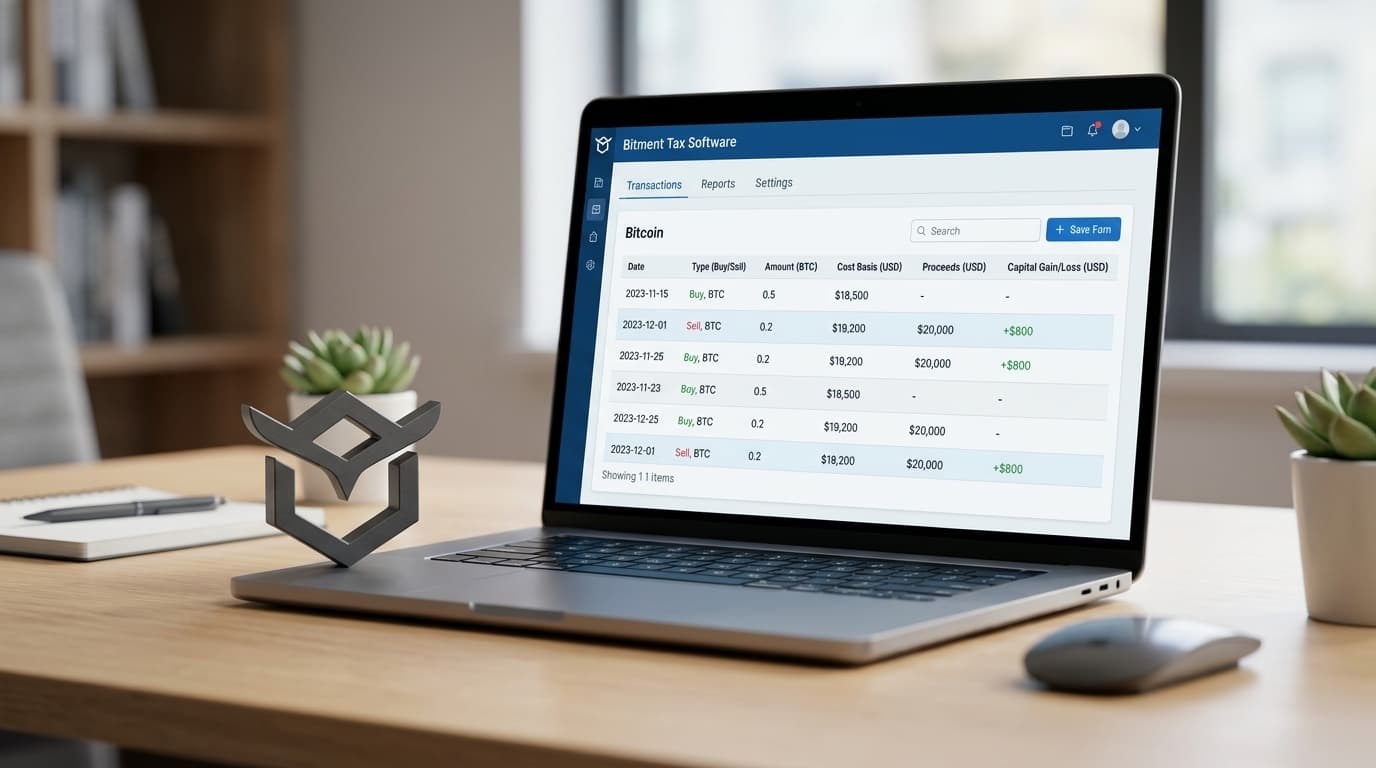
How to Generate Tax Reports from Multiple Bitcoin Wallets Using Bitment
Learn how to consolidate Bitcoin transactions from multiple wallets into Bitment for IRS-compliant tax reporting with proper cost basis tracking.
If you've been stacking sats across multiple wallets, exchanges, and years of activity, you already know the headache that arrives every tax season. The IRS now requires wallet-by-wallet cost basis tracking as of January 1, 2025, which means the old approach of pooling all your Bitcoin together for tax calculations no longer works. Each wallet is essentially its own accounting universe.
This is where specialized Bitcoin tax software becomes necessary rather than merely convenient. Bitment is designed specifically for this challenge, helping users organize transactions across multiple wallets and generate Form 8949-ready reports.
Why Multi-Wallet Tracking Got More Complicated in 2025
Revenue Procedure 2024-28 changed the game for Bitcoin holders. Before this rule took effect, you could arguably treat all your Bitcoin as one fungible pool when calculating cost basis. Now, the IRS expects you to track each wallet separately, applying your chosen cost basis method (FIFO, LIFO, Specific ID) at the wallet level.
For someone with Bitcoin spread across a hardware wallet, a mobile wallet, an exchange account, and maybe some Lightning channels, this creates a bookkeeping challenge that spreadsheets struggle to handle cleanly.
Starting in 2026 (for the 2025 tax year), crypto brokers are issuing Form 1099-DA showing gross proceeds from your sales. But here's the catch: these forms don't include your cost basis. You're responsible for tracking what you originally paid for each Bitcoin lot, and that's where proper accounting software earns its keep.
The General Workflow in Bitment
While detailed public step-by-step guides for Bitment's multi-wallet setup aren't widely available as of April 2026, the general process follows a logical pattern based on available documentation and product descriptions.
Step 1: Import or Enter Your Wallet Transactions
The first step involves getting your transaction history into Bitment. This typically means either importing transaction data from your various wallets and exchanges or manually entering transactions. Each wallet should be tracked separately to comply with current IRS requirements.
For Bitcoin miners and businesses, this includes not just purchases and sales but also mining rewards, payments received, and transfers between your own wallets.
Step 2: Tag Incoming Bitcoin Appropriately
Bitment's tagging system lets you categorize incoming Bitcoin deposits. When you tag a deposit as revenue (for miners or businesses receiving BTC payments), the software automatically updates your profit and loss statement and creates new tax lots for cost basis tracking.
This matters because the cost basis for mined Bitcoin is its fair market value when you received it, not when you eventually sell. Getting this right at the time of receipt saves significant pain later.
Step 3: Configure Your Cost Basis Method
Bitment supports standard cost basis methods like FIFO (First In, First Out) and Specific ID. The method you choose affects your capital gains calculations significantly, especially in volatile markets.
Once configured, the software applies your chosen method when you mark transactions as sales or taxable events. This is where the automation saves real time; manually tracking which specific lots you're selling across multiple wallets is error-prone work that software handles reliably.
Step 4: Mark Taxable Events
When you sell Bitcoin, spend it, or transfer it in certain ways, Bitment lets you mark these as taxable transactions. The software then calculates your gains or losses based on your cost basis method and the specific lots being disposed of.
These calculations flow directly into Form 8949 format, which is what you actually need for IRS reporting.
Step 5: Generate Your Reports
Bitment supports generating reconciliation reports and Bitcoin statements for tax preparation. These reports can also serve as backup documentation for audits, showing how you arrived at your reported numbers.
Practical Considerations
A few things worth keeping in mind:
Transfers between your own wallets aren't taxable events, but they do need proper tracking. If you move Bitcoin from an exchange to a hardware wallet, the cost basis travels with it. Software that understands this distinction prevents you from accidentally creating phantom gains.
Consistency matters. Once you choose a cost basis method for a wallet, changing it mid-year creates complications. Think through your approach before processing an entire year of transactions.
Documentation is your friend. Even with software handling calculations, keeping records of your original transactions, exchange statements, and any notes about unusual situations protects you if questions arise later.
When to Consult Official Documentation or Support
Because detailed public tutorials for Bitment's specific interface aren't widely available, the best source for implementation details is Bitment's official documentation or their support team. This is especially true if you have complex situations like Bitcoin received as payment at fluctuating prices, mining operations with many small deposits, or historical transactions from years past that need reconstruction.
The 2025 rule changes mean that tools designed specifically for Bitcoin accounting, rather than generic crypto tax calculators, may handle the wallet-by-wallet requirements more naturally. Bitment's focus on Bitcoin mining and business use cases suggests it's built with these complications in mind.
Looking Ahead
For most Bitcoin holders with activity across multiple wallets, the choice now is between wrestling with increasingly complex spreadsheets or using purpose-built software. The IRS's direction is clear: they want granular tracking, and they're building an information reporting infrastructure (via Form 1099-DA) that assumes you can substantiate your cost basis claims.
Getting your transaction tracking organized now, rather than scrambling during tax season, tends to produce better results and lower stress. Whether you use Bitment or another solution, the key is having a system that can handle wallet-specific accounting and produce reports that align with current IRS expectations.