
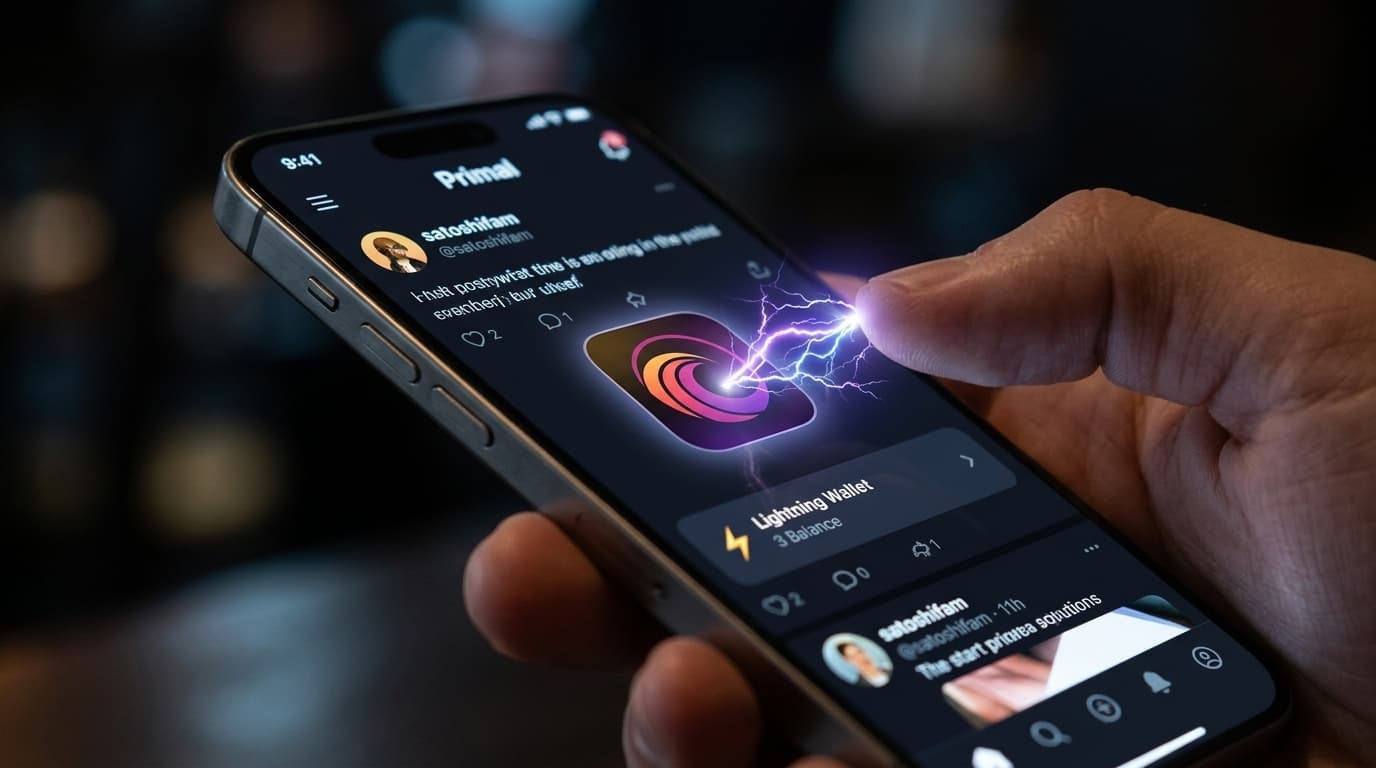
How to Set Up Lightning Zaps in Primal for Instant Bitcoin Tips
Learn how to set up Lightning zaps in Primal to send and receive instant Bitcoin tips on Nostr posts with this complete walkthrough.
Sending a few sats to someone whose post made you think, laugh, or learn something new takes exactly one tap in Primal. That's the promise of Lightning zaps on Nostr, and Primal has built one of the smoothest implementations available. Here's how to get everything configured so you can start tipping and receiving Bitcoin micropayments.
What Are Zaps and Why They Matter
Zaps are Lightning Network payments attached to Nostr posts or profiles. Unlike a "like" button that costs nothing and means little, a zap puts actual value behind your appreciation. Even 21 sats (a fraction of a penny) signals something different than a free click.
Primal, a Nostr client available on iOS, Android, and web, has integrated zapping so deeply into its interface that the experience feels native rather than bolted on. The lightning bolt icon sits right alongside reply and repost buttons, making micropayments a first-class action.
Getting Started with Primal
Download Primal from your app store or visit primal.net. When you create an account, you'll generate a Nostr keypair (your identity on the protocol) either through a new mnemonic phrase or by importing existing keys from another Nostr client.
The onboarding process walks you through the basics, but the wallet setup deserves particular attention since that's what powers your zapping ability.
Setting Up Your Lightning Wallet
Primal's wallet situation changed significantly in early 2026. The app previously offered a custodial wallet option powered by Strike, but that sunset in April 2026. Primal 3.0 now uses a Spark-based non-custodial wallet as its built-in option.
This shift has practical implications. The new wallet requires no KYC verification, has no balance limits, and works globally. You control your keys, which aligns with Bitcoin's self-custody ethos but also means you're responsible for your funds.
Activating the Built-in Wallet
During onboarding or in Settings, you can activate Primal's integrated wallet. The process is straightforward: follow the prompts to create your wallet, and you'll receive a Lightning address for receiving payments.
You'll need to fund the wallet before you can send zaps. Options include:
- Depositing via on-chain Bitcoin
- Receiving Lightning payments from another wallet
- Buying sats directly through Apple Pay or Google Pay (with limits around $5 for quick purchases)
- Receiving zaps from other Nostr users
Connecting an External Wallet via NWC
If you prefer using a wallet you already have, Primal supports Nostr Wallet Connect (NWC). This protocol lets you link external wallets like Alby, Coinos, or Rizful while keeping Primal as your social interface.
To connect:
- Navigate to Settings > Connected Wallets
- Generate an NWC connection string in your external wallet
- Paste the string into Primal or scan the QR code
- Set a budget limit (optional but recommended)
- Toggle off the Primal wallet if you want the external wallet as your default
NWC is particularly useful if you manage Bitcoin across multiple apps and want a single wallet handling all your Lightning activity.
Configuring Your Profile to Receive Zaps
This step catches some people: even with a working wallet, you need a Lightning address on your profile to receive zaps from others.
Go to Edit Profile and find the Bitcoin Lightning Address field. Your Primal wallet comes with a randomly generated address, but premium subscribers can set a custom one for better branding.
Without this address published on your profile, people trying to zap you will get errors. It's a common troubleshooting point worth checking if your incoming zaps seem broken.
Sending Your First Zap
Once your wallet is funded and configured, zapping is simple:
- Quick zap: Tap the lightning bolt icon (⚡) under any post to send your default amount (often set to 42 sats by convention, though you can change this)
- Custom zap: Long-press the lightning bolt to choose a specific amount, add a message, or select from presets you've configured
Presets live in Settings > Zaps. Many users set up a range like 21, 100, 500, and 1000 sats for quick selection based on how much they appreciate a post.
Primal 3.0 added improved animations for larger zaps (over 1000 sats), giving visual feedback that matches the weight of the payment. It's a small touch that makes the experience feel more intentional.
Practical Tips for Zapping
Start small. Even 10 sats communicates appreciation. You don't need to send substantial amounts to participate meaningfully.
Check your Lightning address. Verify it's correctly published on your profile by viewing your profile as others would see it.
Set reasonable budgets if using NWC. A runaway connection string could drain your wallet if something goes wrong.
Watch the fees. Lightning fees are typically negligible for small amounts, but if you're moving larger sums, understand what you're paying.
The Self-Custody Tradeoff
Primal's move away from custodial wallets in 2026 reflects broader trends in the Bitcoin space toward user control. The upside is genuine ownership of your funds and no reliance on a third party. The downside is responsibility: lose your keys, lose your sats.
For users new to self-custody, this can feel intimidating. The amounts involved in typical zapping (tens to hundreds of sats) make the stakes low for learning, which is actually a reasonable way to build comfort with the concept before managing larger amounts.
Looking Forward
Zaps represent something genuinely different about Nostr: a social protocol where value transfer is native rather than grafted on. Whether this model produces better content, fairer creator economics, or just a different vibe remains an open question being answered in real time.
Primal's integration makes it easy to participate in that experiment. The setup takes perhaps ten minutes, and once configured, tipping someone for a post you appreciate becomes as natural as hitting a like button, but with actual Bitcoin changing hands.