
How to Set Up a 2-of-3 Multisig Vault with Sparrow Wallet and Multiple Hardware Devices
Step-by-step guide to creating a Bitcoin multisig setup using Sparrow Wallet as coordinator with multiple hardware wallet brands.
A single hardware wallet protects your Bitcoin from remote attackers, but it also creates a single point of failure. Lose the device and backup seed in the same house fire, face coercion at one location, or encounter a firmware vulnerability in one manufacturer's product, and your funds become vulnerable. Multisig addresses this by requiring multiple independent keys to move funds, and Sparrow Wallet has matured into the standard desktop coordinator for building these setups across hardware devices from different vendors.
This guide walks through creating a 2-of-3 multisig vault using Sparrow with hardware wallets like Coldcard, Keystone, and Trezor. The approach works whether you're securing personal savings or building institutional-grade cold storage.
Why 2-of-3 Multisig with Mixed Hardware
A 2-of-3 configuration means you need any two of three private keys to authorize a transaction. This provides several concrete benefits:
Redundancy: You can lose one device or backup entirely and still access your funds with the remaining two.
Geographic distribution: Keys stored in different physical locations mean no single break-in, disaster, or coercion event compromises your Bitcoin.
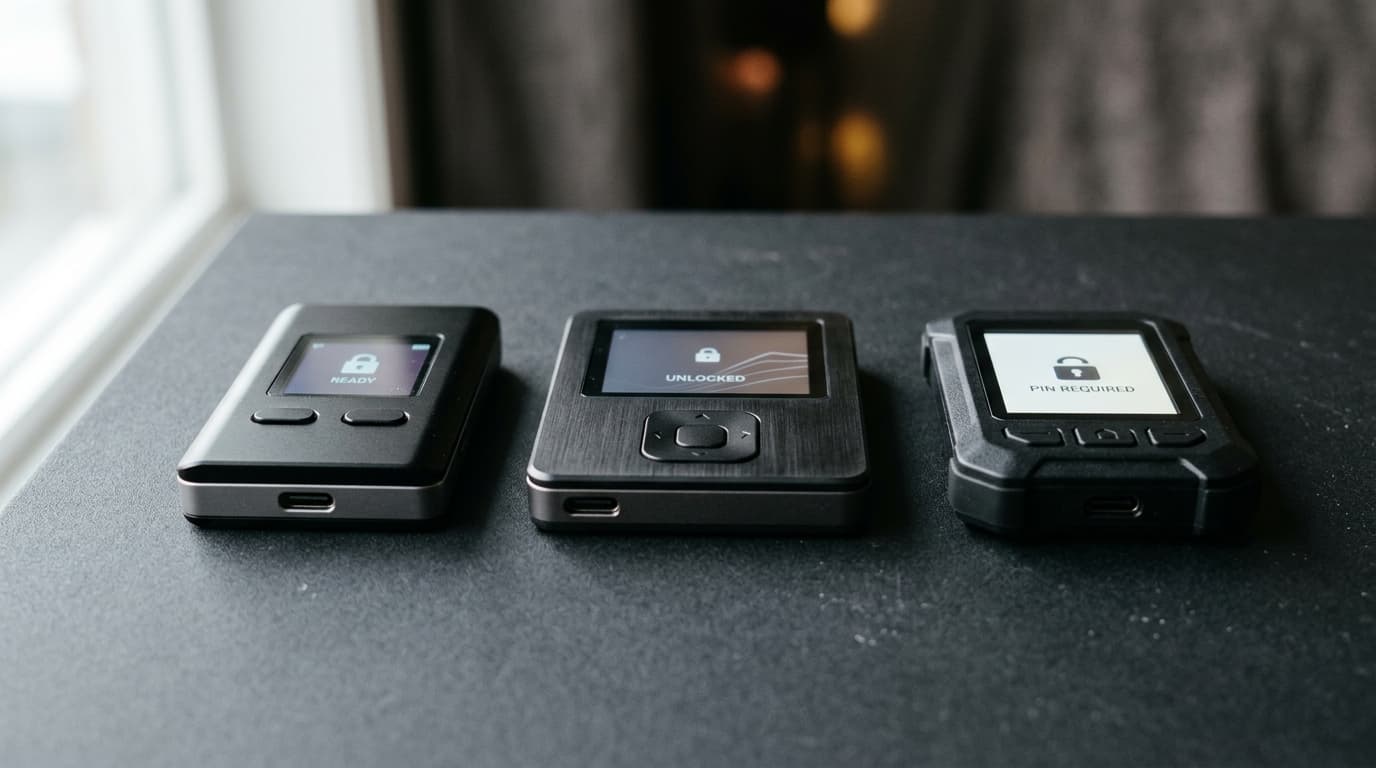
Vendor diversification: Using hardware wallets from different manufacturers (say, Coldcard, Keystone, and a Trezor Safe) means a critical vulnerability in one vendor's firmware doesn't expose your entire stack.
Sparrow supports multisig configurations up to M-of-15, though 2-of-3 remains the practical default for most users balancing security against operational complexity.
Before You Start
Verify Your Sparrow Download
The most sophisticated multisig setup means nothing if you're running compromised software. Sparrow version 2.5.2 (current as of July 2026) includes a built-in verification dialog that simplifies this process considerably.
Download the installer, manifest file, and signature file from Sparrow's official site. You can either drag these files onto the Sparrow executable or, if you already have Sparrow installed, navigate to Tools → Verify Download. The GUI handles PGP signature and hash verification without requiring manual GPG commands.
Connect to Your Own Node
Sparrow can connect to public Electrum servers, but for multisig cold storage, you want full verification of your own transactions. Running Sparrow against Bitcoin Core or your own Electrum server (whether on Umbrel, Start9, or bare metal) eliminates reliance on third-party infrastructure and protects your privacy.
Configure this under Preferences → Server before creating your multisig wallet.
Practice on Testnet First
SEAL Frameworks' security guidance from May 2026 recommends rehearsing multisig workflows on testnet before deploying with real funds. This lets you verify the entire flow (wallet creation, receiving, signing, broadcasting) without risking actual Bitcoin. In Sparrow, switch networks under Preferences → Bitcoin → Network.
Step 1: Prepare Your Hardware Devices
You'll need three hardware wallets initialized with their own seed phrases. These seeds should be generated on each device independently and backed up according to each manufacturer's recommendations, ideally on metal plates stored in separate locations.
For this example, assume:
- Keystore 1: Coldcard (air-gapped via microSD)
- Keystore 2: Keystone (air-gapped via QR codes)
- Keystore 3: Trezor Safe 3 (USB connection)
The specific devices matter less than the principle: use hardware-only signers from different manufacturers.
Export Extended Public Keys (xpubs)
Each device needs to export its extended public key so Sparrow can construct the multisig script. The private keys never leave the hardware.
Coldcard: Navigate to Advanced/Tools → Export Wallet → Sparrow. This writes a JSON file containing the xpub, derivation path, and fingerprint to your microSD card.
Keystone: Go to the multisig menu and select export xpub as animated QR code. You'll scan this directly into Sparrow.
Trezor: Can export directly over USB during Sparrow's wallet creation flow.
Step 2: Create the Multisig Wallet in Sparrow
Open Sparrow and select File → New Wallet. Name it something descriptive (e.g., "Cold Storage Vault").
In the wallet settings panel:
- Set Policy Type to Multi Signature
- Set the cosigner configuration to 2 of 3
- Select Native SegWit (P2WSH) as the script type (this minimizes transaction fees compared to wrapped SegWit)
You'll see three empty keystore slots.
Import Keystore 1 (Coldcard via SD Card)
Click on Keystore 1 and select Airgapped Hardware Wallet. Click Import File and navigate to the Coldcard JSON file on your microSD card. Sparrow auto-populates the derivation path, master fingerprint, and xpub.
Import Keystore 2 (Keystone via QR)
Click on Keystore 2, select Airgapped Hardware Wallet, then Scan. Point your webcam at the animated QR code displayed on your Keystone. Sparrow captures the frames and reconstructs the xpub data.
Import Keystore 3 (Trezor via USB)
Connect your Trezor, click on Keystore 3, and select Connected Hardware Wallet. Click Scan to detect the device, then Import Keystore. If you use a BIP-39 passphrase, enter it when prompted.
Once all three keystores show valid data, click Apply to create the wallet.
Step 3: Export the Wallet Descriptor to Each Device
This step is critical and often overlooked. Each hardware wallet needs to import the complete multisig configuration so it can independently verify receive addresses and understand which transactions it's being asked to sign.
For Coldcard: In Sparrow, go to Settings → Export and save the wallet descriptor to microSD. On the Coldcard, navigate to Settings → Multisig Wallets → Import from SD and select the file.
For Keystone: Export the descriptor as an animated QR from Sparrow's Settings → Export menu, then scan it into Keystone's multisig import function.
For Trezor: The device can verify addresses when connected during signing, though explicit descriptor import varies by firmware version.
Step 4: Verify Addresses Before Funding
Before sending any Bitcoin to your new multisig vault, verify that all parties agree on the receive addresses.
In Sparrow, go to the Receive tab and note the first receiving address (index 0). On your Coldcard, open Address Explorer and navigate to the multisig wallet you imported. Compare every character of the address displayed on Coldcard's screen against Sparrow's display.
Repeat this verification on your Keystone and, if possible, your Trezor.
If any device shows a different address, stop immediately. This indicates a mismatch in the multisig configuration that could result in funds sent to an address you cannot spend from.
Only after confirming address match across all devices should you fund the wallet.
Step 5: Back Up Your Wallet Configuration
Your three seed phrases alone are not sufficient to recover a multisig wallet. You also need the output descriptor, which defines the script type, derivation paths, and all three public keys.
Sparrow offers several backup options:
- PDF Backup: Sparrow can generate a printable PDF containing the wallet descriptor. Store this with (but separate from) your seed backups.
- Encrypted Wallet File: Go to File → Export Wallet → Sparrow → Export File to save an encrypted .mv.db file. This can restore your watch-only wallet configuration on any Sparrow installation.
- Descriptor Text: Copy the raw descriptor string from Settings for storage in a password manager or encrypted note.
Store these backups on air-gapped machines or offline media. The descriptor alone cannot steal funds (it contains only public keys), but it does reveal your address history and balance to anyone who obtains it.
Signing Transactions from Your Multisig Vault
When you need to spend from the multisig, you'll create a transaction in Sparrow, then sign it with two of your three devices.
- Build the transaction in Sparrow's Send tab as usual
- Click Create Transaction, then Finalize Transaction for Signing
- Sparrow generates a PSBT (Partially Signed Bitcoin Transaction)
- Export the PSBT to your first signing device (via SD card, QR, or USB)
- Sign on the device, then import the partially-signed PSBT back to Sparrow
- Export to your second device, sign again
- Once two signatures are collected, Sparrow can finalize and broadcast
Each hardware wallet should display the destination address and amount for verification before you approve the signature. Never sign a transaction you haven't independently verified.
Security Considerations for Long-Term Storage
A few additional practices from current security frameworks:
Geographic separation: Store your three hardware devices (and their seed backups) in physically separate locations. Some users choose a home safe, a bank safe deposit box, and a trusted family member's location. The goal is ensuring no single theft, disaster, or coercion event can capture two keys.
Manufacturer diversity: The 2-of-3 setup only provides firmware-level protection if you actually use different manufacturers. Three Coldcards stored in three locations doesn't protect against a hypothetical Coldcard-specific vulnerability.
Avoid software keys: Some tutorials show creating multisig with one or more keys generated in Sparrow itself (a "software key"). This materially weakens security since that key exists on a general-purpose computer. For serious cold storage, use hardware wallets for all signing keys.
Document your procedures: For high-value setups, write down the exact steps for both routine transactions and emergency recovery. SEAL Frameworks recommends documented procedures for signing workflows and annual verification that all devices still function correctly.
What About Taproot Multisig?
As of late 2025, Sparrow did not support Taproot-based multisig scripts. For users who need the privacy benefits of Taproot (where a cooperative spend looks identical to a single-sig transaction on-chain), alternative coordinators or future Sparrow versions may be necessary. For now, Native SegWit (P2WSH) remains the practical choice for Sparrow-coordinated multisig.
Moving Forward
Sparrow Wallet's role as a multisig coordinator has matured significantly, with built-in verification tools, broad hardware wallet support, and clear export/import workflows. The 2-of-3 configuration strikes a balance between security and usability that works for both personal cold storage and small institutional setups.
The real work isn't in the software, it's in the operational discipline: geographic distribution of devices, robust backups of both seeds and descriptors, regular verification that your setup still works, and clear procedures for when you actually need to sign. Get those right, and your Bitcoin becomes genuinely difficult to lose or steal.